




 September 30, 2026 - Sony Mavica MVC-FD73 Photos


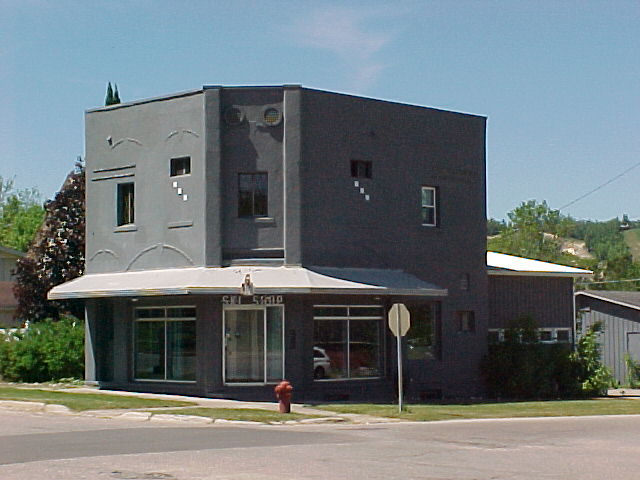
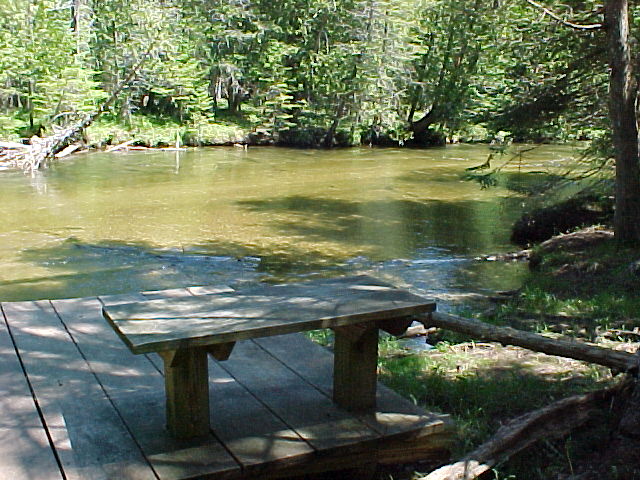
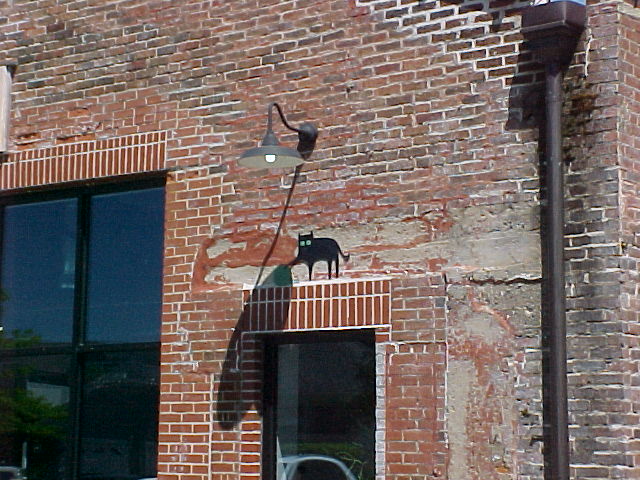
From yesterday and today.

Someone unfortunately threw this Sony Trinitron TV in the ditch, I would take it but it was full of water and rusting. I wouldn't be surprised if it still worked though.
September 8, 2026 - Sony Mavica MVC-FD7 Photos


 August 29, 2026 - Crash


I crashed into a deer in the road early in the morning. The front damage might have totaled it but the airbag deployment definitely did.
August 7, 2026 - Pokémon Card CollectionThe Pokémon Trading Card Game started in October 1996. I acquired most of my cards in the late 90's and early 00's. I never played the card game, only collected. I do want to get more e-reader pokemon cards eventually.


Some favorites I scanned, I like the shiny ones the most. Pretty sure I got the Entei card from the movie in the theater. And of course the classic legendarys Mewtwo and Mew.


I also have two Burger King promotional gold plated cards: Mewtwo and Poliwhirl.

 July 29, 2026 - Arrange Ball (Line-Up) Handheld Game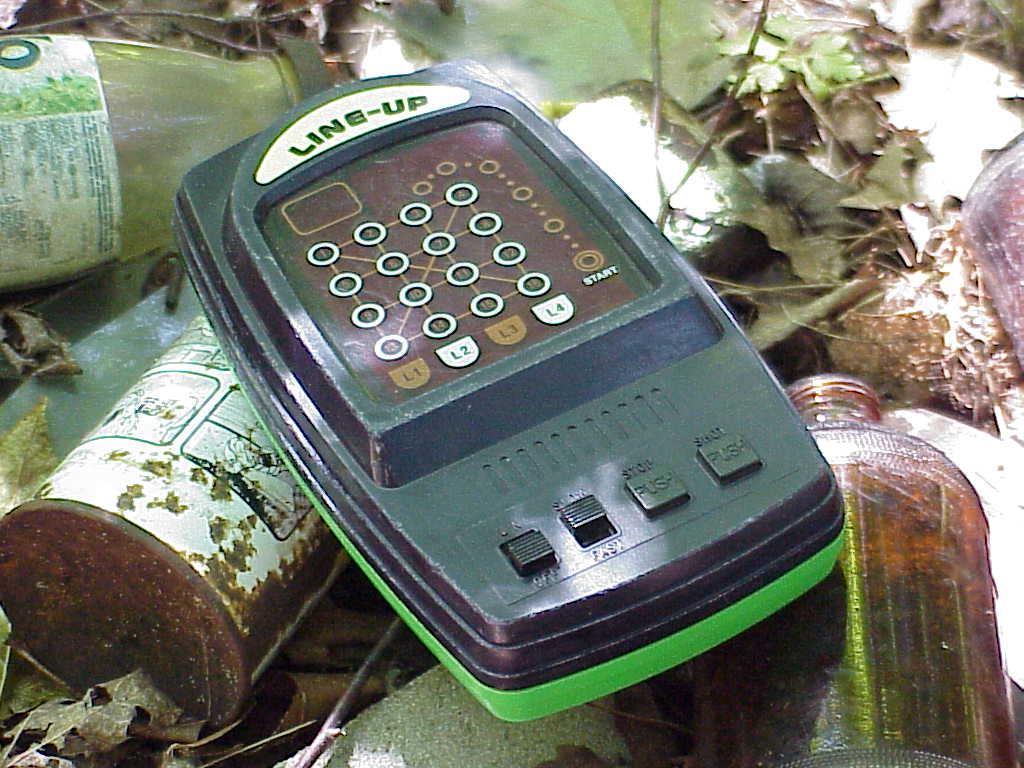
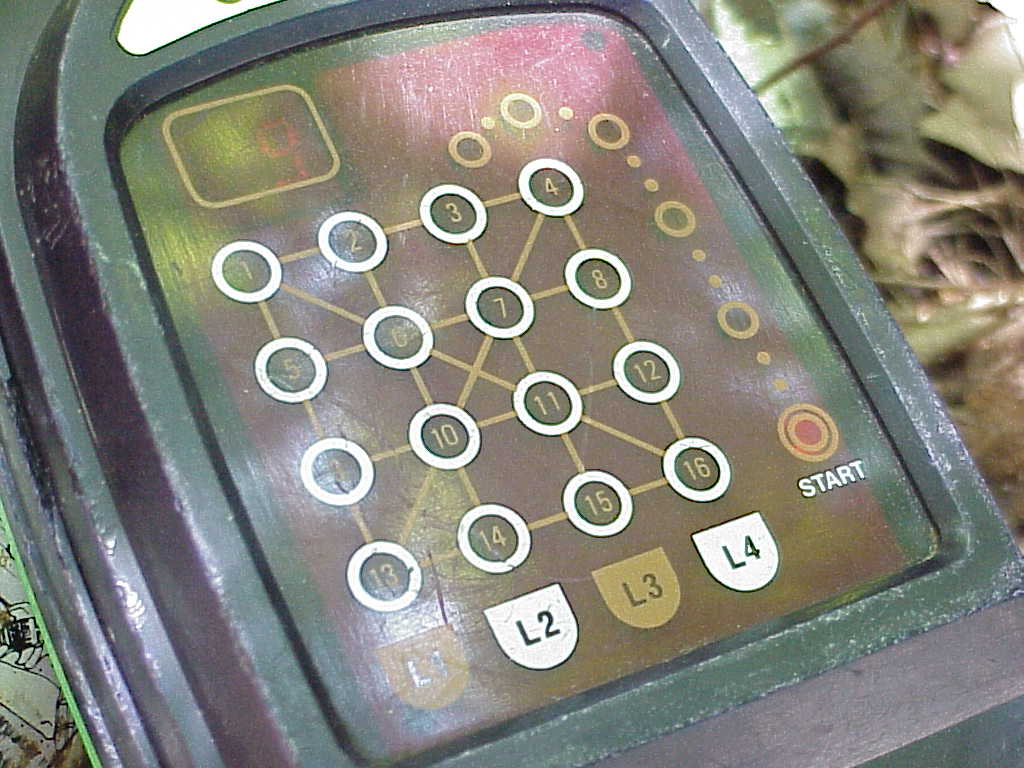
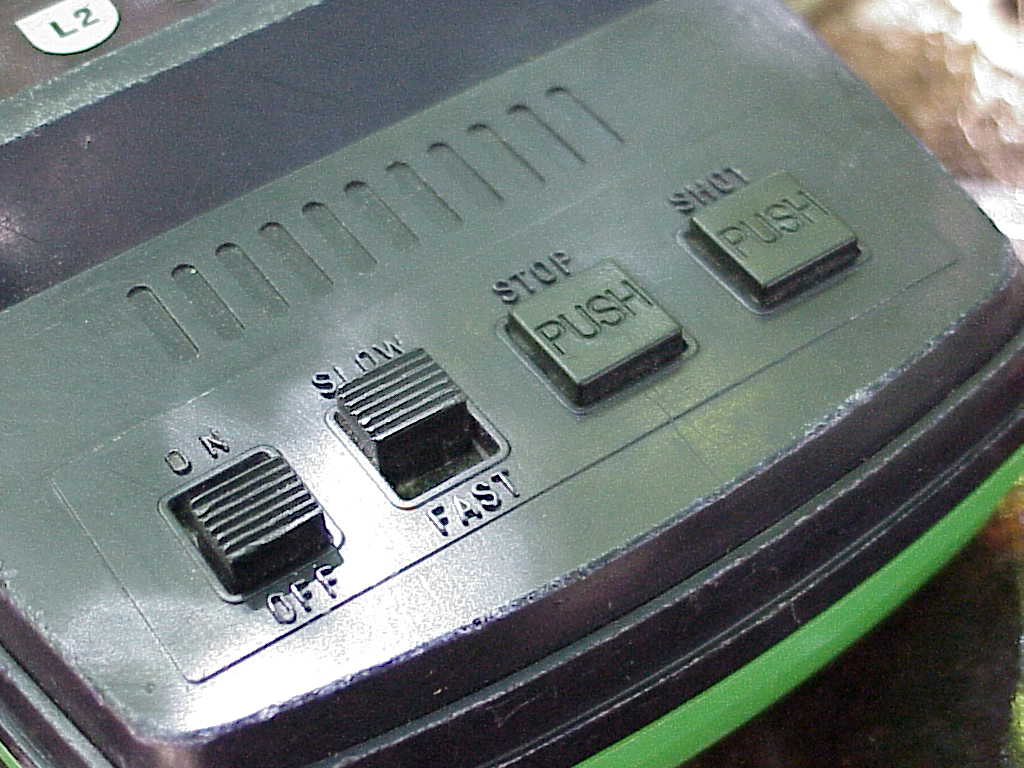
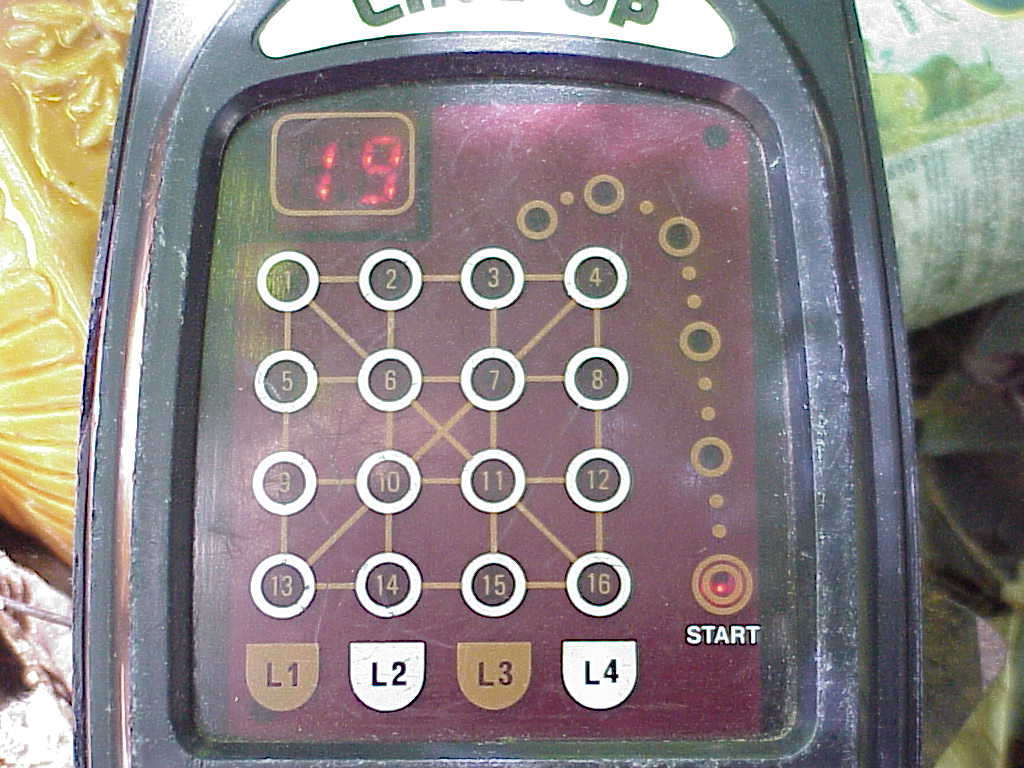
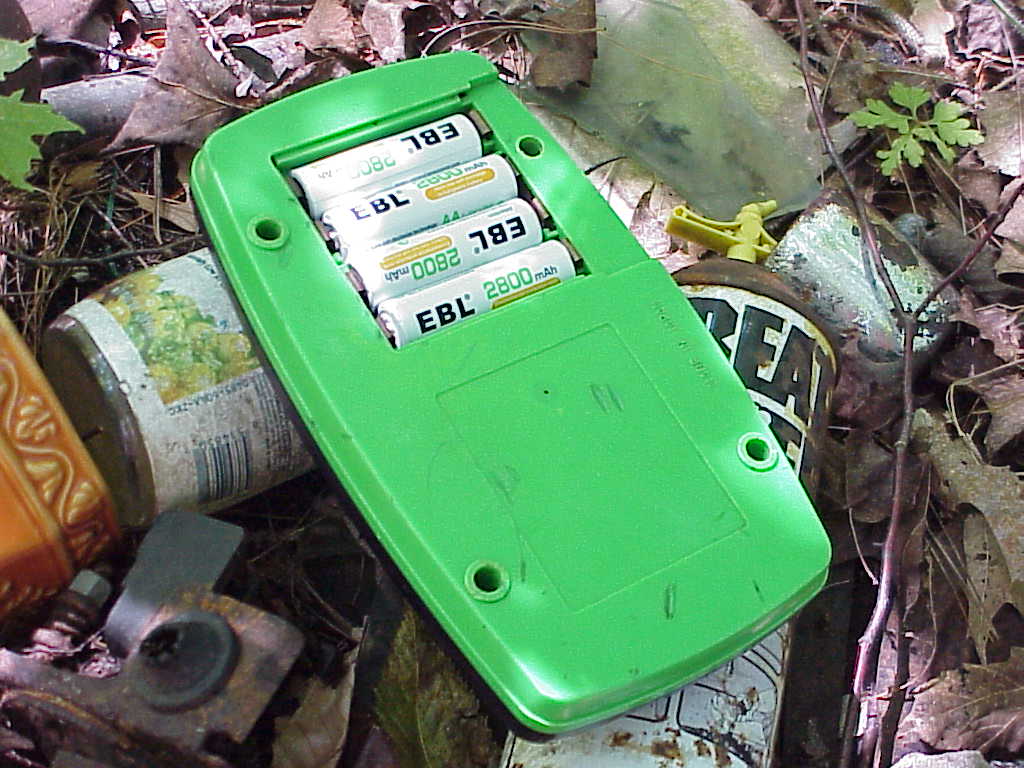
This is Arrange Ball Model PT-211A made by A-ONE and released around 1980; the one I have is known as LINE-UP. If i'm reading the translated directions correctly it's 1 point per 4 dot row, 3 points each for the outer and inner dots, and 3 bonus points when all are filled for a total of 19 points max. It has a slow and a fast speed. Pushing SHOT launches the ball to the top where it randomly falls left and right and down until it disappears at the bottom. The player has to press STOP anytime during the fall to light up one of the 16 spots.
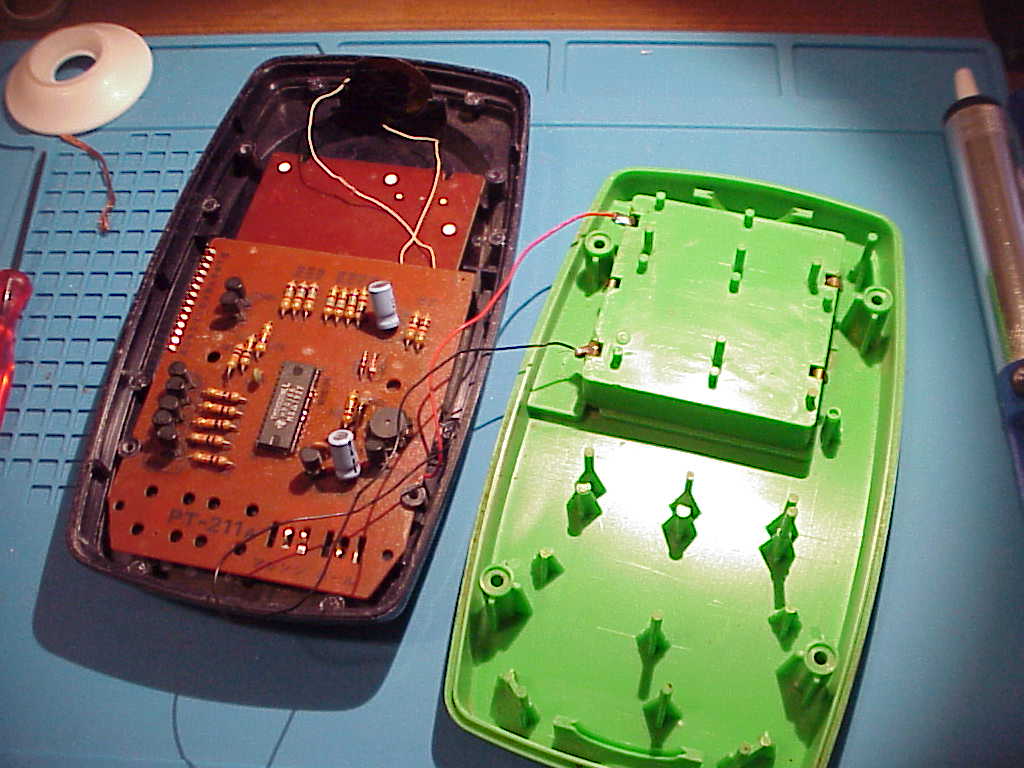
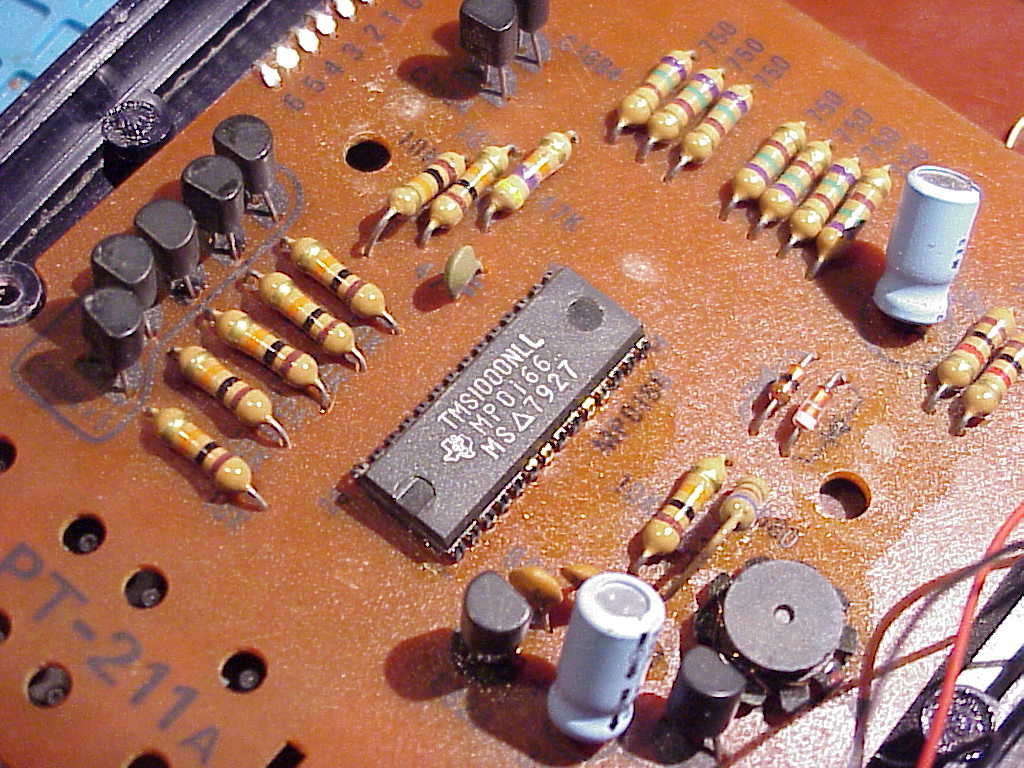
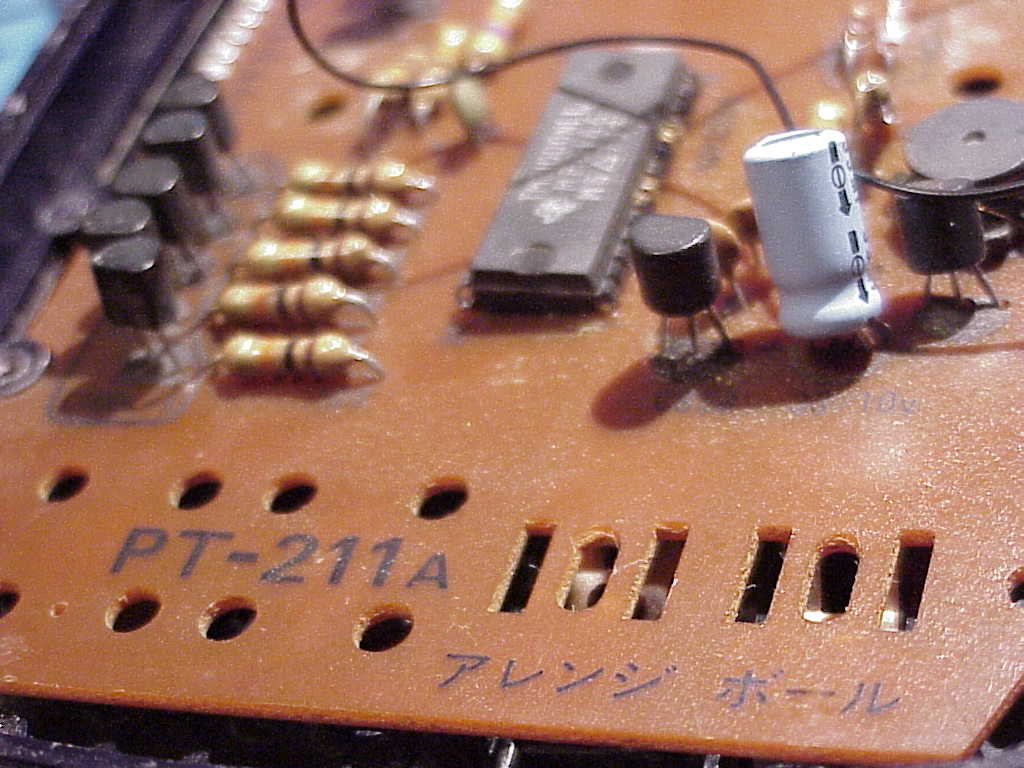
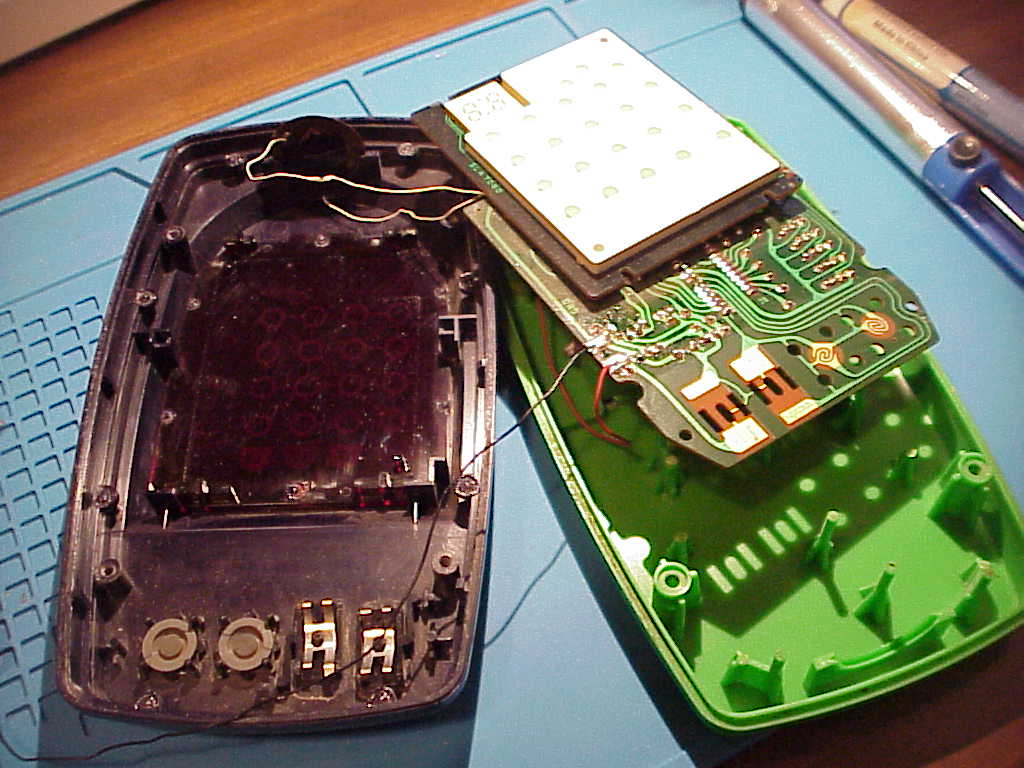
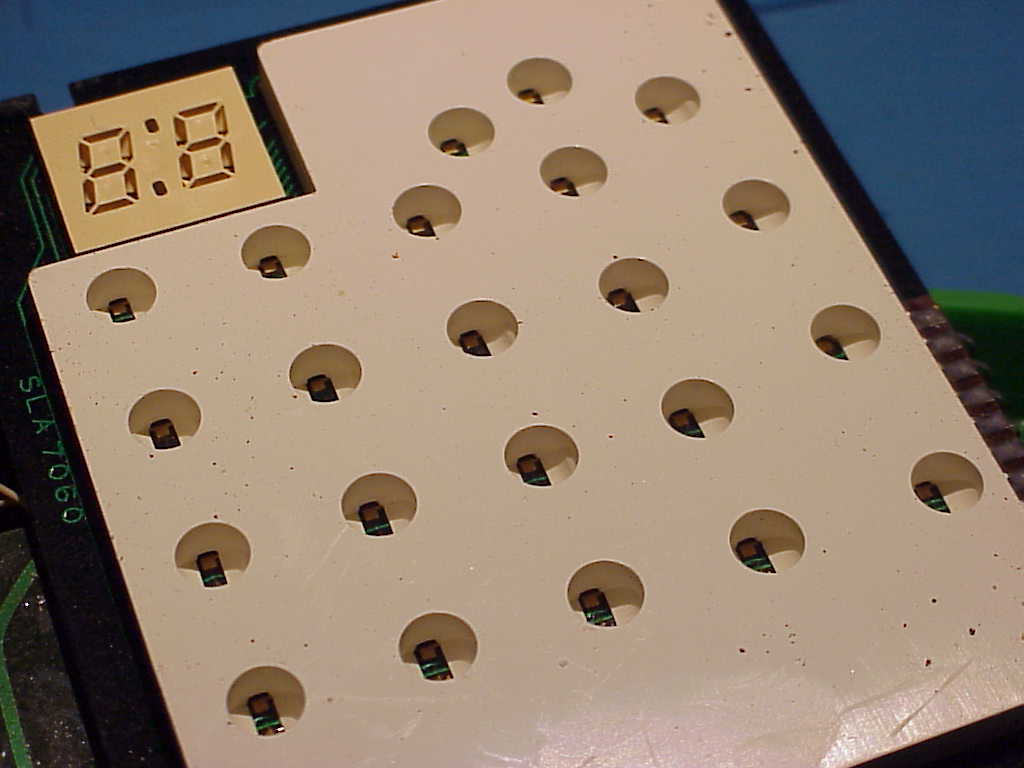
Some wires were loose and needed repair. The speaker works sometimes but a wire is ripped off the middle of it. Pretty high-tech it uses LEDs.
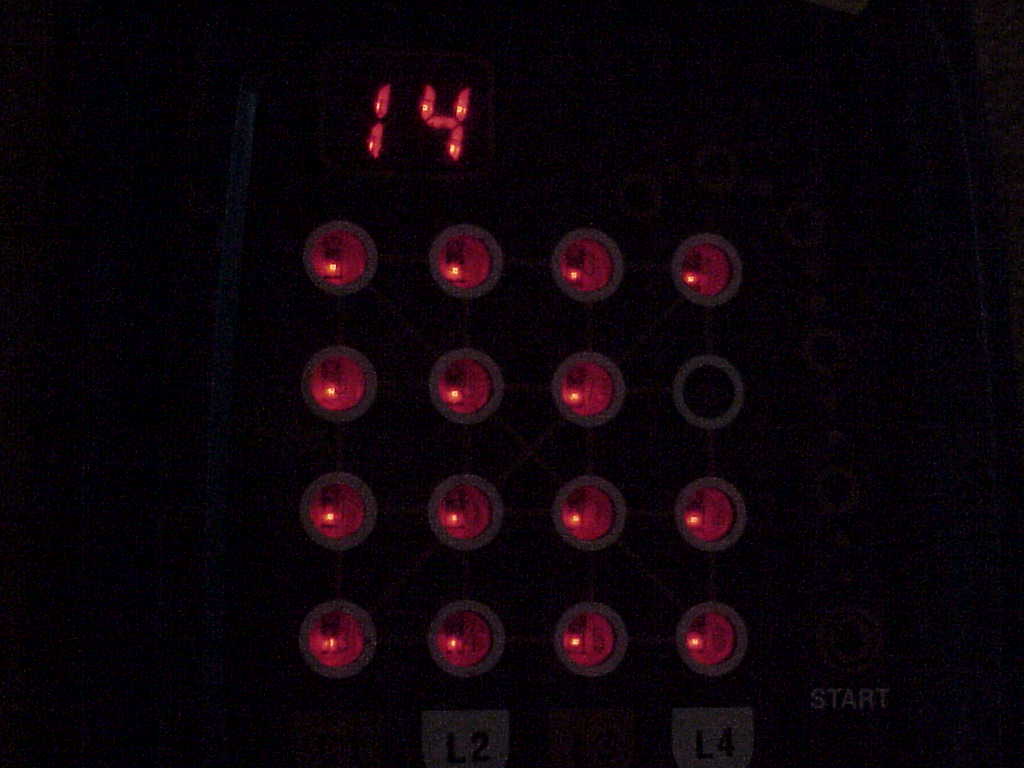
The best score I had.
July 19, 2026 - Sony Mavica MVC-FD73 Photos



















 July 14, 2026 - endscape by UVERworld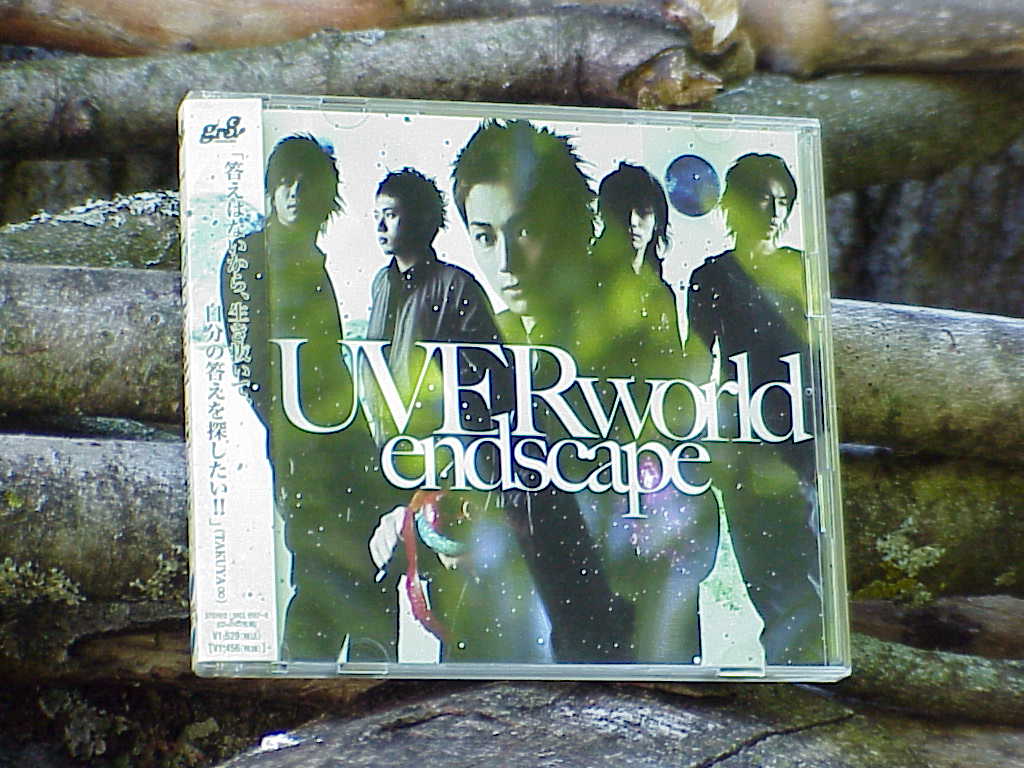
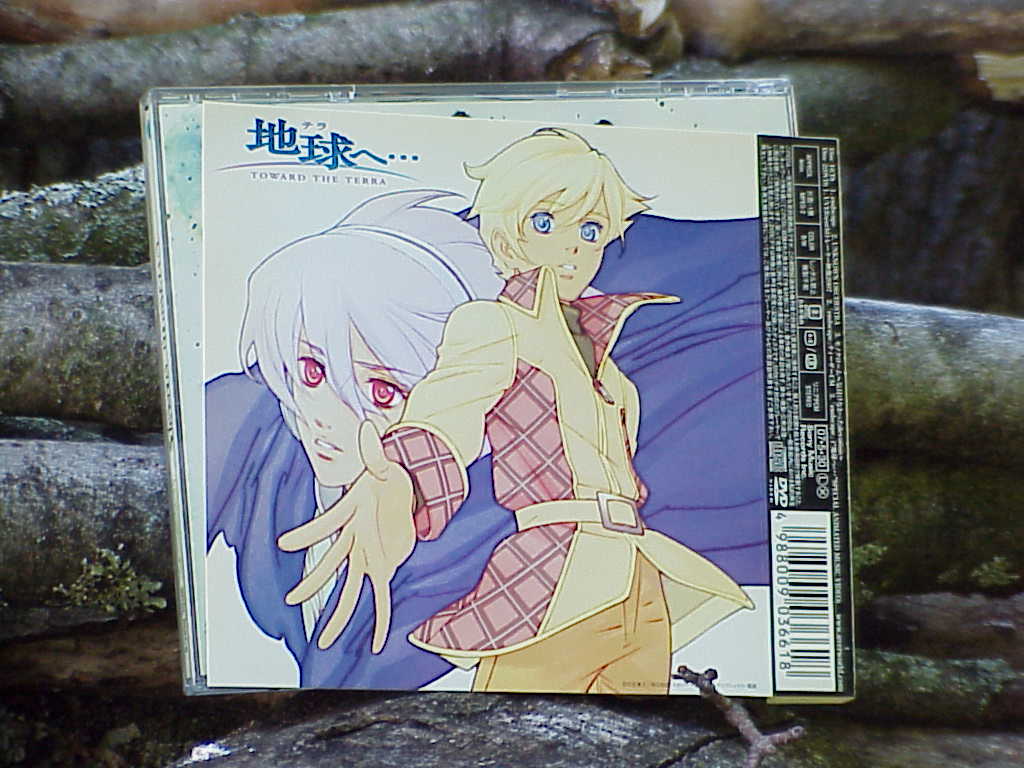
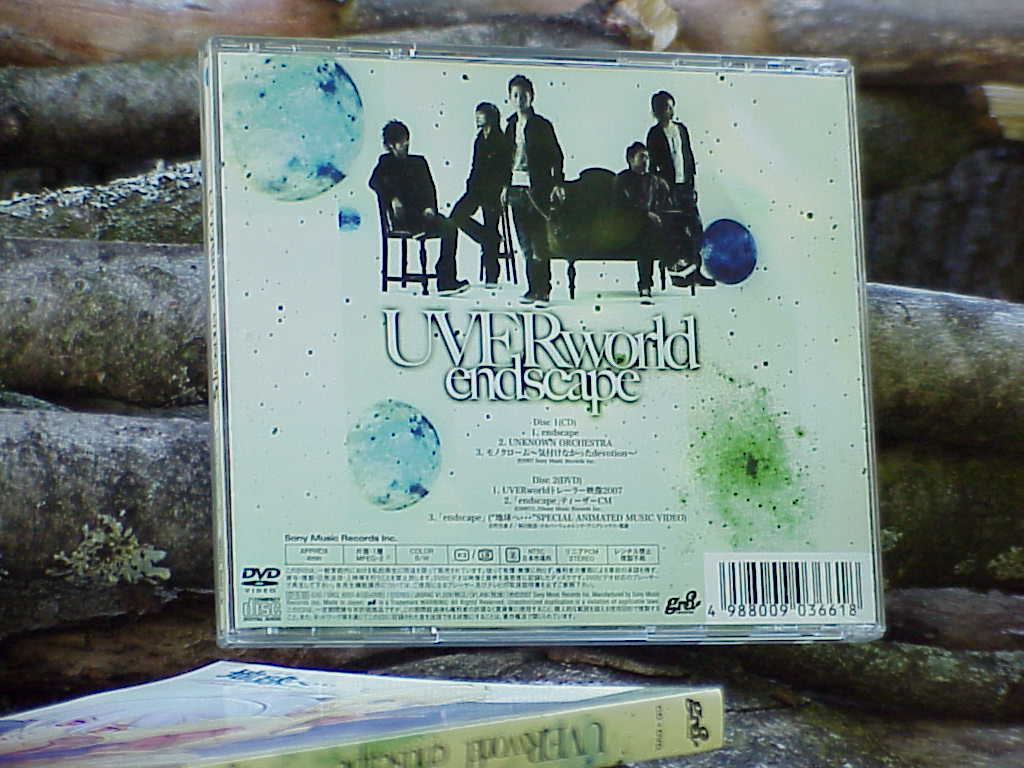
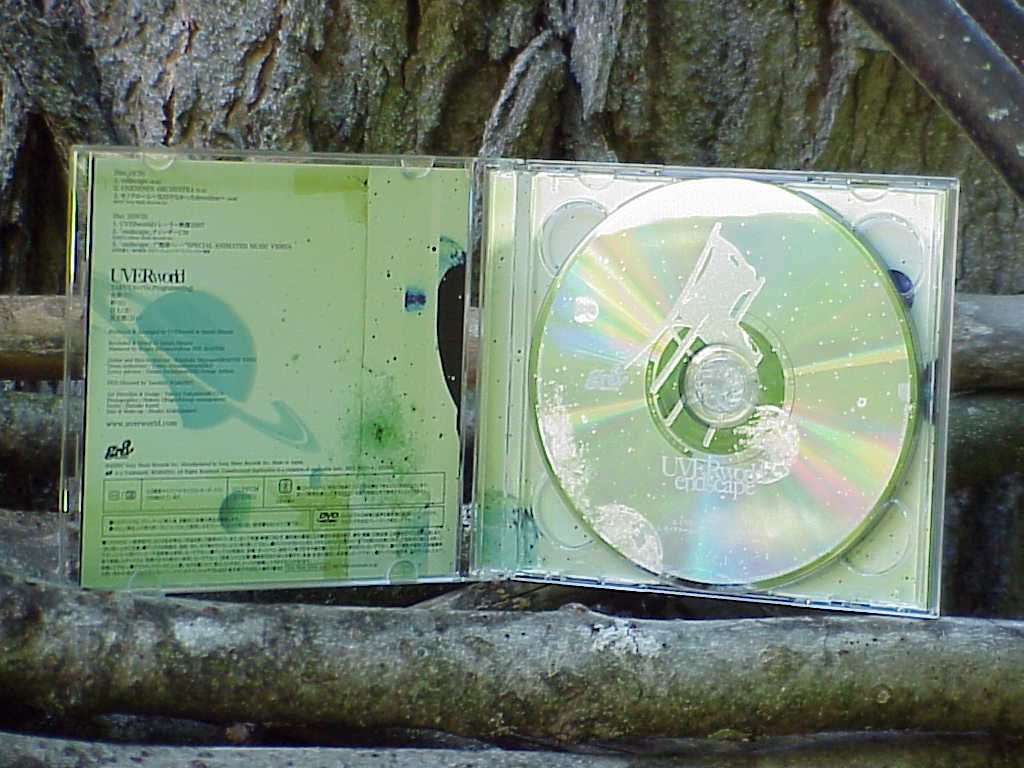
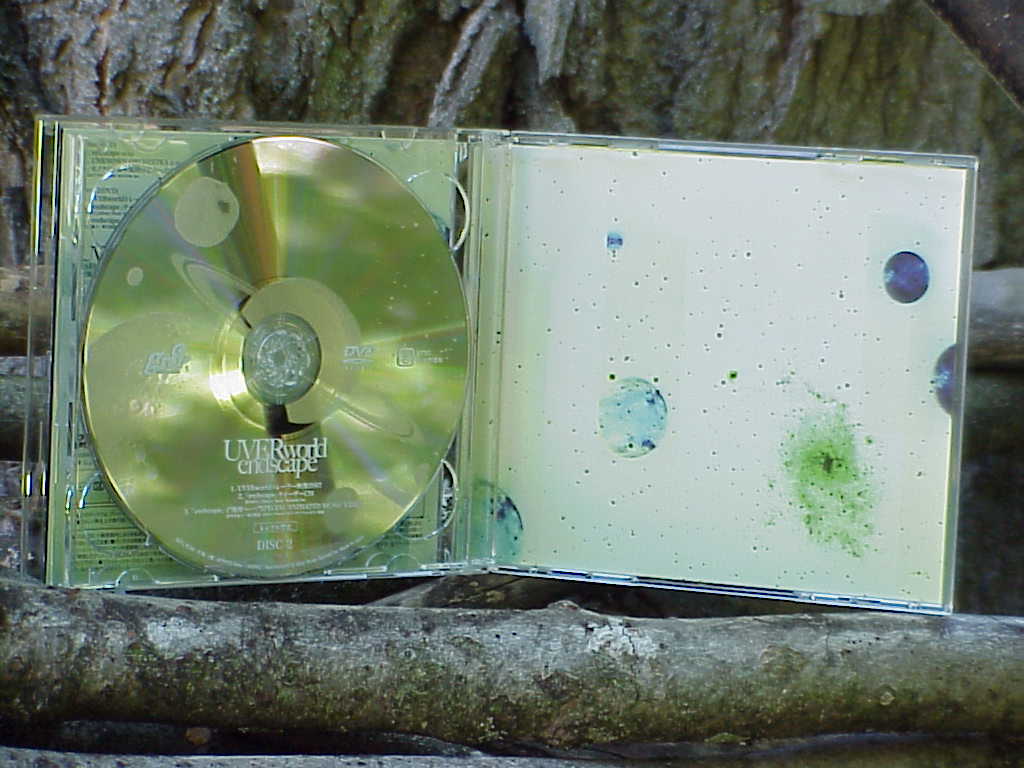
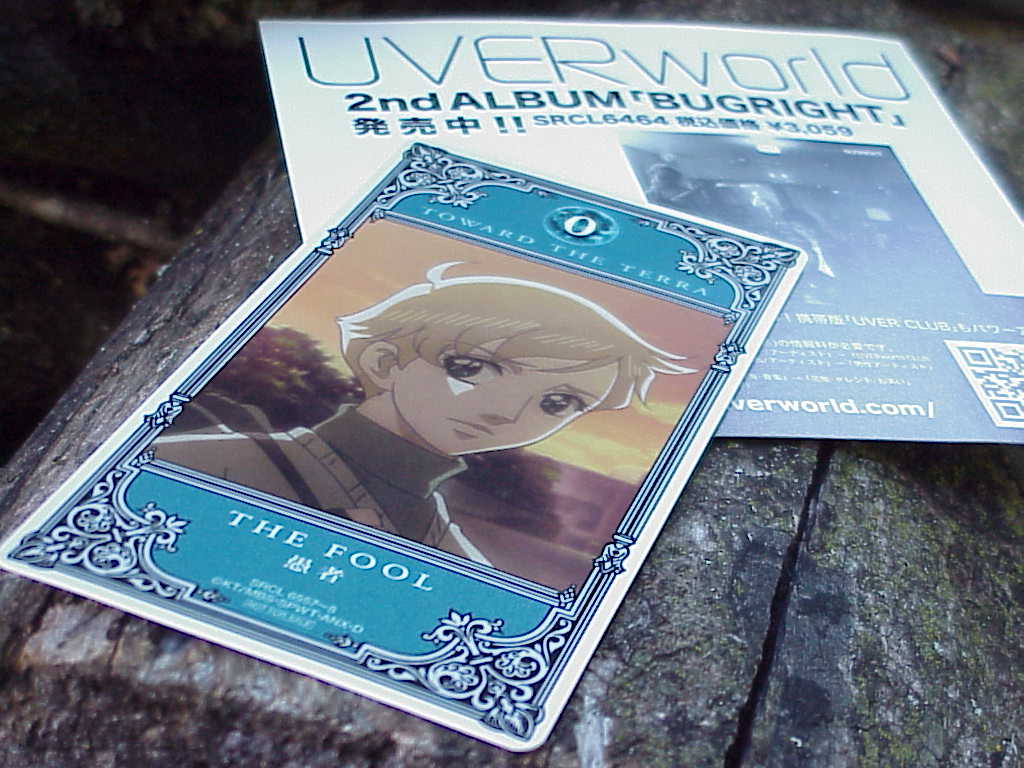
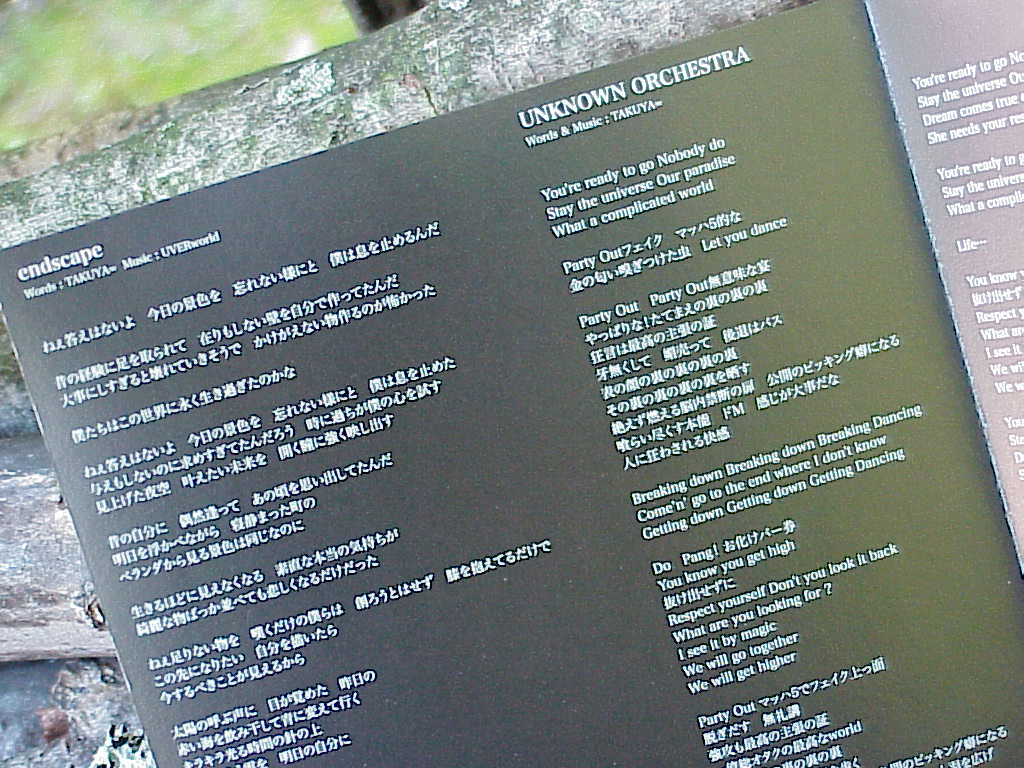
The seventh single from UVERworld was released on May 30, 2007. This is a limited edition that includes a 4 minute DVD, special back cover OBI, and an anime character card. This was the first opening to the 2007 anime "地球へ…" (Toward the Terra) This single includes three tracks; three different genres, which makes it more interesting especially when they are all great tracks.
The 2nd and 3rd titles on the limited edition DVD. The TV spot (commercial) for this single and a special animated music video for the anime "地球へ…" (Toward the Terra). Title 1 for the DVD is showing some previews of recent concerts and some behind the scenes of recent music videos.
| endscape by UVERworld | ||
|---|---|---|
| Track | Rating | Comment |
| 1. endscape | **** | First opening to the 2007 anime 地球へ… (Toward the Terra). |
| 2. UNKNOWN ORCHESTRA | **** | Something different, a more "electronic dance" type song. |
| 3. モノクローム〜気付けなかったdevotion〜 | ***** | Written in memory of the vocalists grandfather, one of my favorite sad UVERworld songs. |
June 28, 2026 - Sony Mavica MVC-FD73 Photos




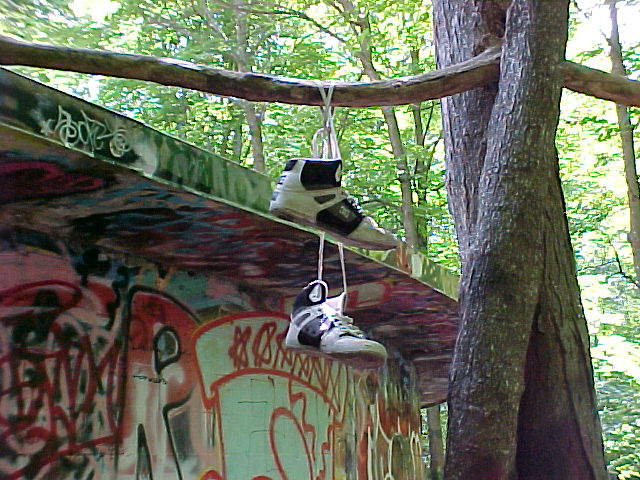


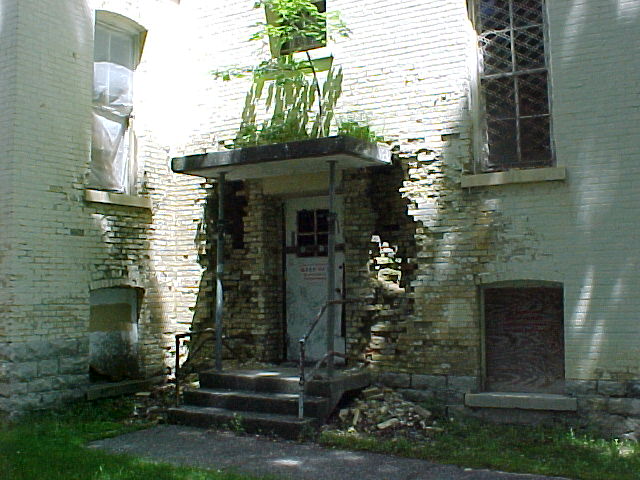






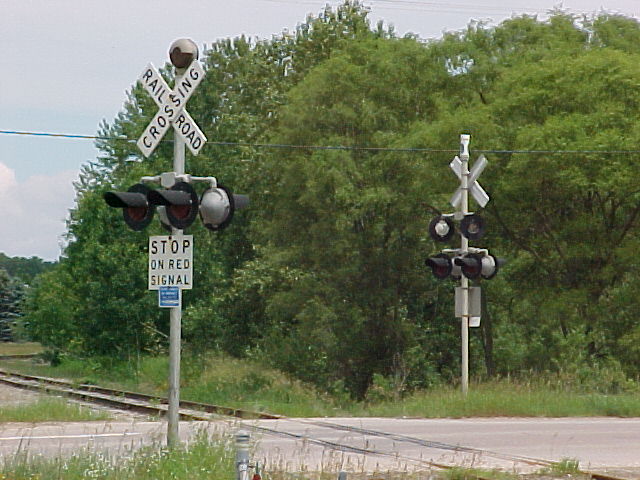



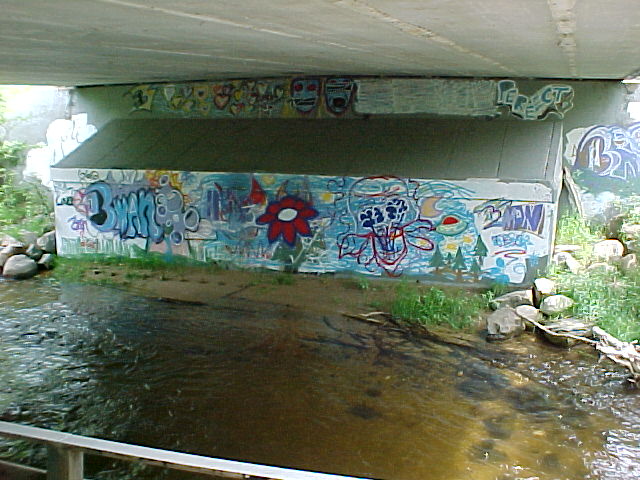




 June 18, 2026 - Laserdisc: Tropical Hi-Noon
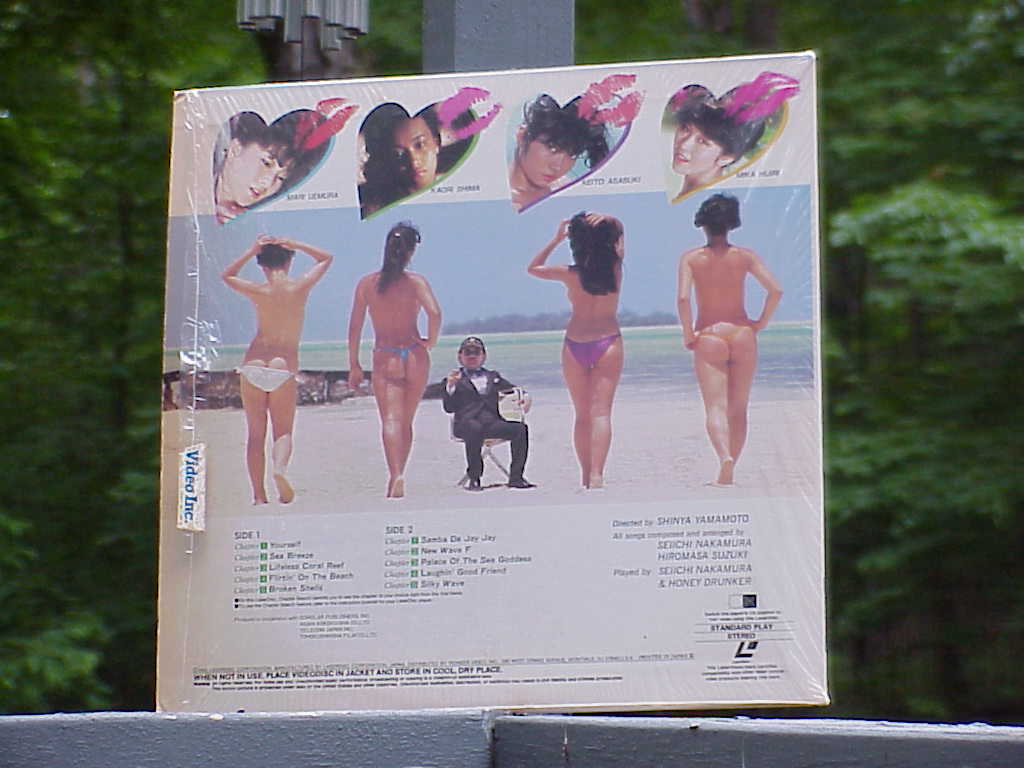
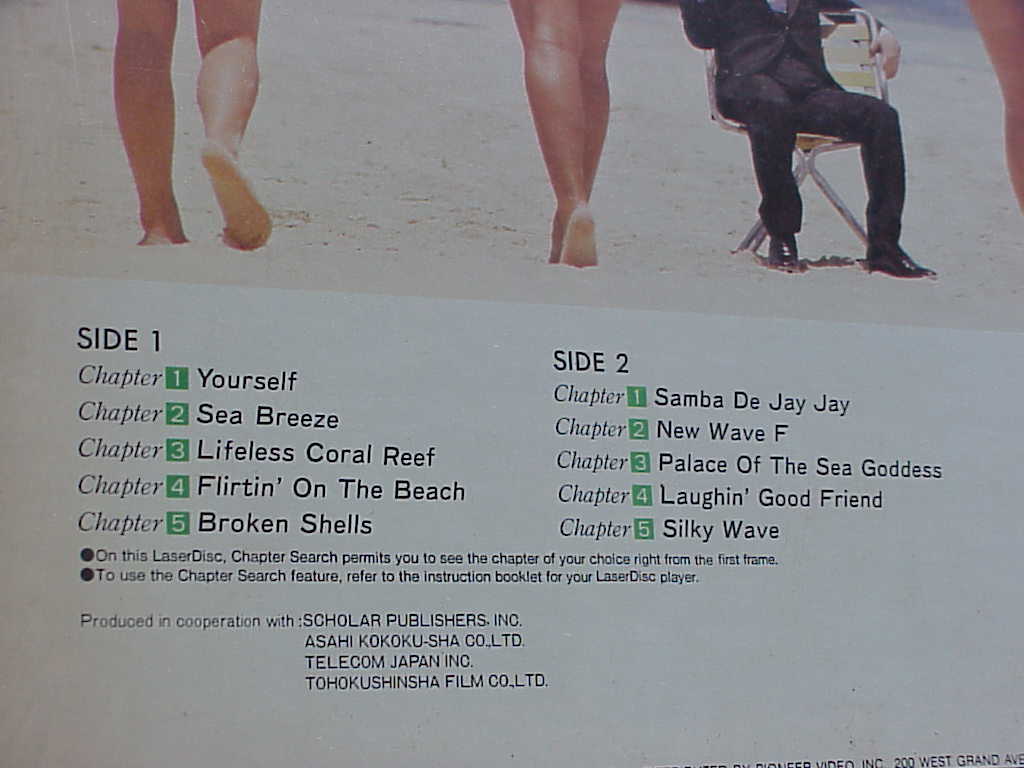

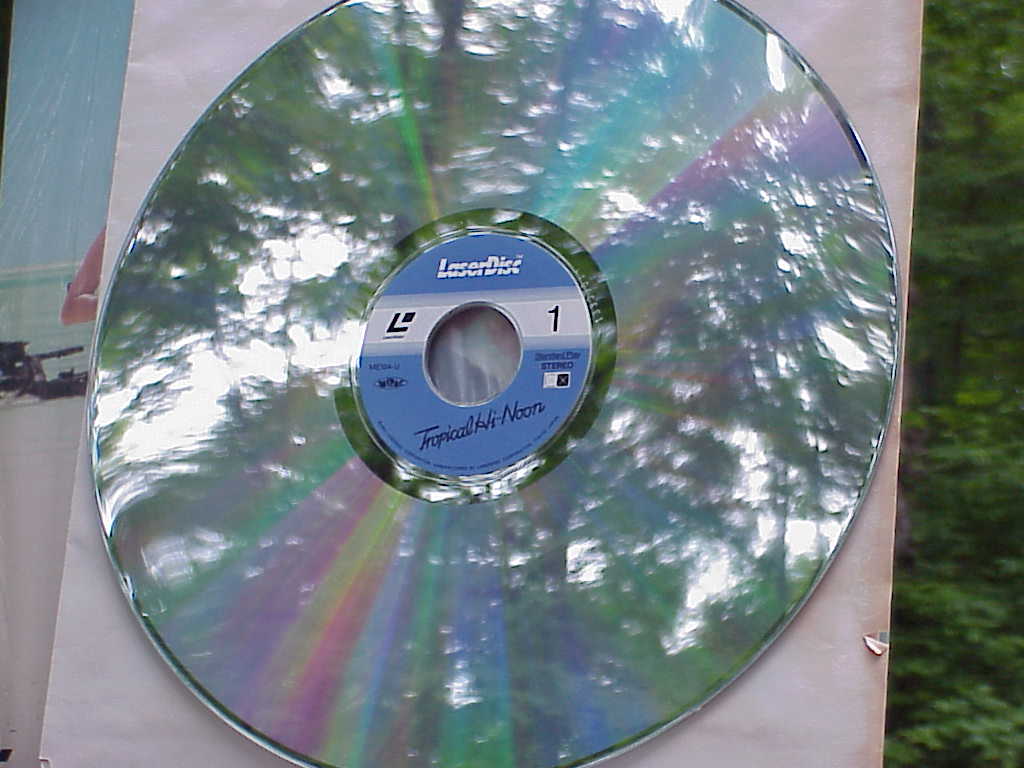
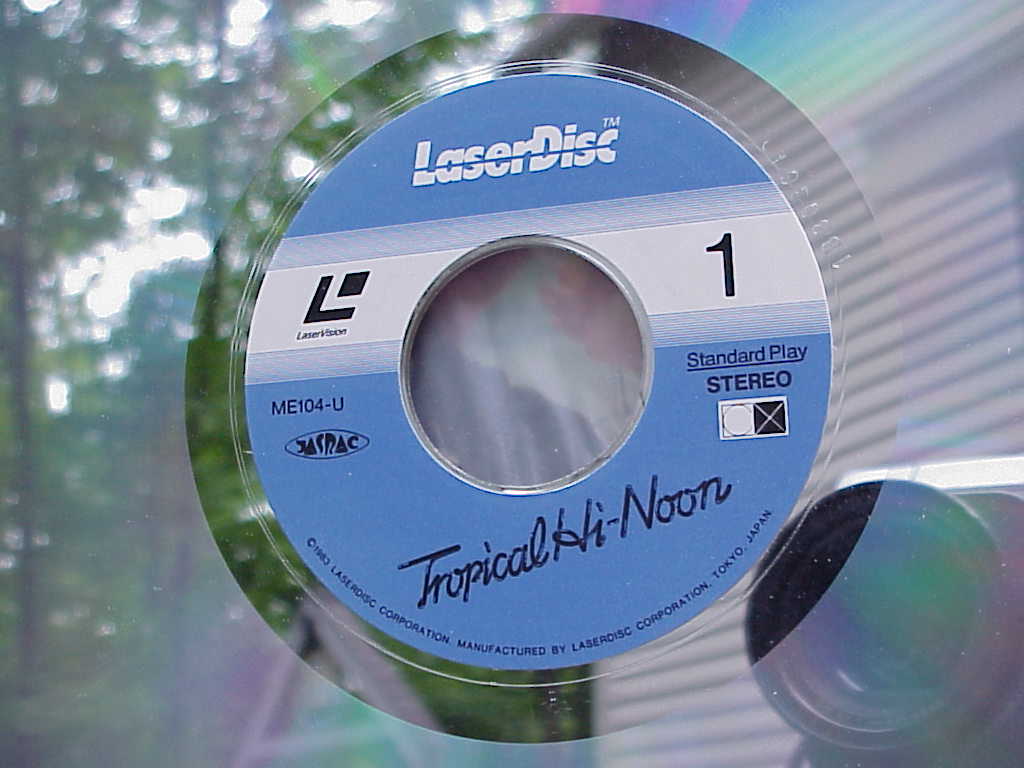
Released in 1983. A lot of cinematic scenes shot in day and night, land and water. Rolling around in the sand and splashing in the water, exciting things include guns, fire lit torch, rope swing, chains.
The audio is composed by Seiichi Nakamura and Hiromasa Suzuki and played by Seiichi Nakamura and Honey Drunker. The music was enjoyable along with the video.
Listen to the full audio here on YouTube.
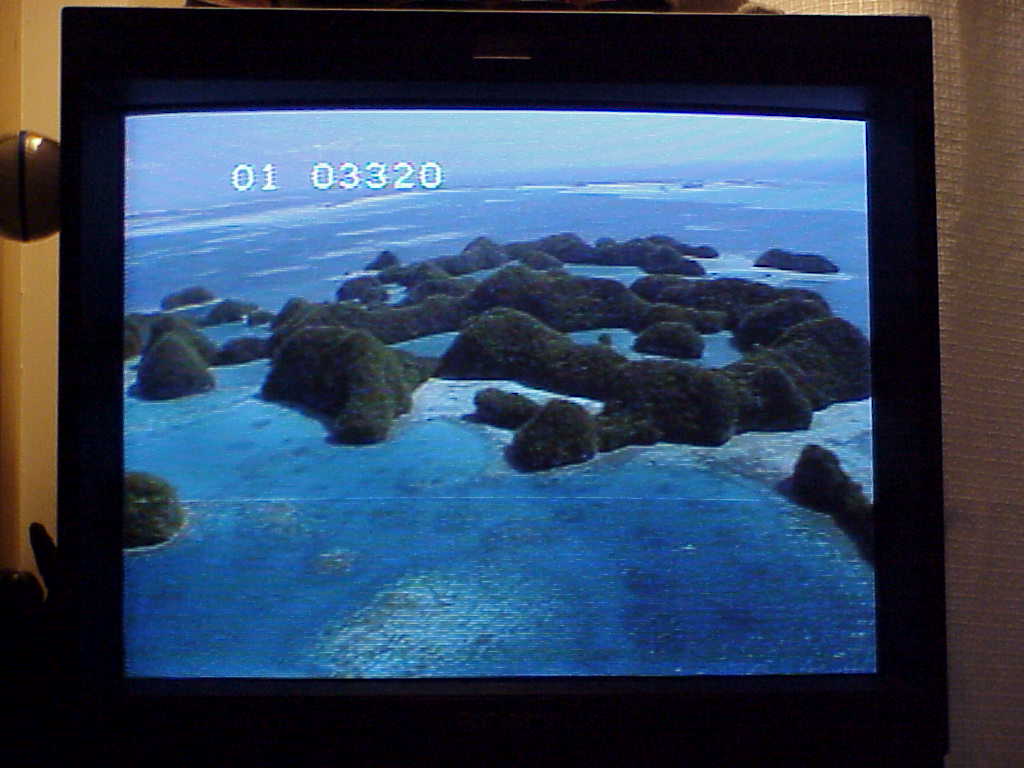
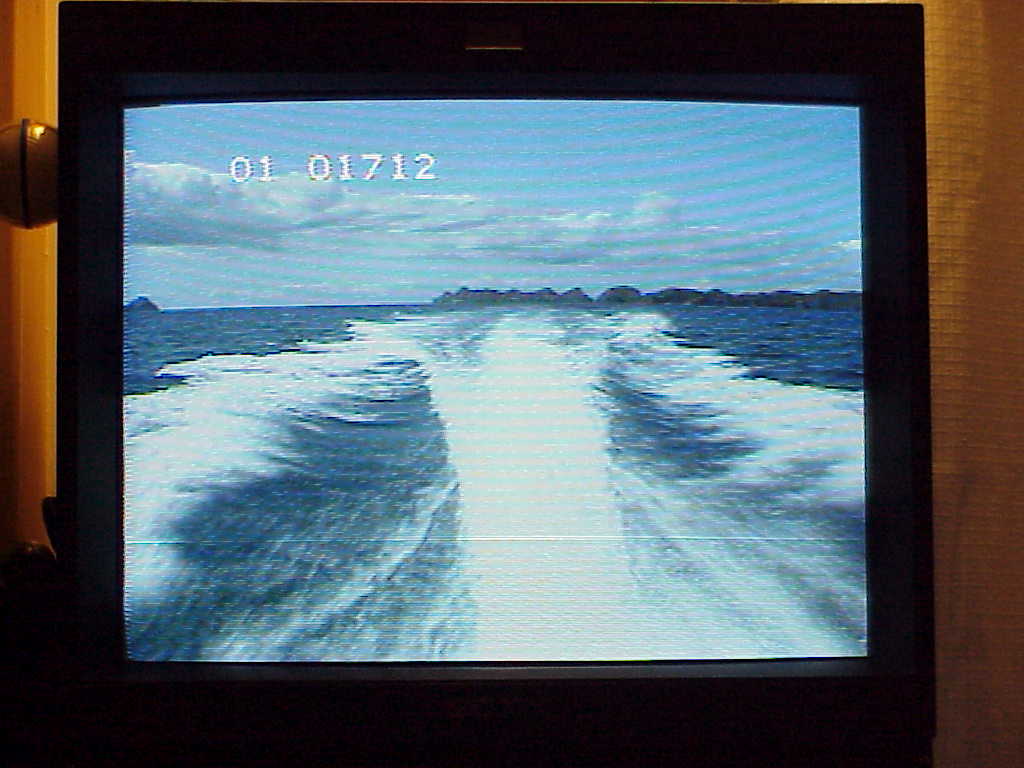

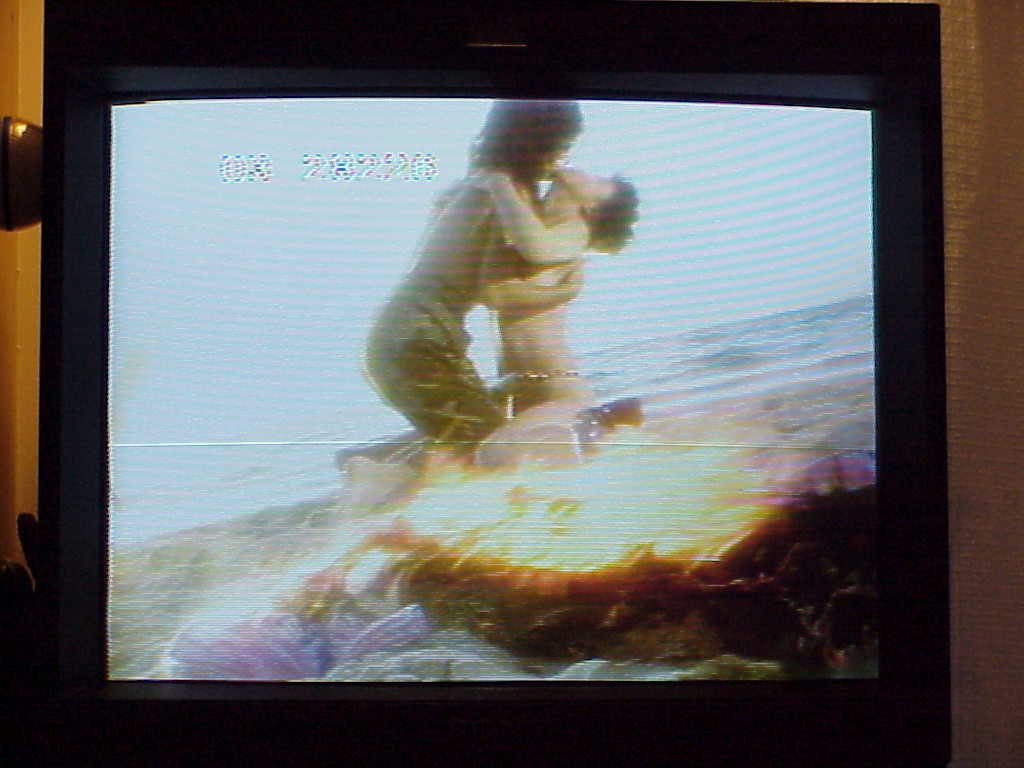
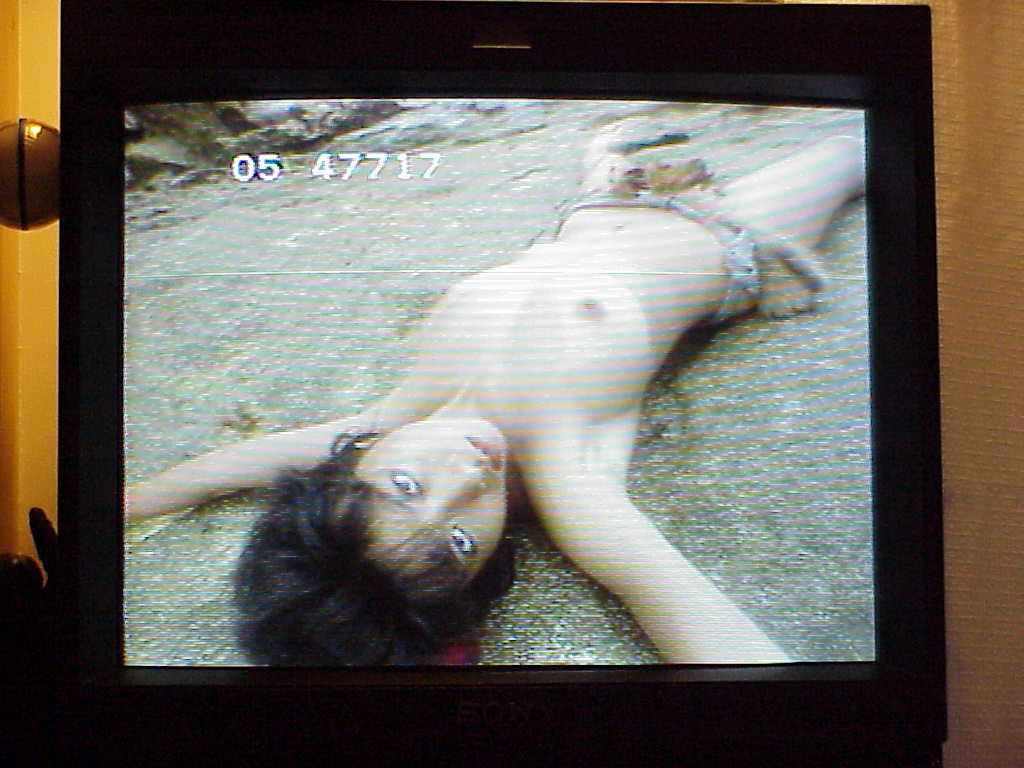
I left the chapter/frame display on so you can follow along at home. This laserdisc is a CAV standard play disc so it supports frame by frame playback and adjustable slow motion in forward and reverse. Definitely good for getting a close look for research purposes of course.
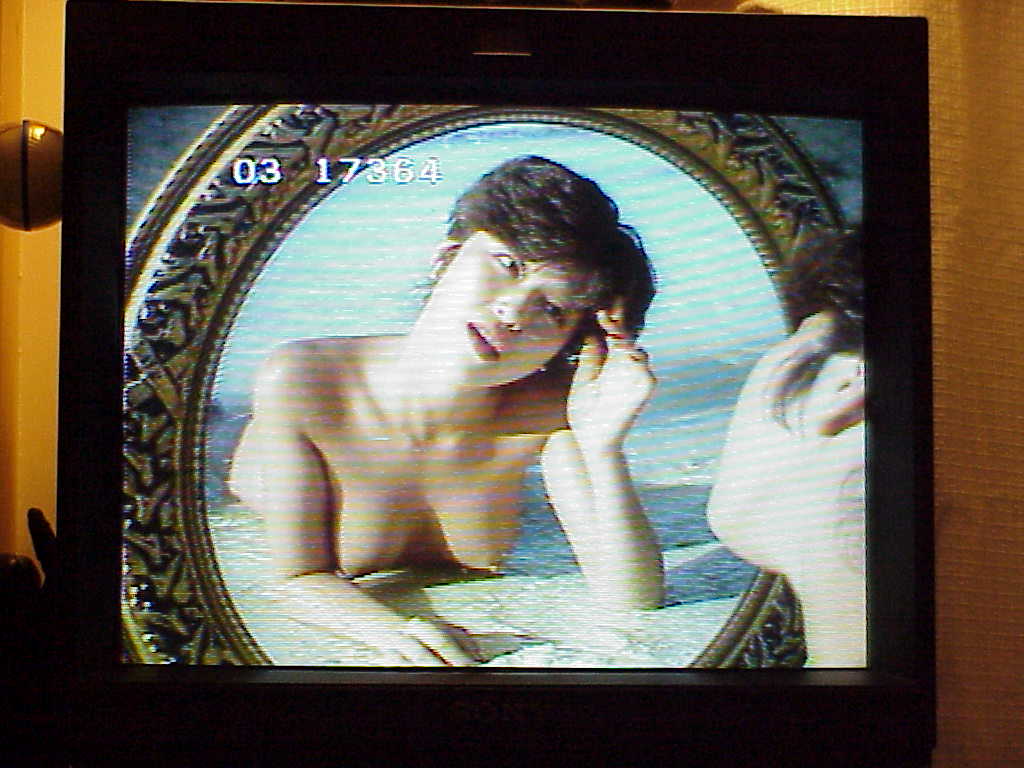
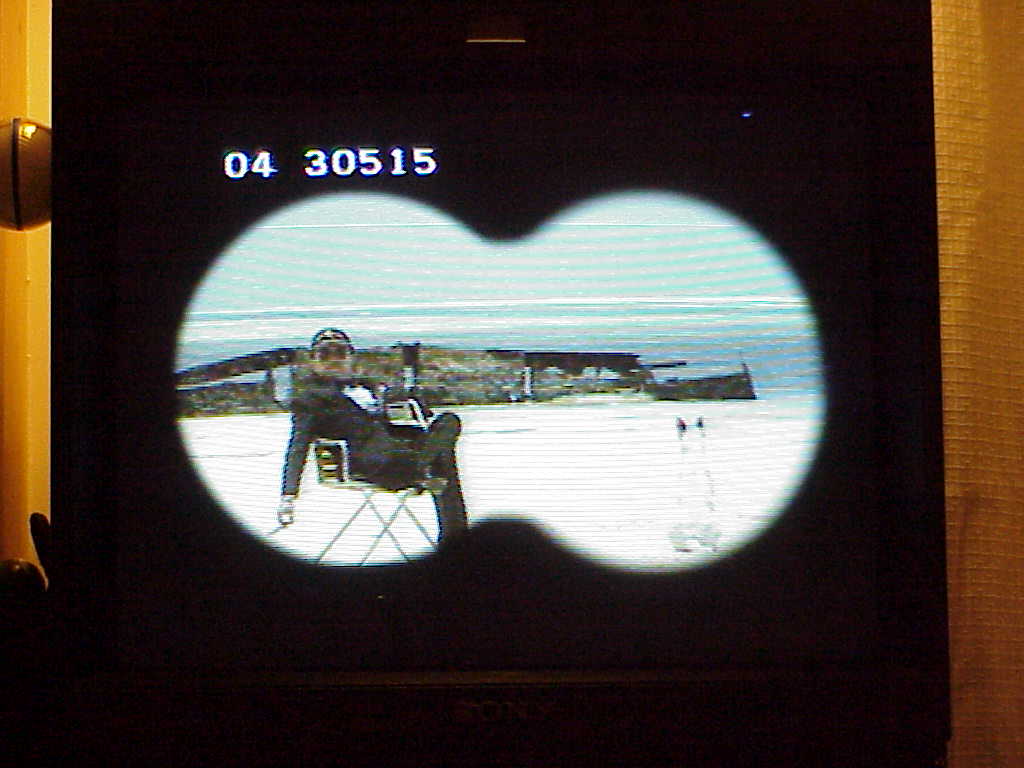
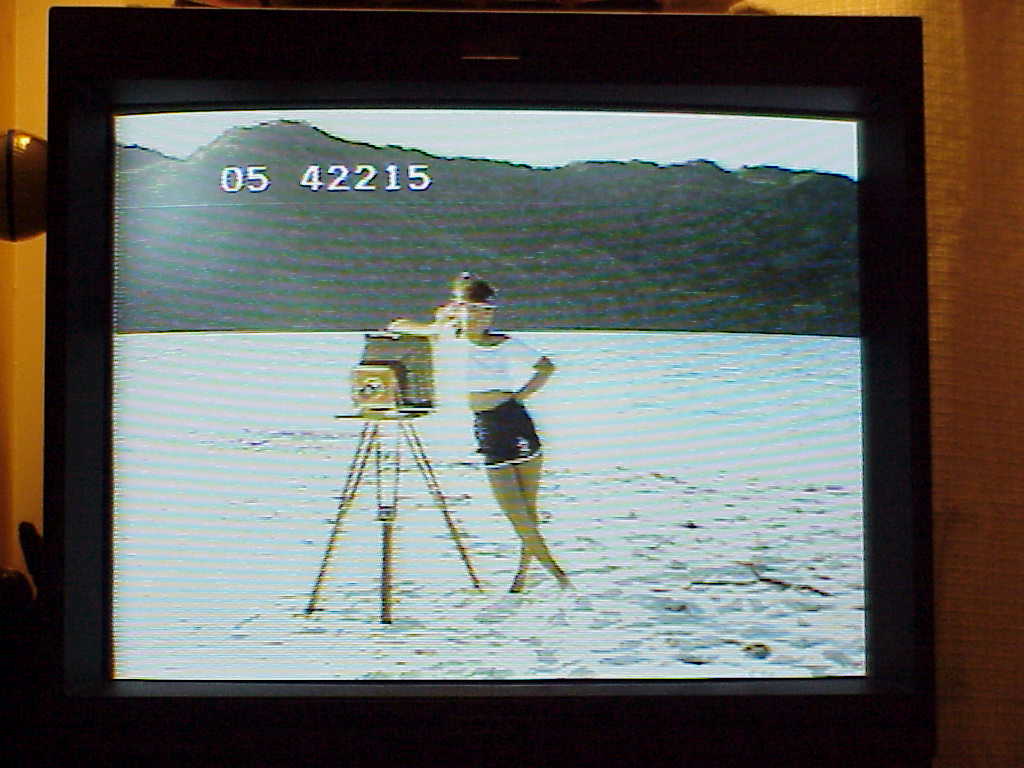
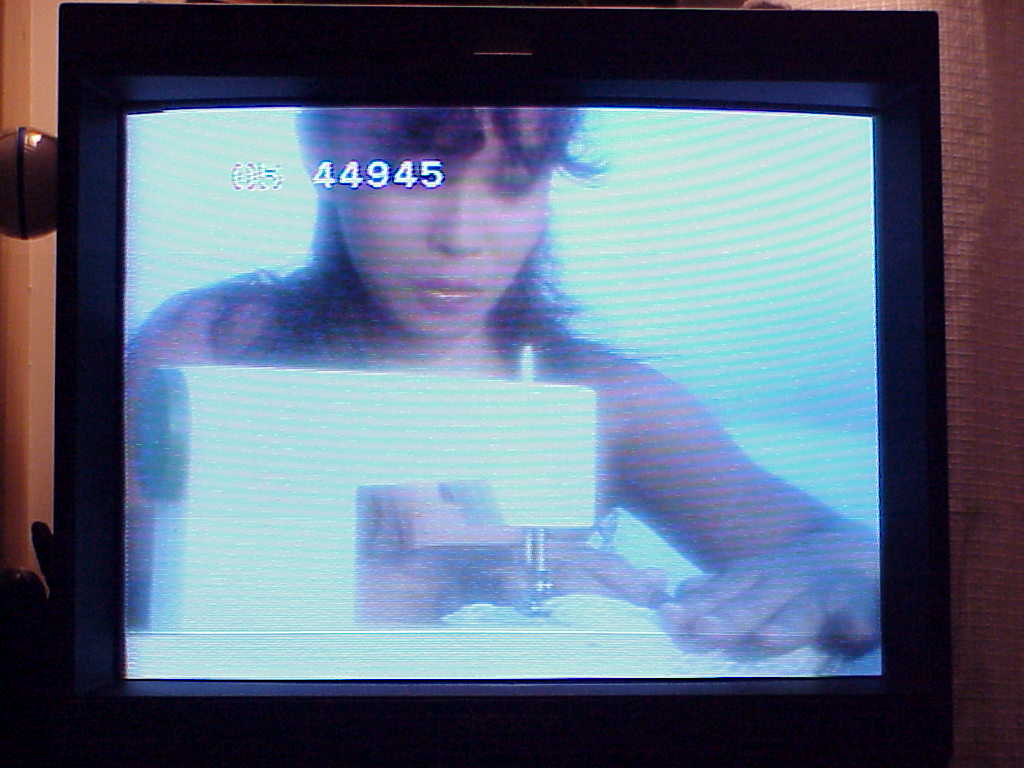
That guy on the cover only appears for a few seconds in two scenes. The girls find interesting items on the beach such as a mirror, binoculars, old camera, and a sewing machine.
| Film Specs |
|---|
1983 ~56 Minutes CAV (Standard Play) Color Stereo |
June 10, 2026 - Sony Mavica MVC-FD73 Photos
























 June 3, 2026 - UNISØN by PaleNeØ NEW RELEASE!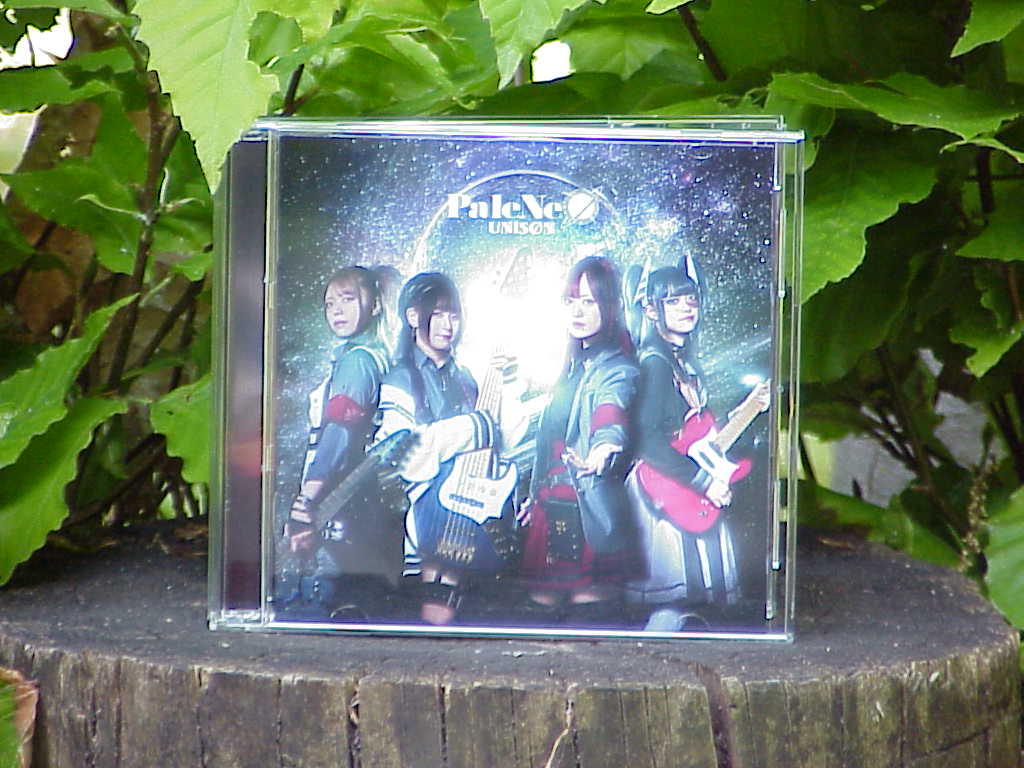
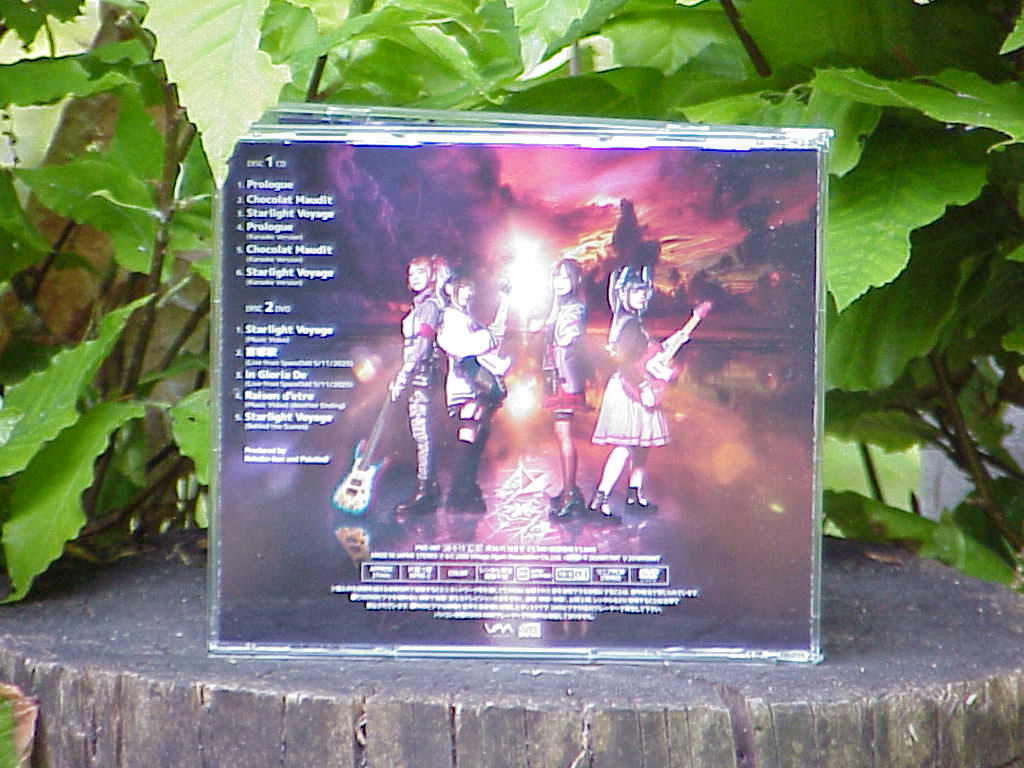
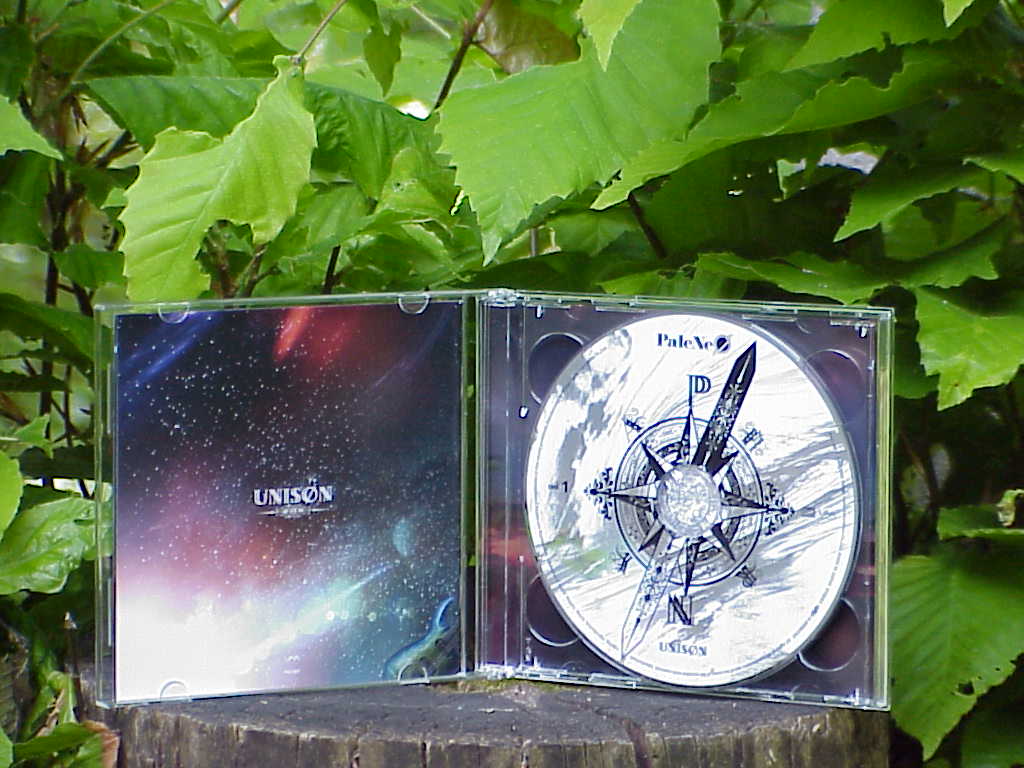
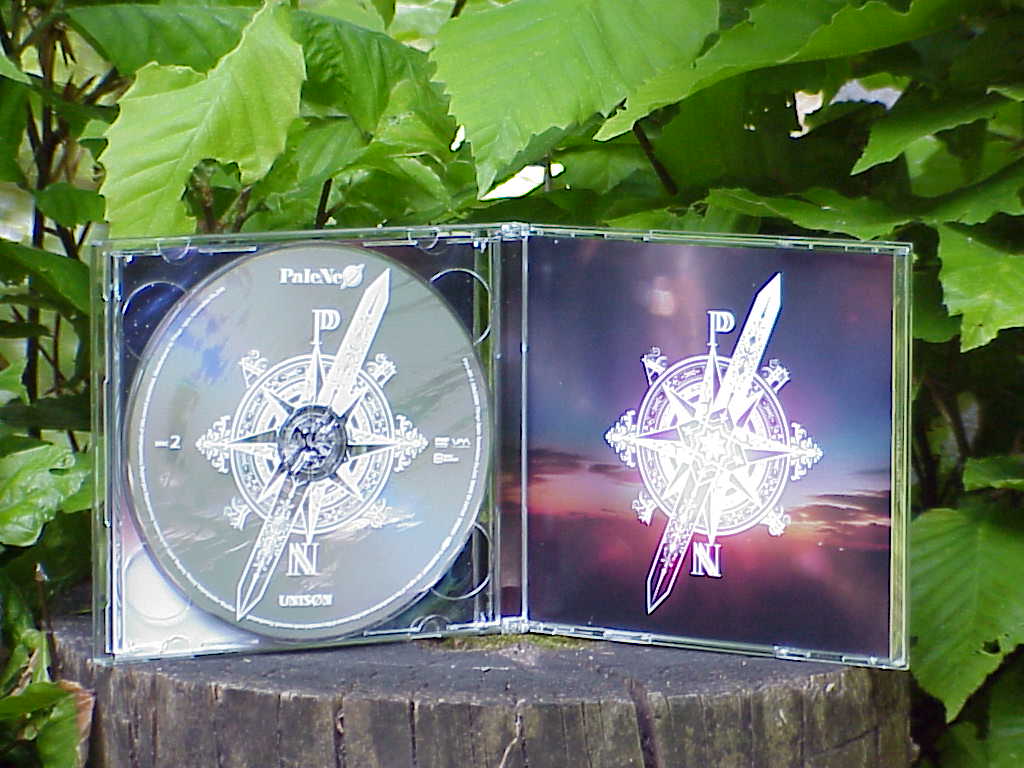
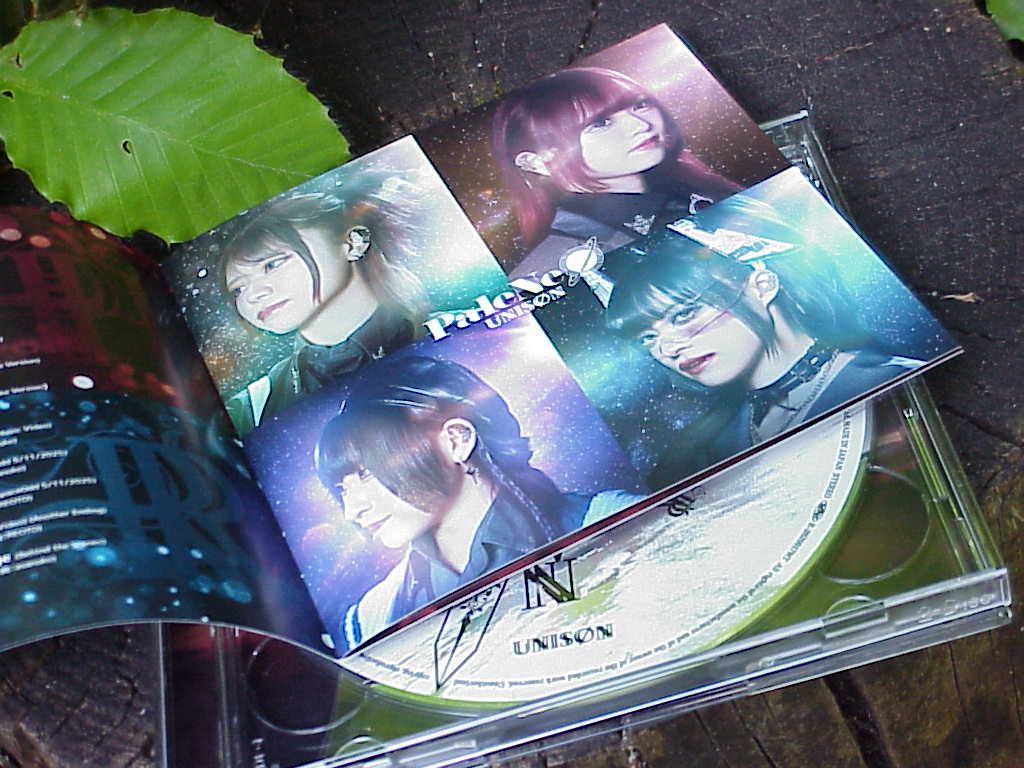
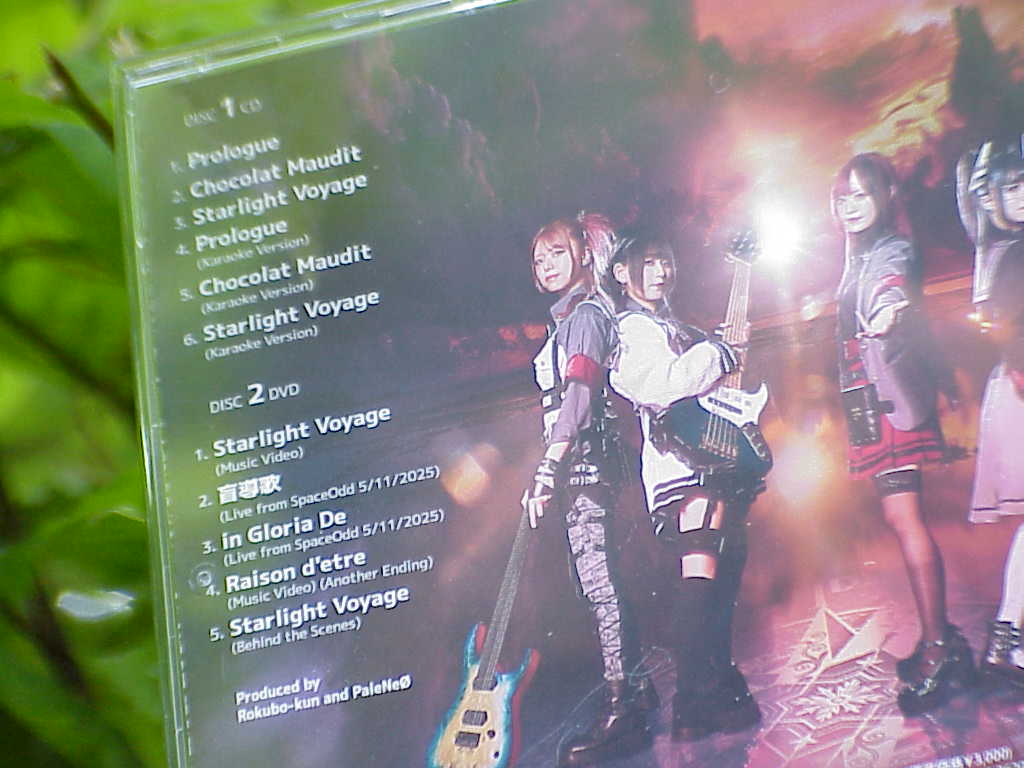
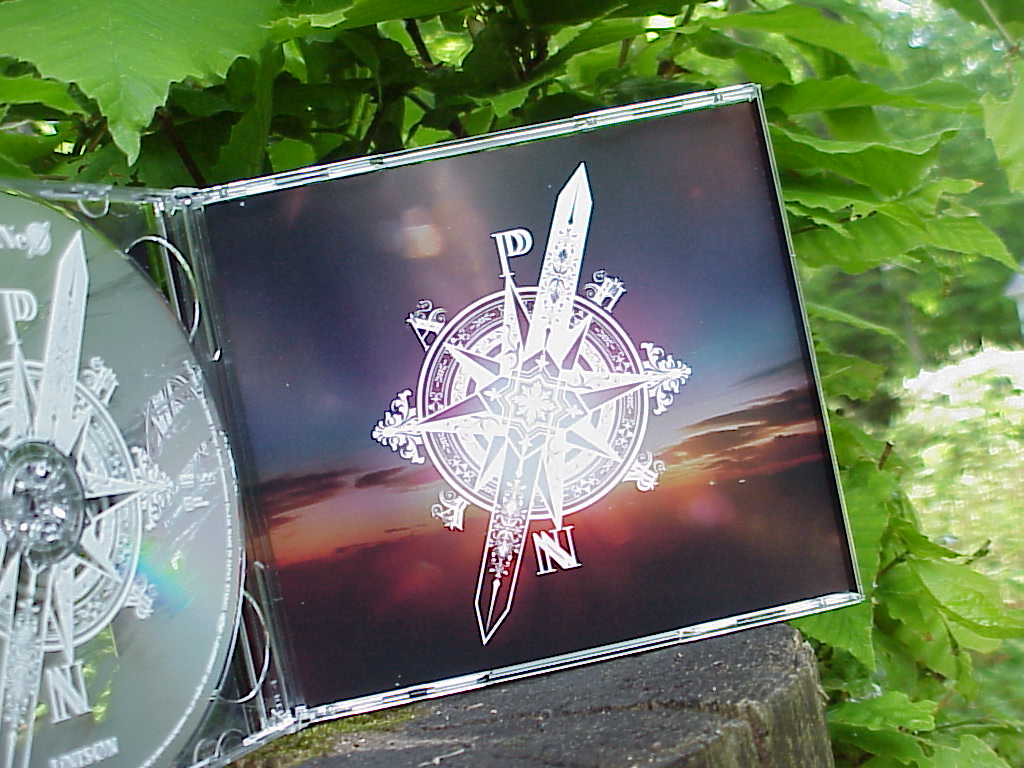
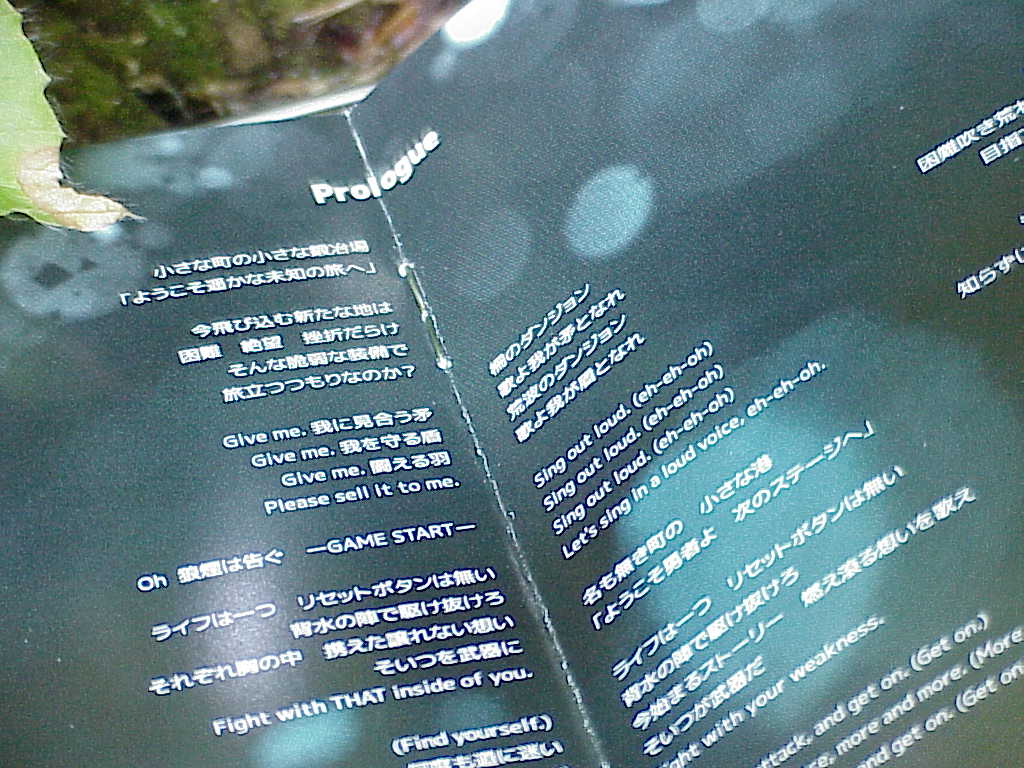
Their second mini album (they call it a maxi single) released on May 13, 2026. This is a limited edition that includes a DVD. The three songs are very good, I'm very impressed by this release. The karaoke versions are great too and include the background vocals. The music video for track 3 "Starlight Voyage" was released a couple months earlier and thats how I really started listening to this band.
Still proof DVDs (and CDs) are not dead yet, I prefer them over Blu-rays. Every year is closer to physical media extinction.
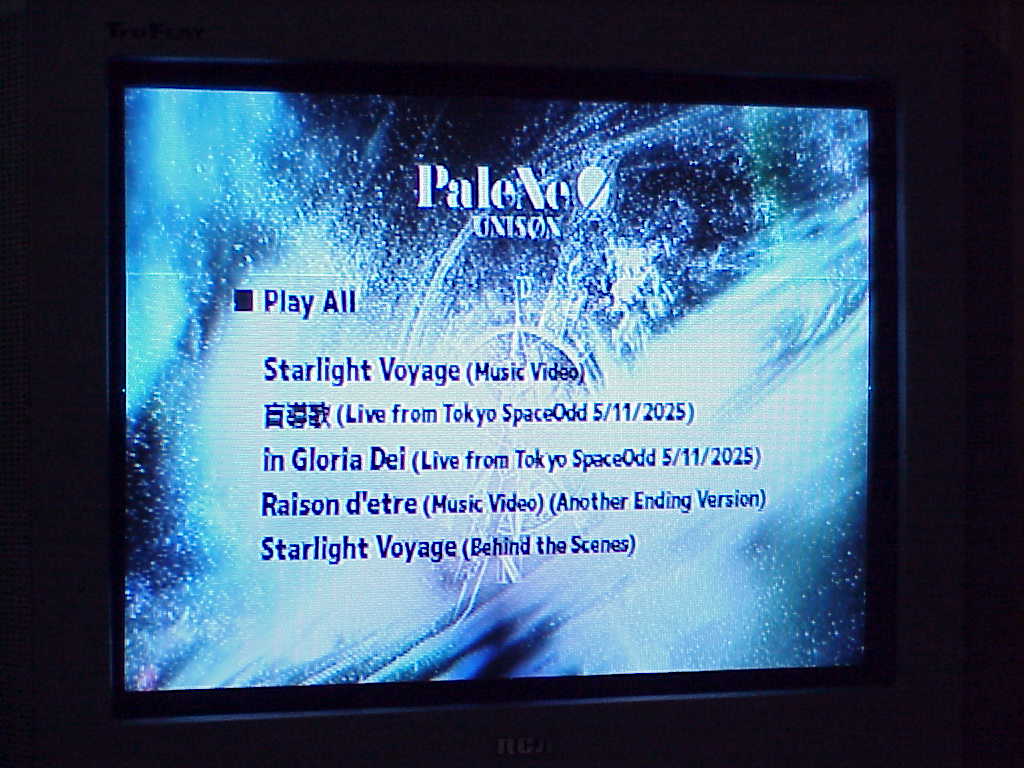
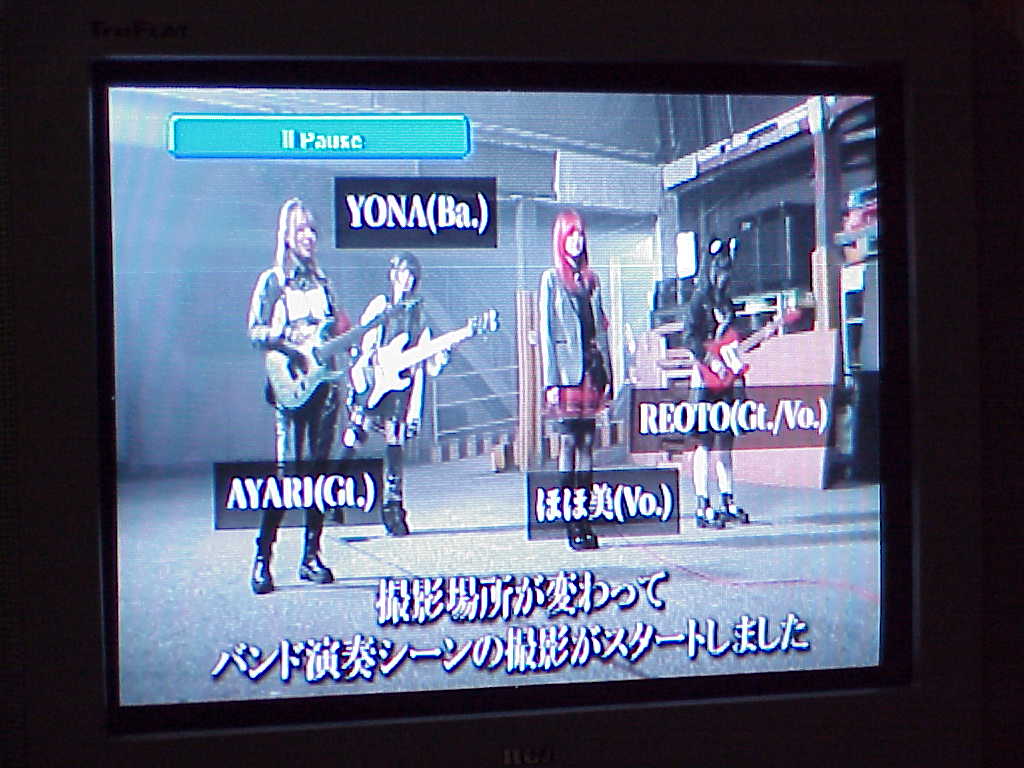
The DVD has a nice little menu; simple with just a static picture and no audio.
Three selections ripped from the DVD. The two lives were from Tokyo SpaceOdd on May 11, 2025. The music video for Raison d'etre (from their first mini album) has a slightly different ending than the normal version.
| UNISØN by PaleNeØ | ||
|---|---|---|
| Track | Rating | Comment |
| 1. Prologue | ****** | My new favorite by them. |
| 2. Chocolat Maudit | **** | I love the high vocals from the guitar player (REOTO). |
| 3. Starlight Voyage | ***** | Very good and I love the music video. |
| 4. Prologue (Karaoke Version) | ***** | |
| 5. Chocolat Maudit (Karaoke Version) | **** | |
| 6. Starlight Voyage (Karaoke Version) | ***** | |
May 19, 2026 - Sony Mavica MVC-FD7 Photos




















 May 9, 2026 - Stromberg-Carlson 2500YP Telephone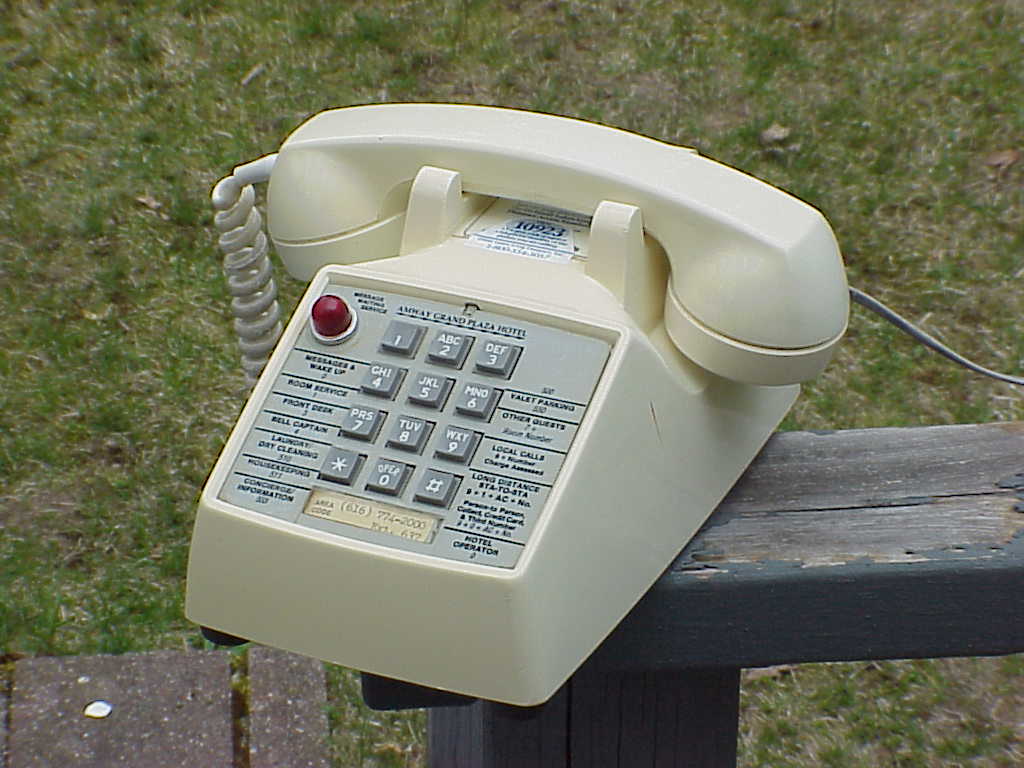
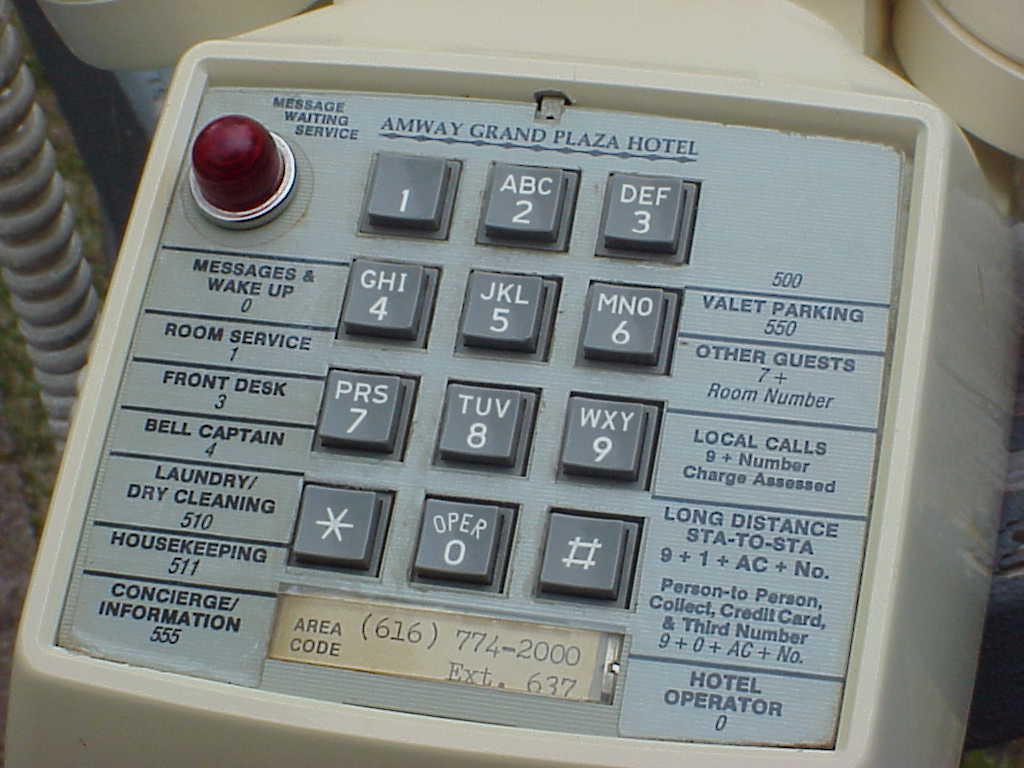
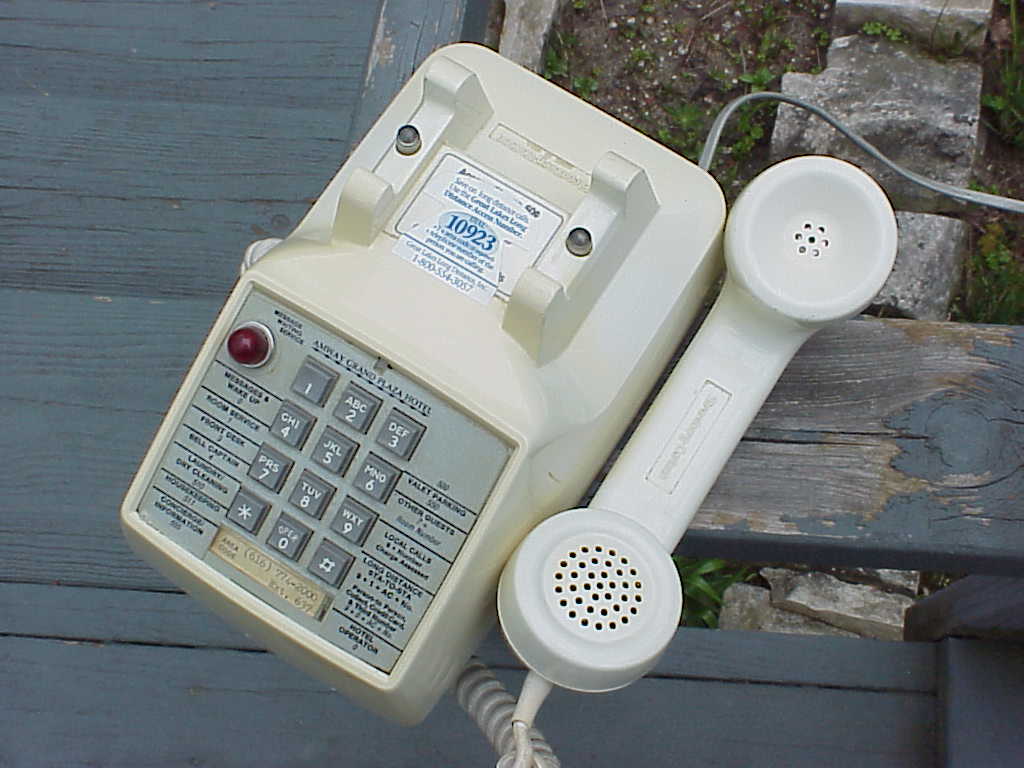
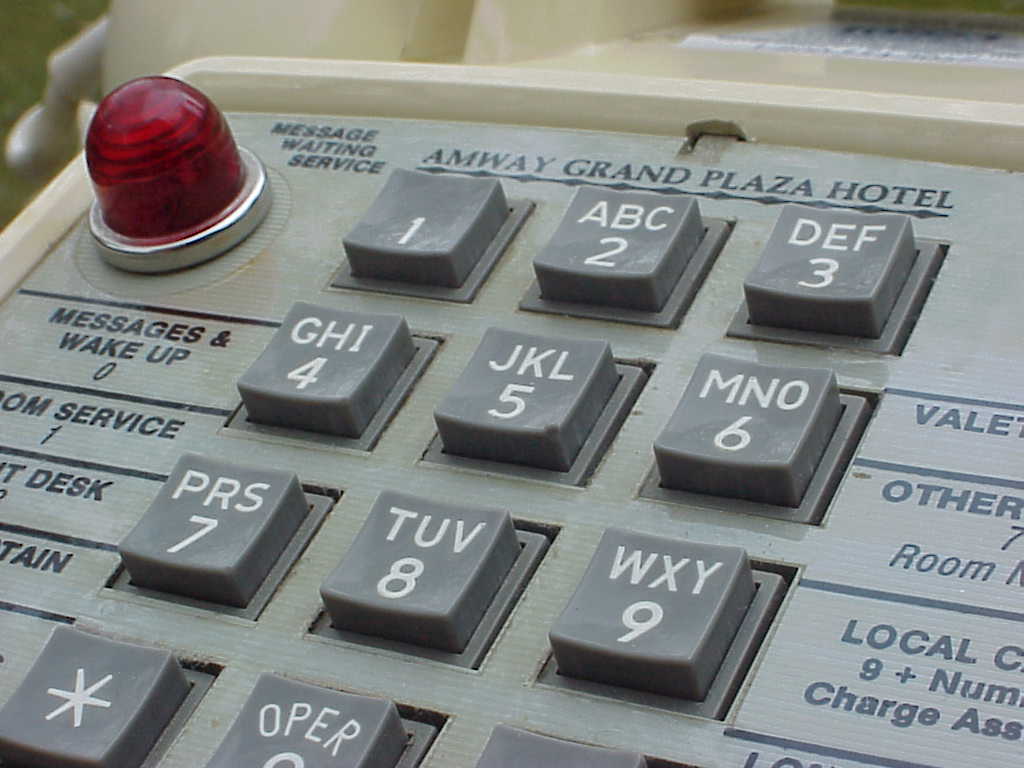
This is a touch-tone telephone used in a hotel made around 1981. Same design as a similar Western Electric phone only with different branding. Beautiful indestructible phones, I love the neon light on this one. It's on when it rings and will flash when a message is waiting. I'm sure the hotels phone system would have that feature setup but now it works perfectly as a normal phone.
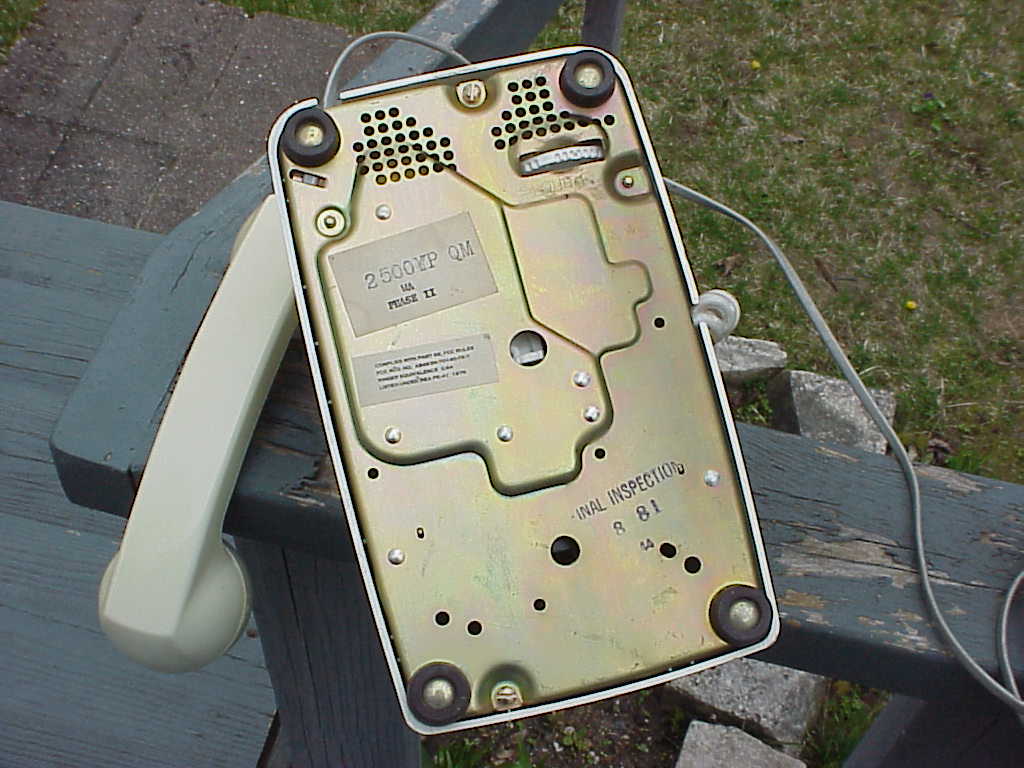
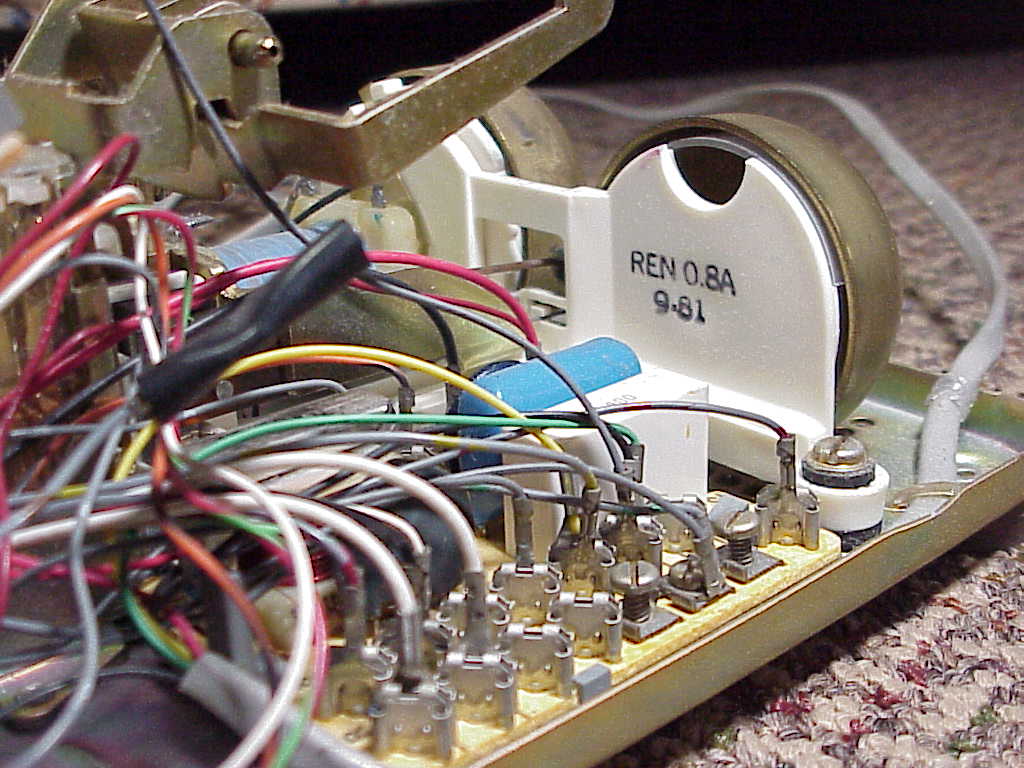

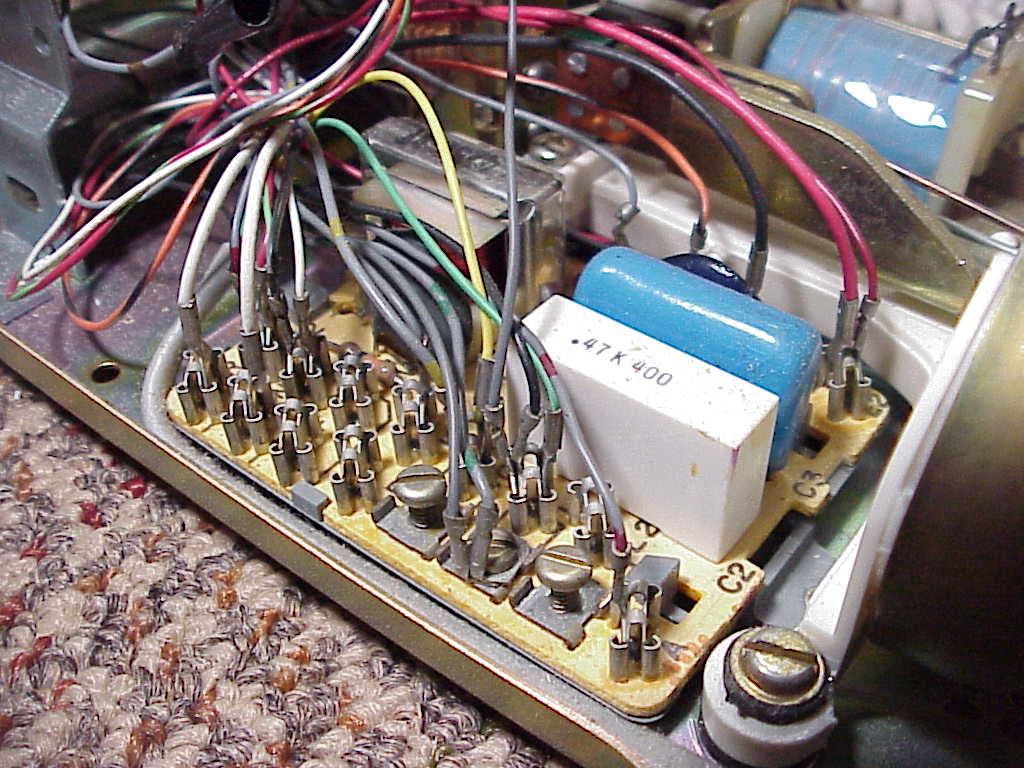
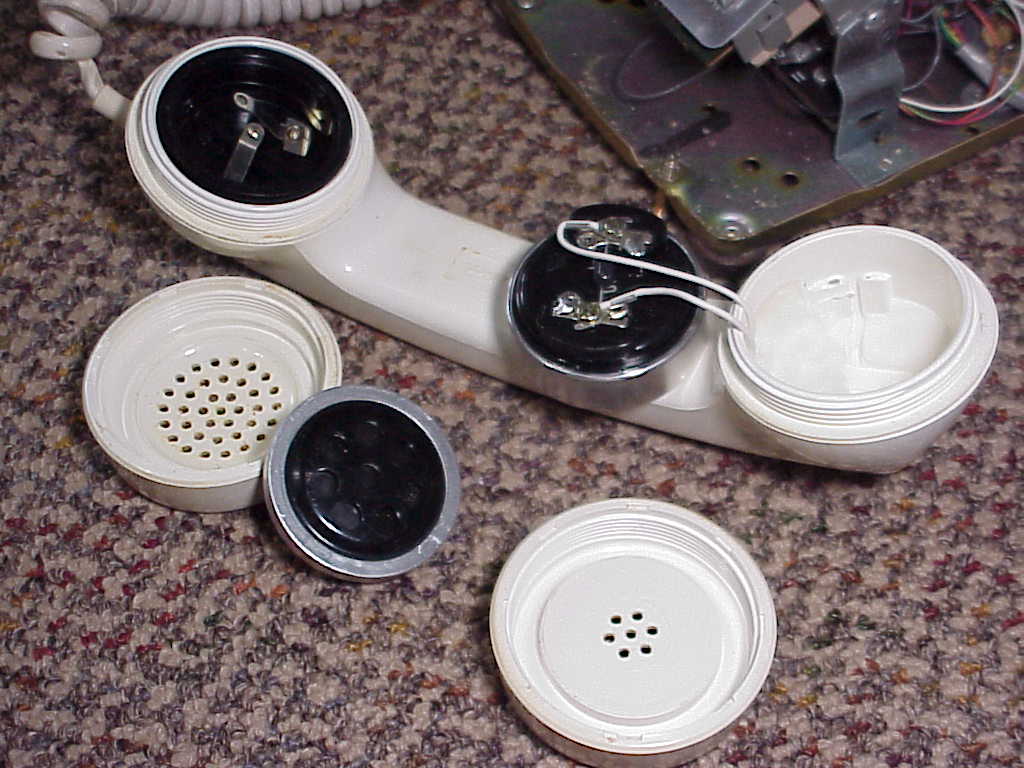
Video of the phone ringing.
April 30, 2026 - ON THE RUN by HOME MADE 家族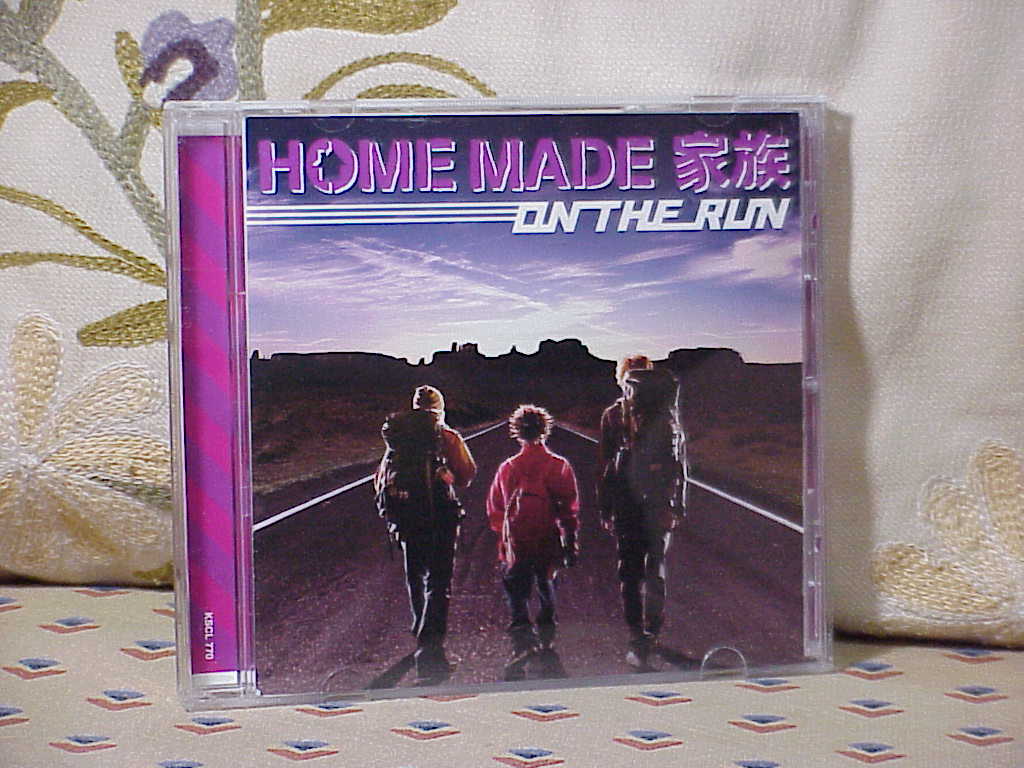
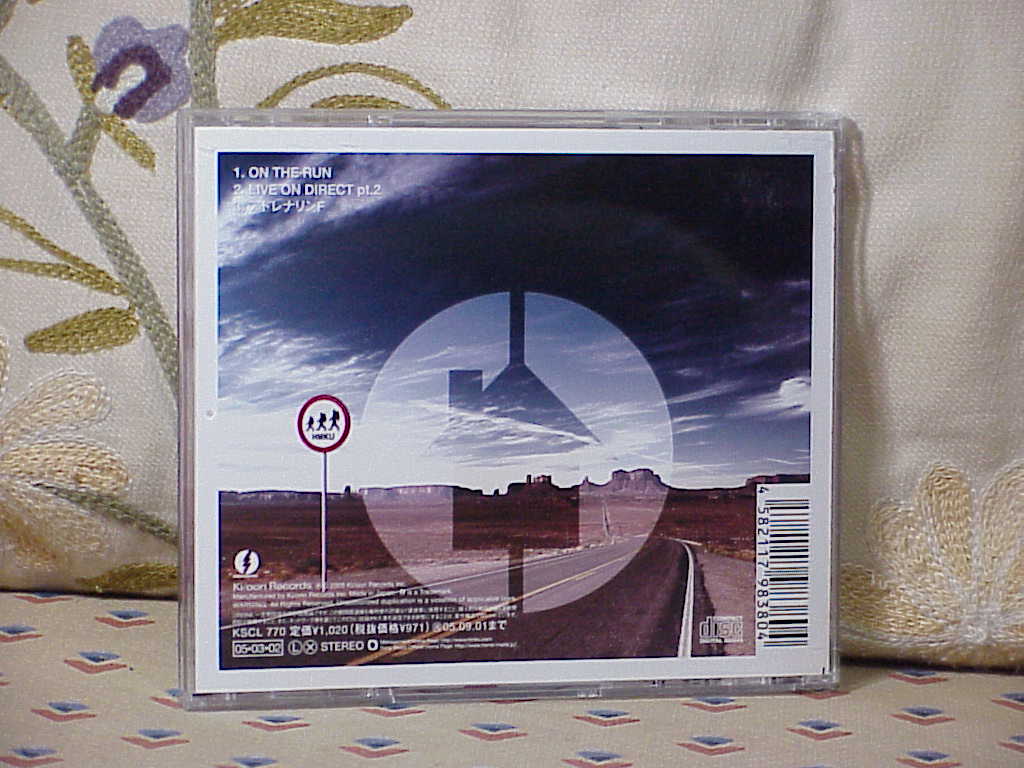
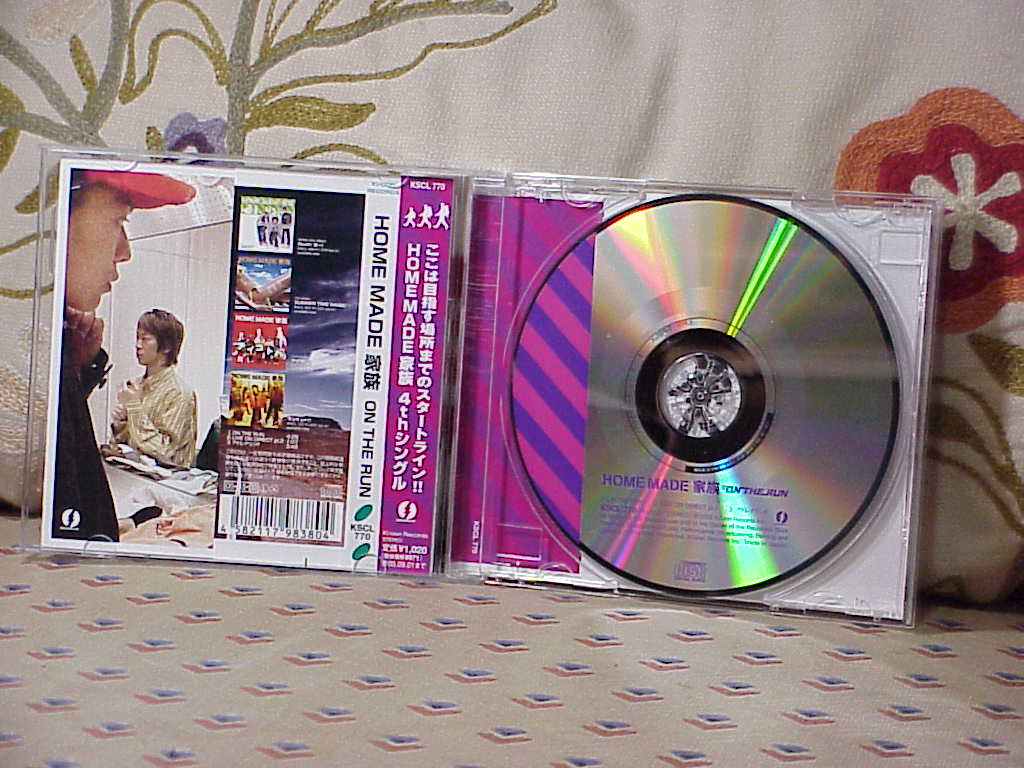
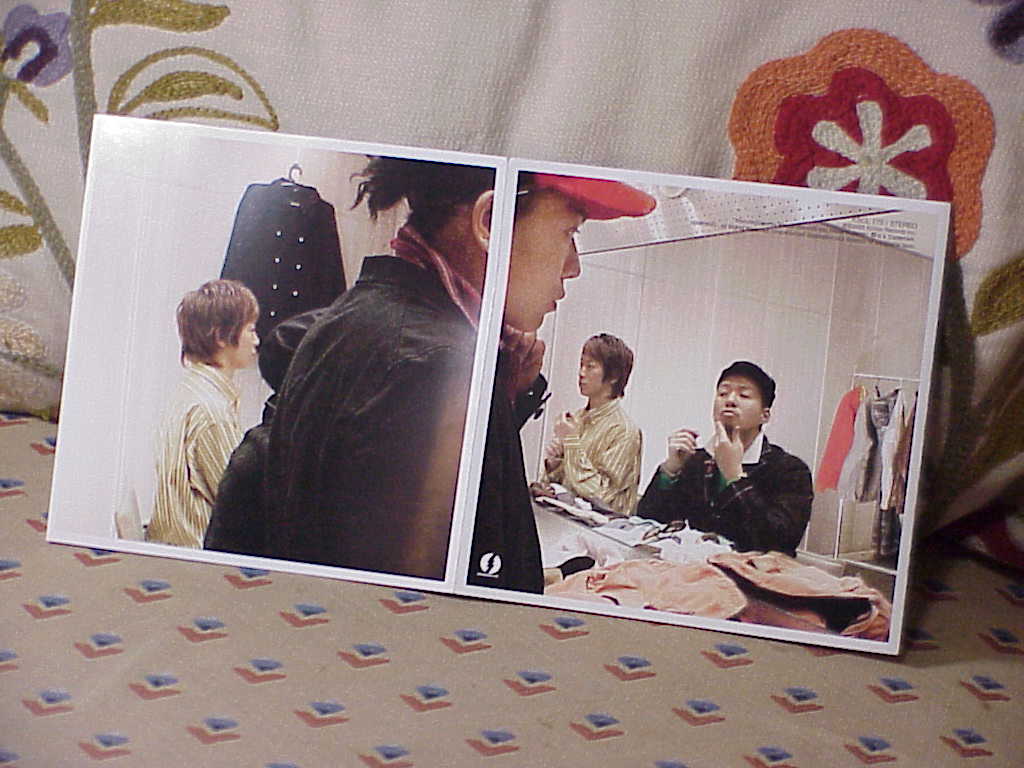
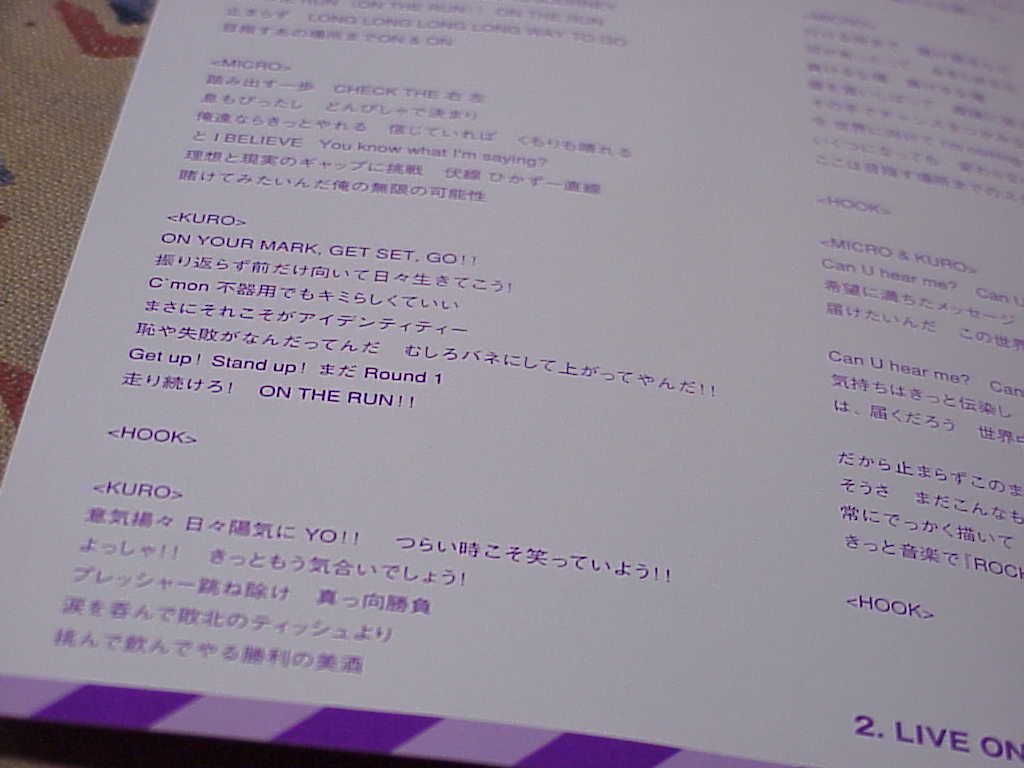
This is their 4th single released on March 2, 2005. It's a fun song, the B-sides are average but a nice single overall.
| ON THE RUN by HOME MADE 家族 | ||
|---|---|---|
| Track | Rating | Comment |
| 1. ON THE RUN | ***** | |
| 2. LIVE ON DIRECT pt.2 | *** | A little over a minute long, it's like a bonus track. |
| 3. アドレナリンF | *** | |
April 18, 2026 - Sony Cyber-shot DSC-F707 Photos
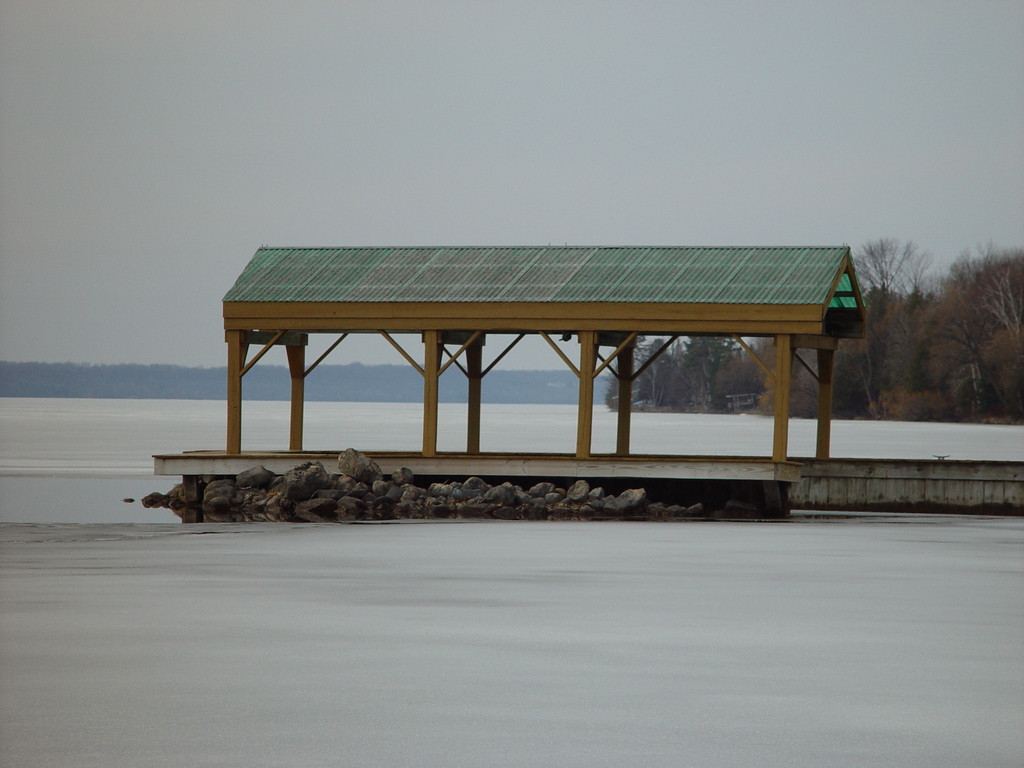


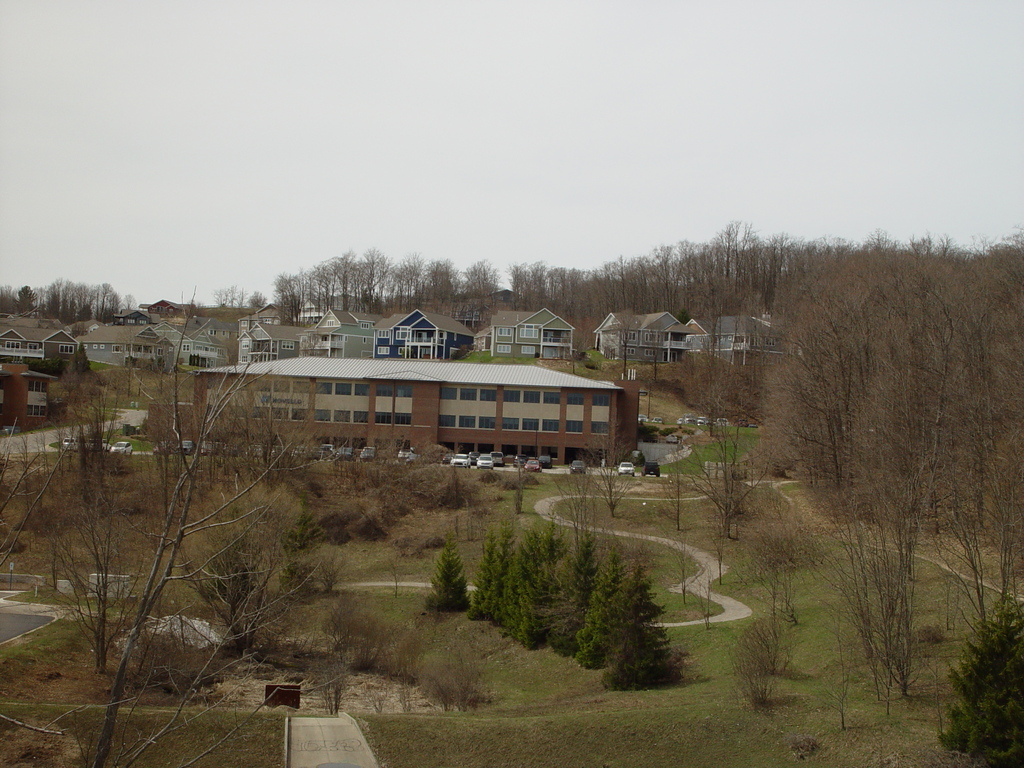


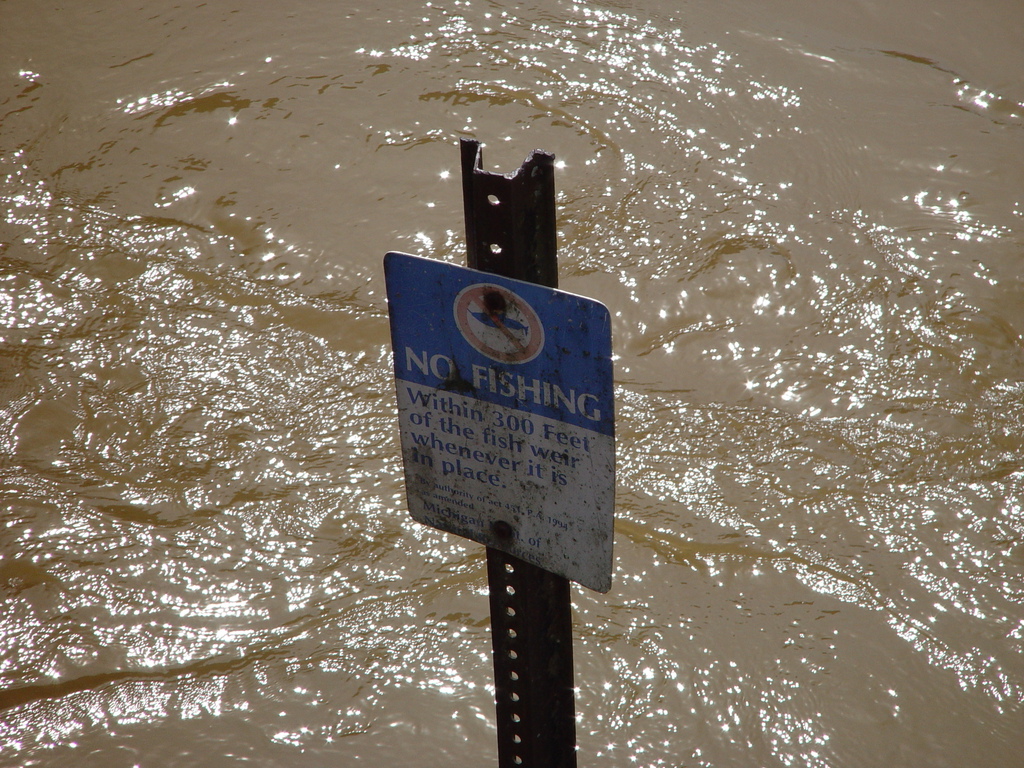
It seems like we survived winter, yesterday I did my first bike ride of the year.
April 1, 2026 - Creating a Game Boy Game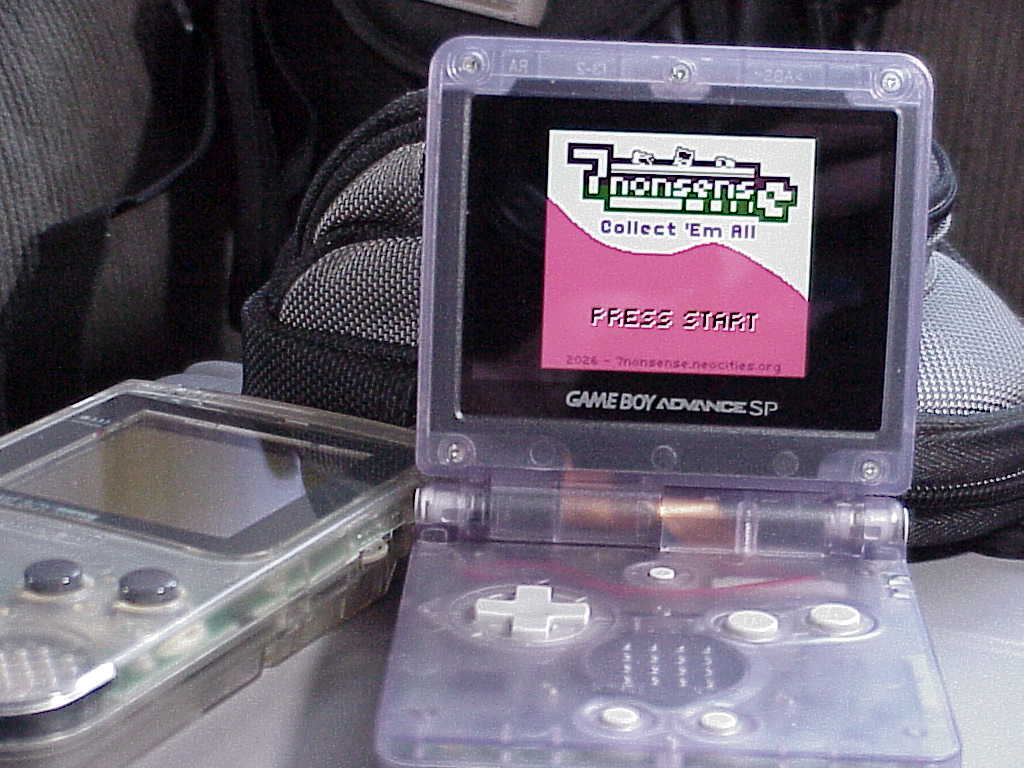
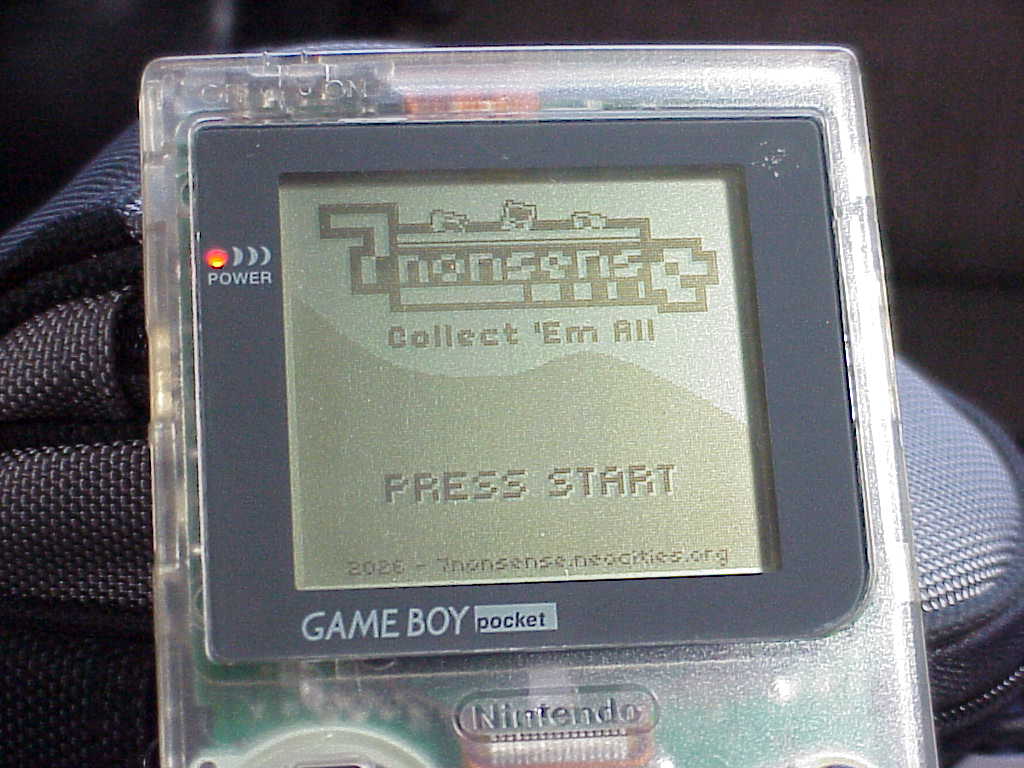
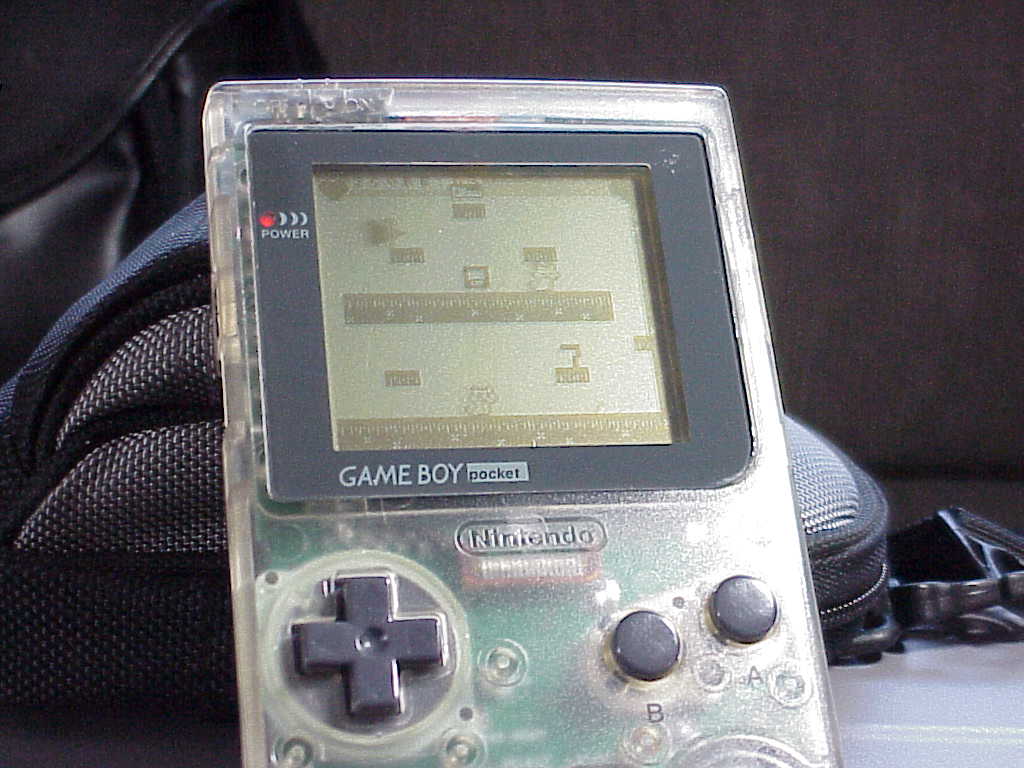
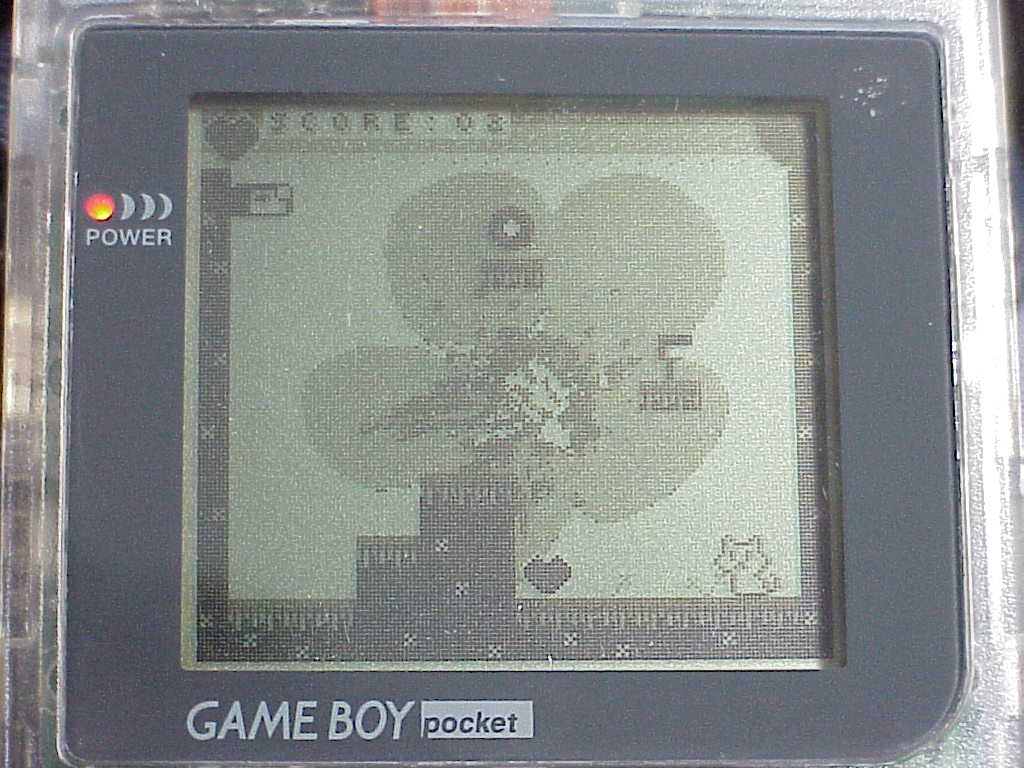
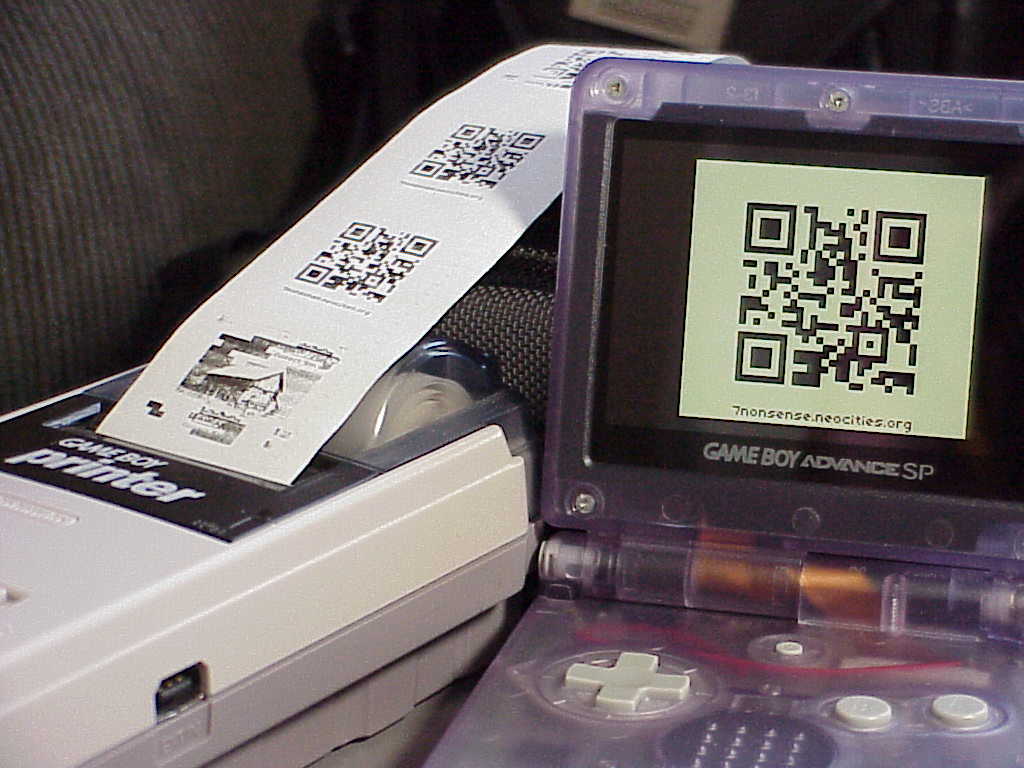
It's something I wanted to try. I heard about an open source software called GB Studio from a McDonald's published game (ROM) in 2023. The software is supposed to be easy drag and drop game creating compatible with real hardware and web browsers. So I tried it out with 7nonsense: Collect 'Em All. A Game Boy and Game boy Color compatible platforming game.


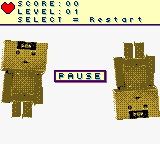
It's just a small game, only 4 levels so far. I'll probably keep working on it and add more but it's a good start and it still needs more testing. The hardest part was getting the text where I wanted it and then on the larger levels keeping the unique tile count low. Making it was fun but I got stuck a couple times and I'm probably not doing some things the right way, something more complicated would be more challenging.


Main character is a "seven". The cat enemy I got somewhere from the Game Boy Camera I think but also made a smaller kitten version too.

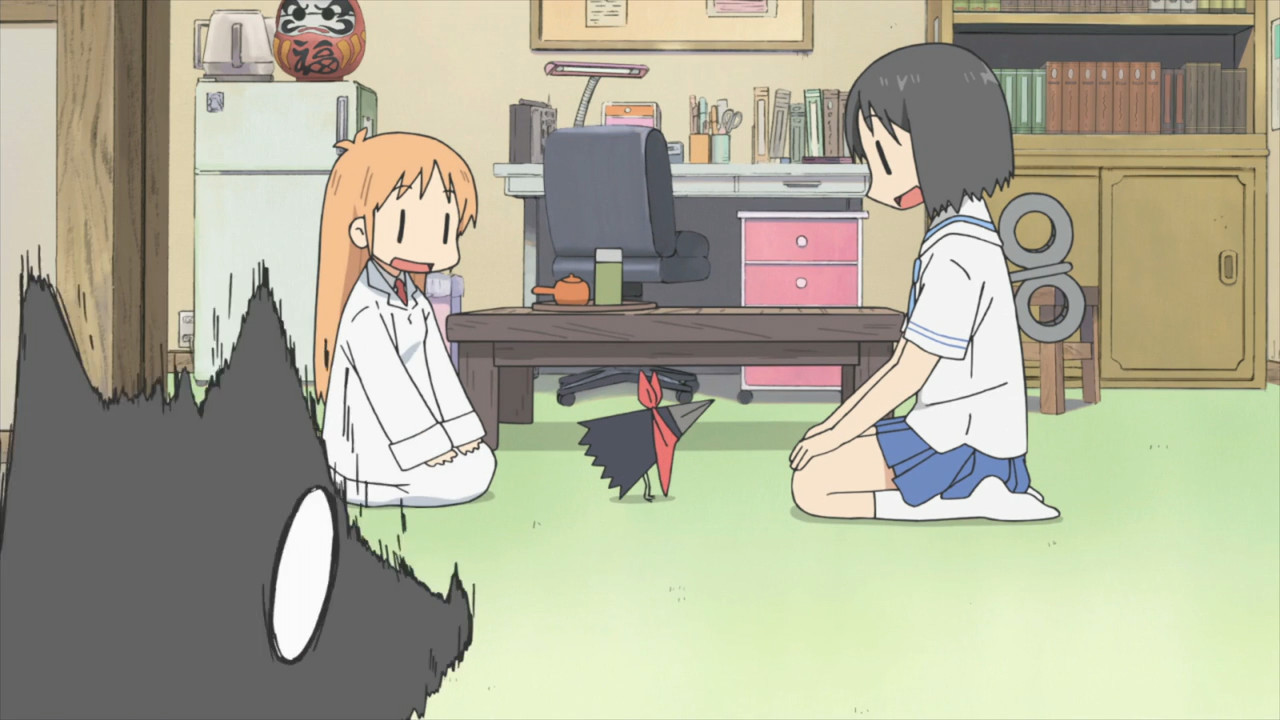
The bird enemy is the crow from Nichijou.


Items to collect are a floppy disk, compact disc, camera, video game, calculator, laptop. Heart to gain health back, and a 10 extra points collectable. Collect all 5 extra hidden points to see 2 bonus pictures at the end of the game instead of just 1.

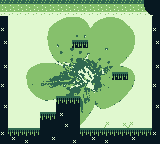
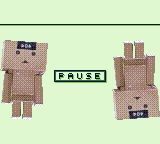
The backgrounds are made in GIMP in grayscale and then colored in GB Studio.
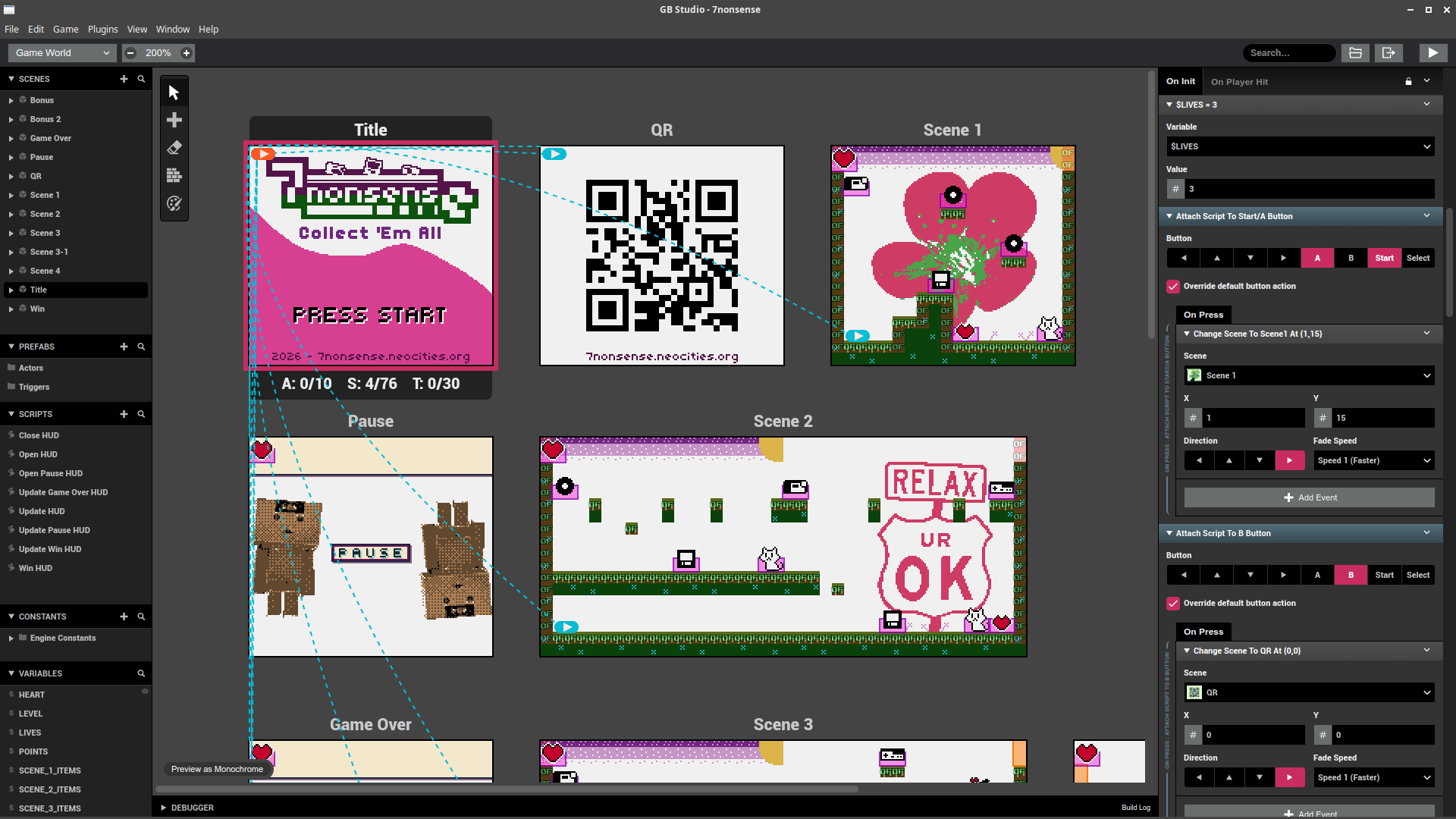
GB Studio's main screen showing the game. Pressing B at the title screen will display the QR code and you can even print it to the Game Boy Printer by pressing Select. The title screen is branching out to all the levels because of the secret menu.
Click the banner to play in web browser:

Download ROM to play on real hardware! [V1.0 256 KB]
March 16, 2026 - PetC@m A300 Web Camera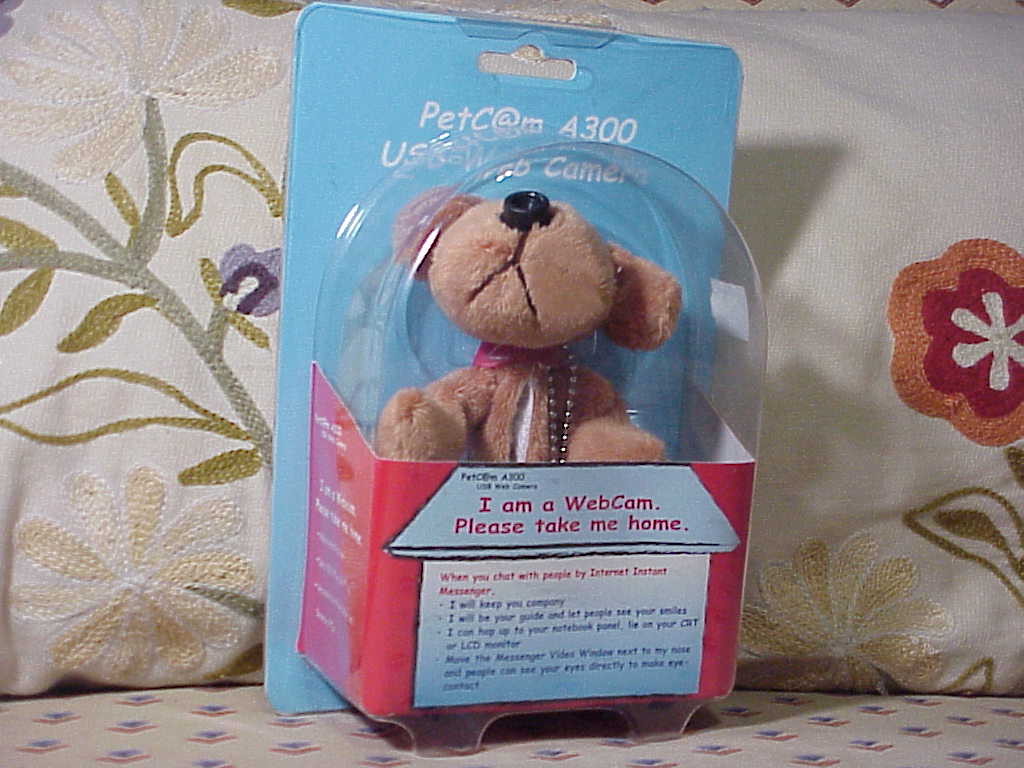
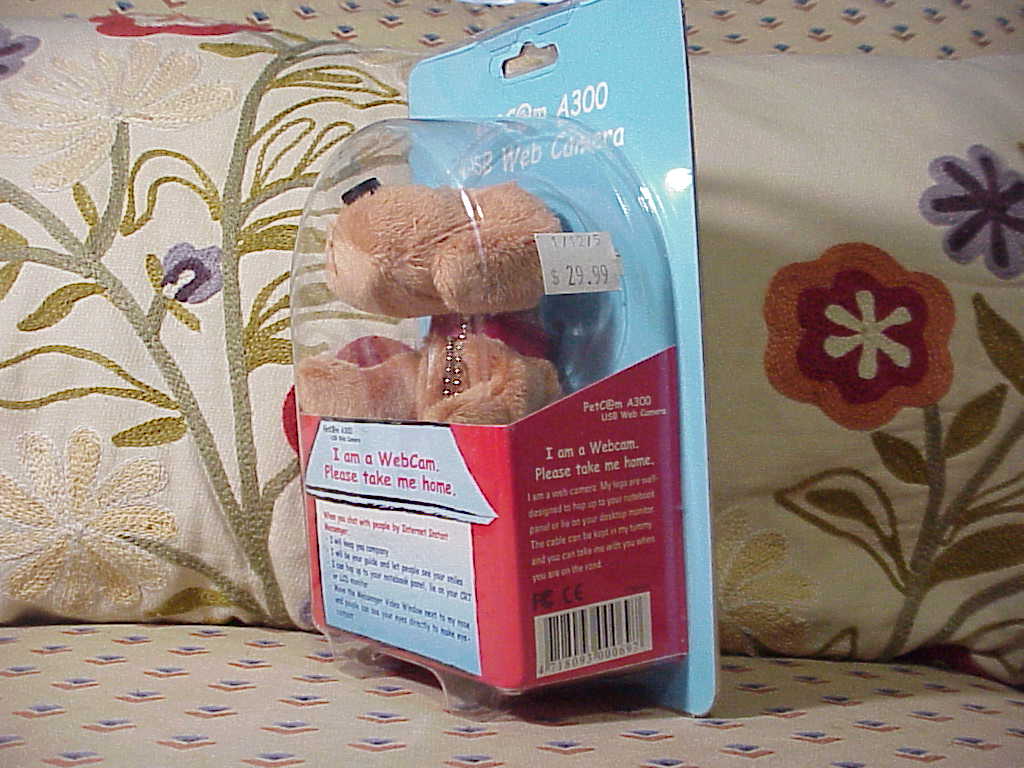
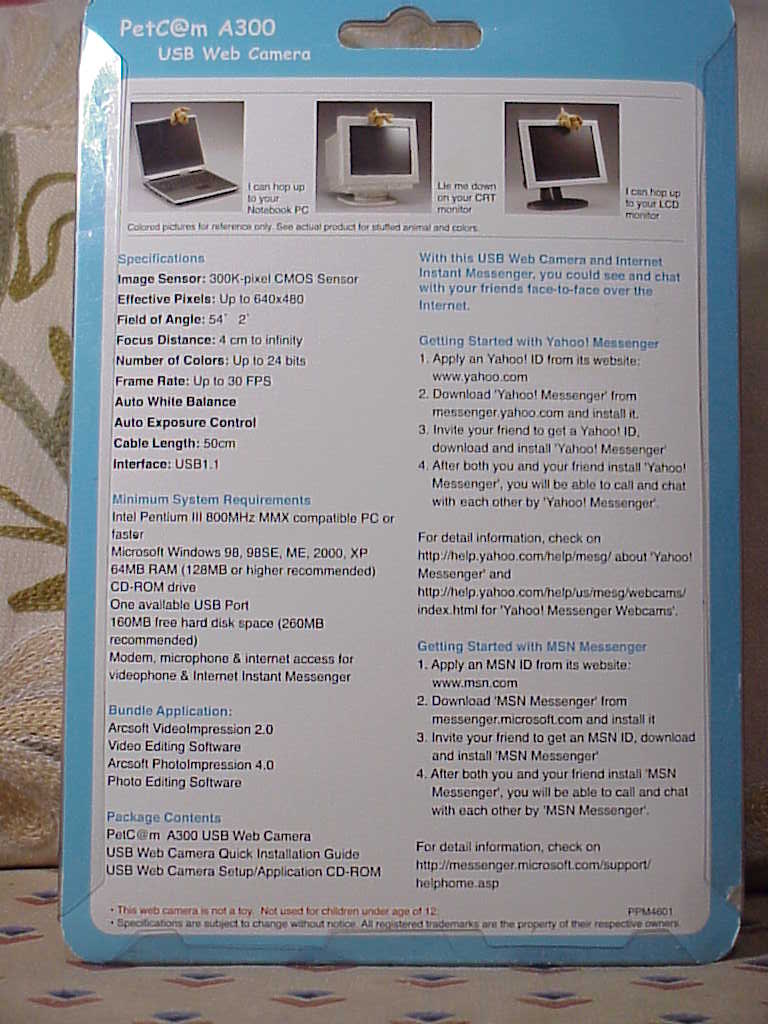
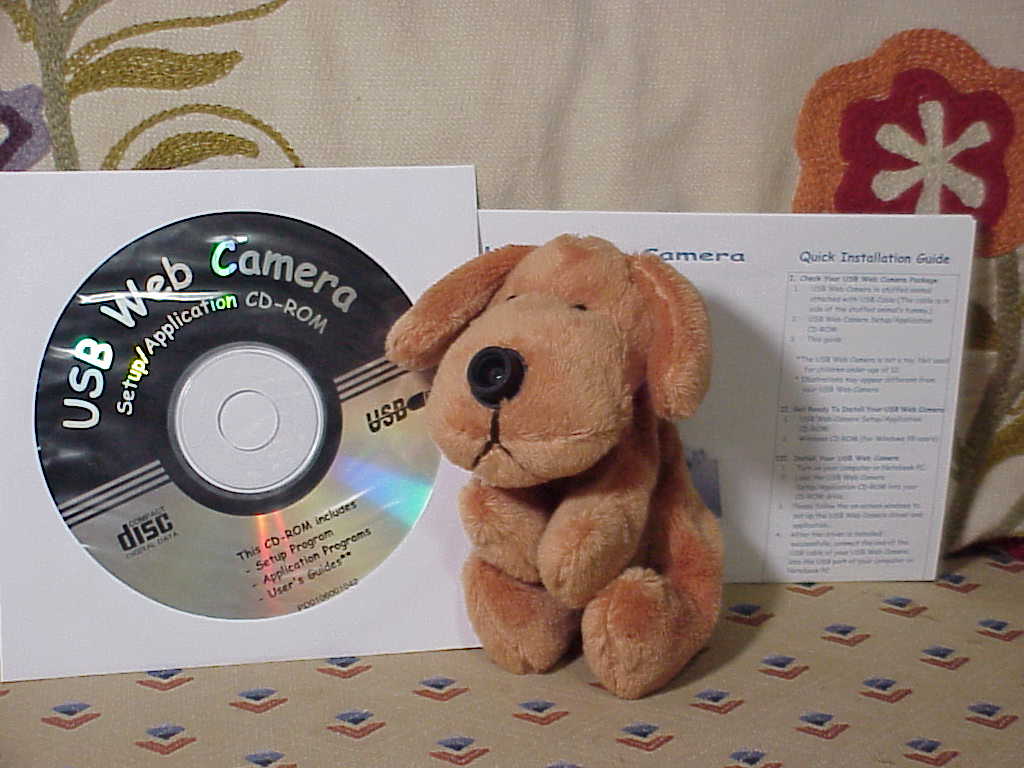
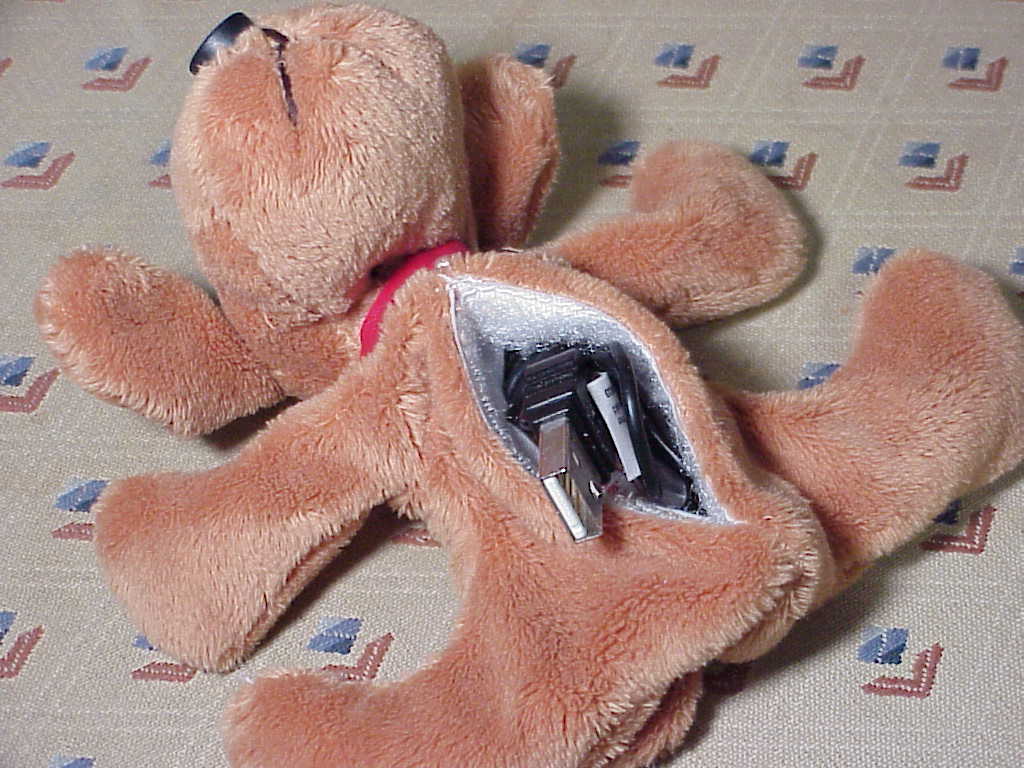
The PetC@m A300 Web Camera was released in 2001. It's a USB connected computer web camera that supports up to a 640x480 resolution. The camera is the nose of a stuffed dog with a 50cm long USB cable coming out of its stomach pouch. It's probably the cutest webcam you can get and it fits really well on a laptop screen and looks great. It does not have a microphone built in.


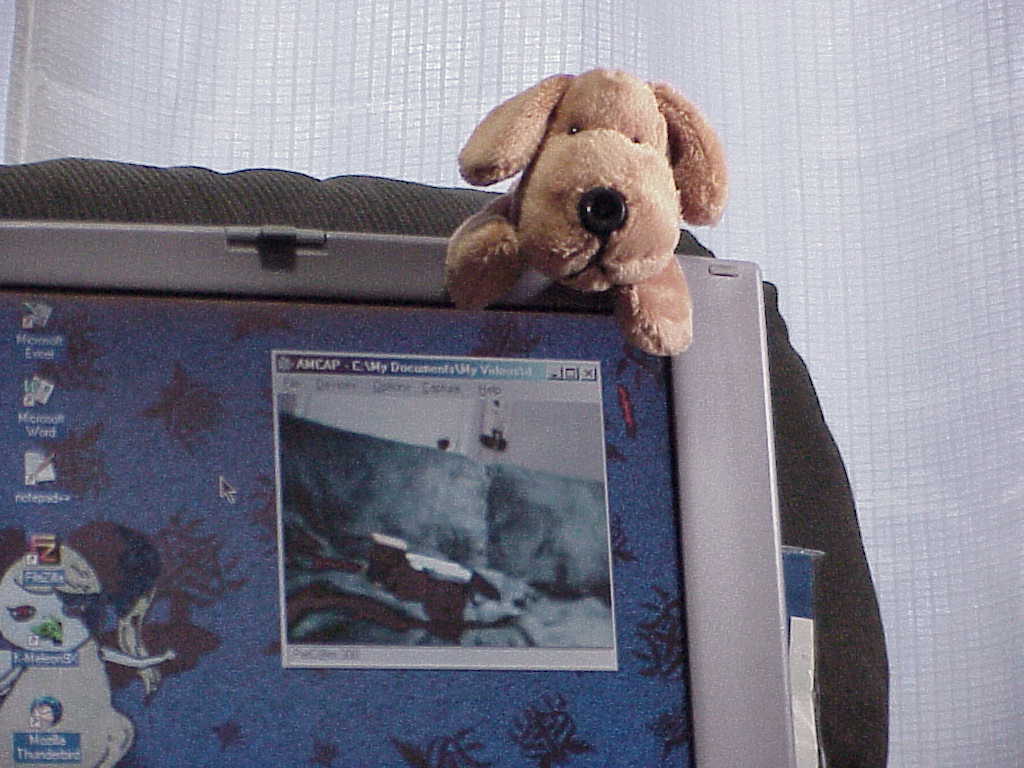
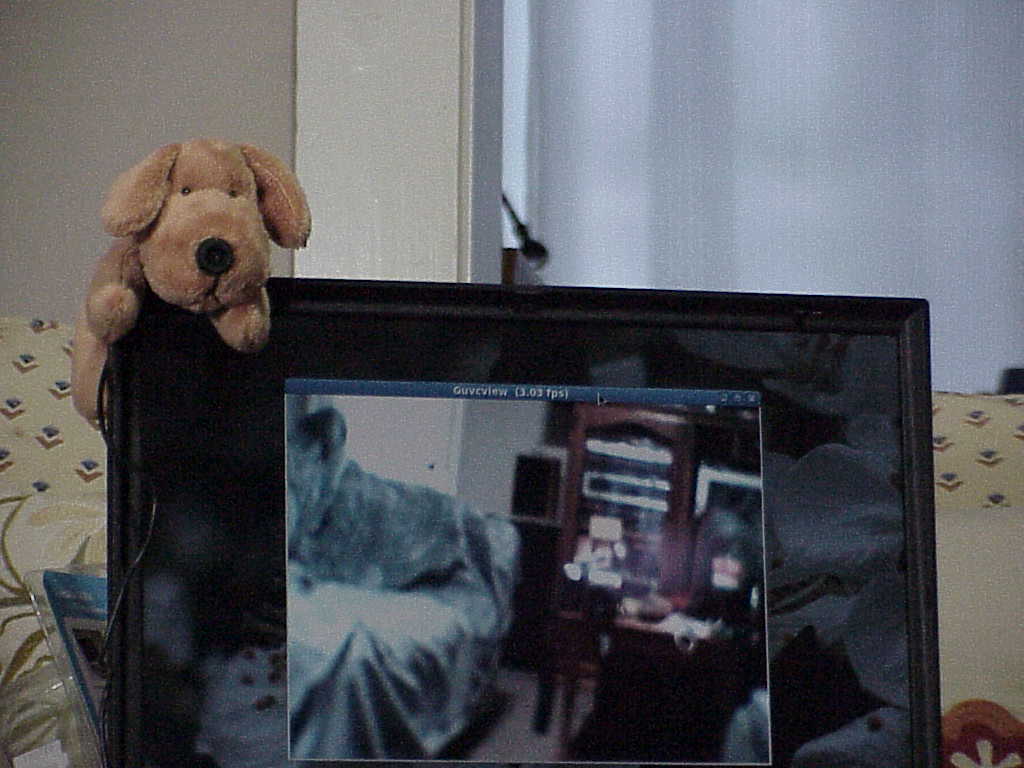
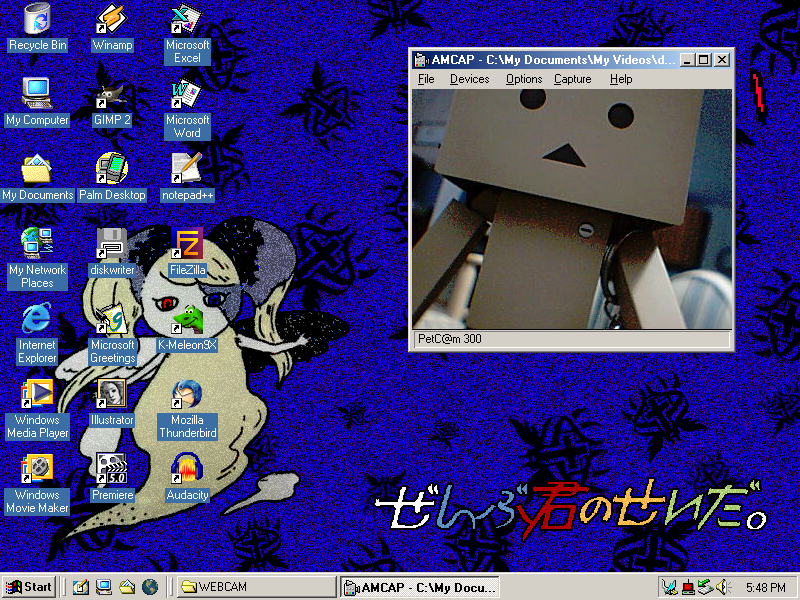
Tryed it on the Windows ME laptop and a Linux one. You have to be close to it for it to focus but it should be perfect if you're right in front of it doing a video call or something. I used AMCap 1.0 to test it on my Windows ME laptop and it worked fine and was able to record a video with it. I didn't want to install the bloated software it came with so was happy to find a lightweight program that just worked. Only had to install the driver from the disc.
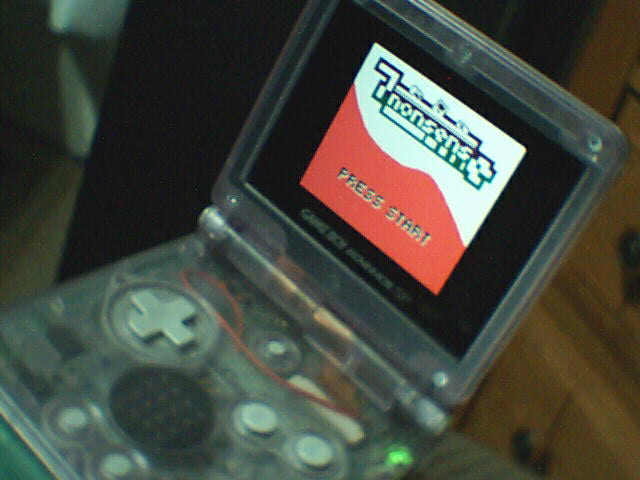
Direct image captures while it was connected to the Linux laptop in the low and high resolutions.
February 26, 2026 - Sony Cyber-shot DSC-F707 Photos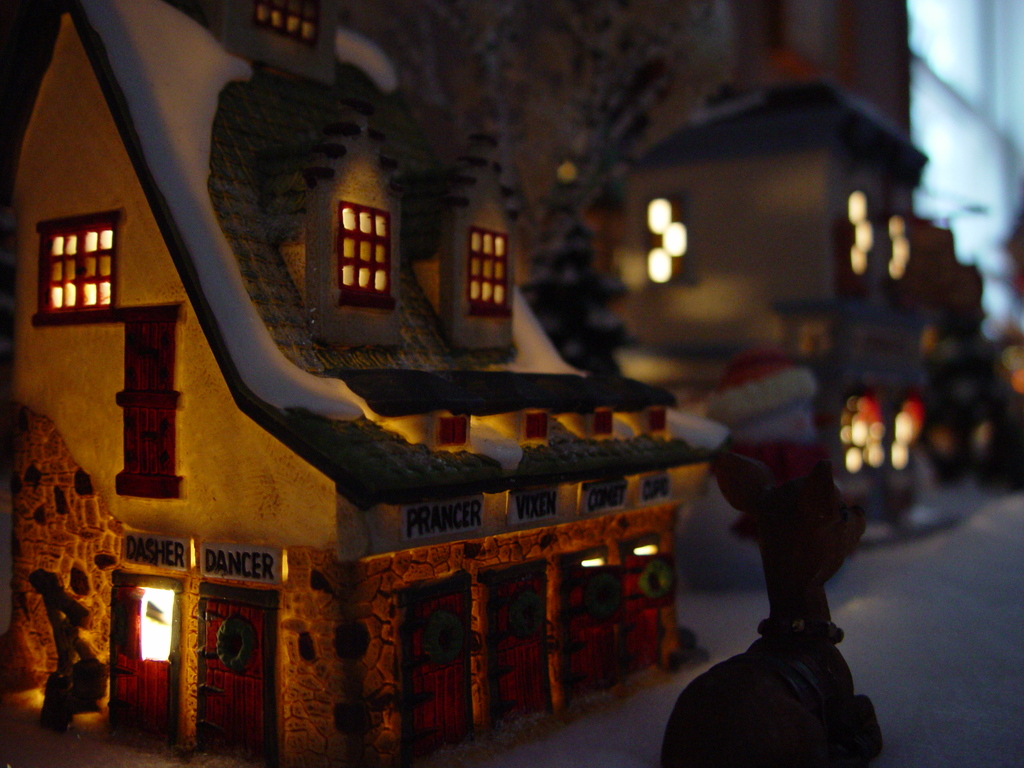
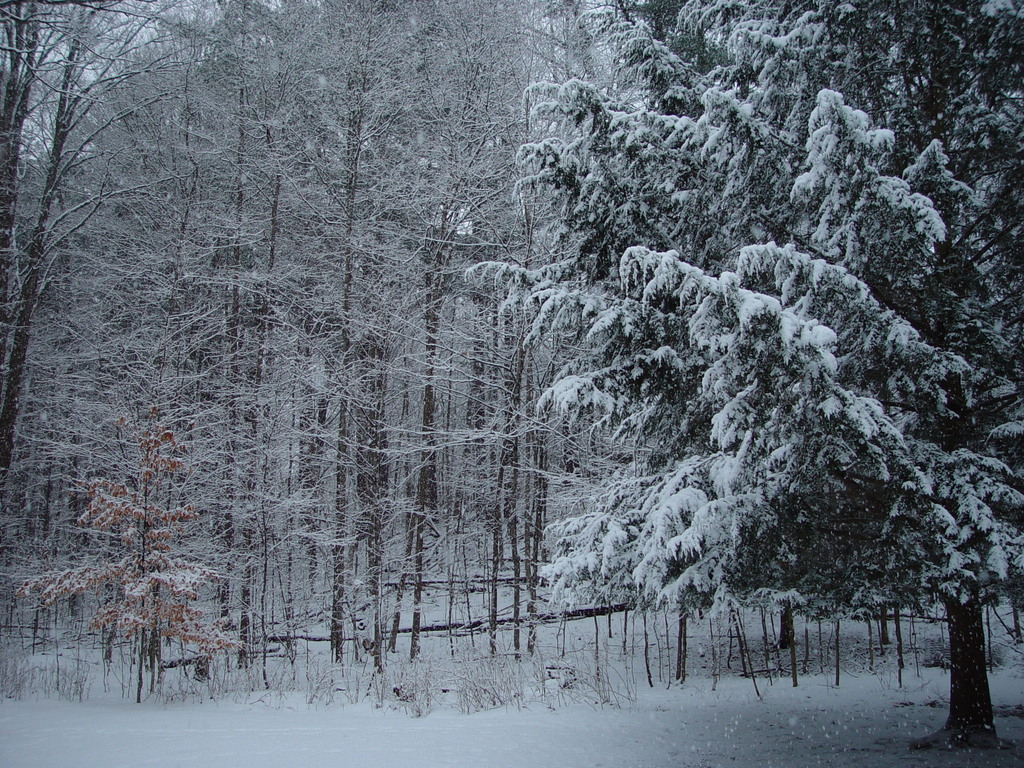


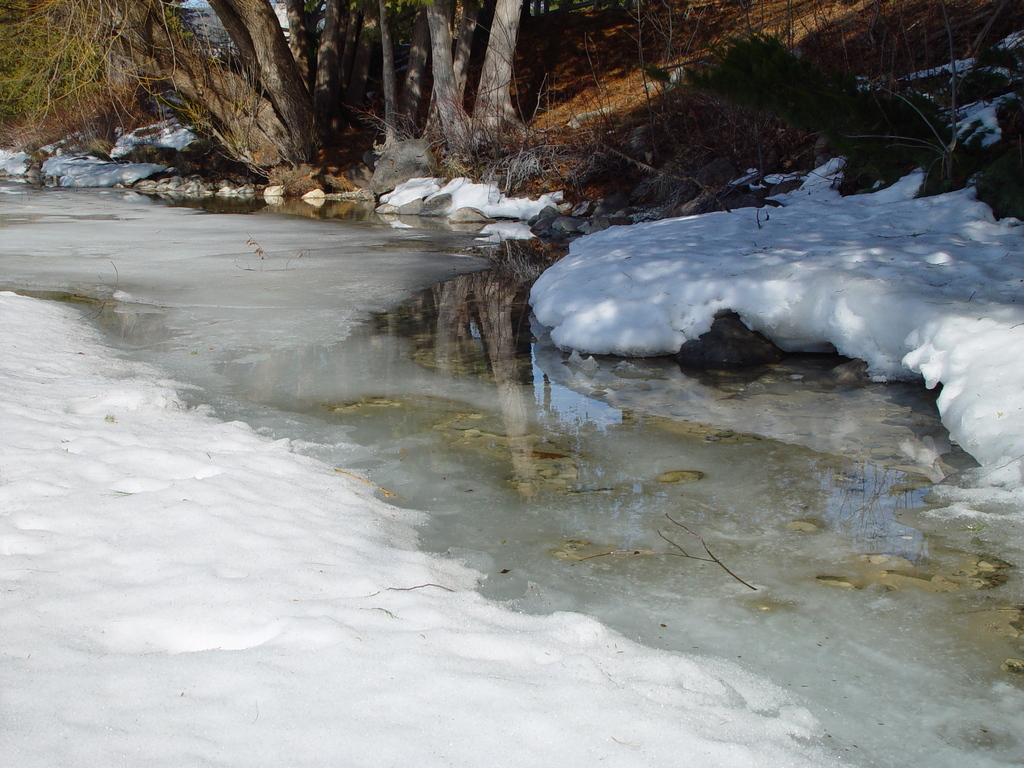


The first image is from December 24, 2025; the rest are from this year.
February 12, 2026 - DarkBright by ゆくえしれずつれづれ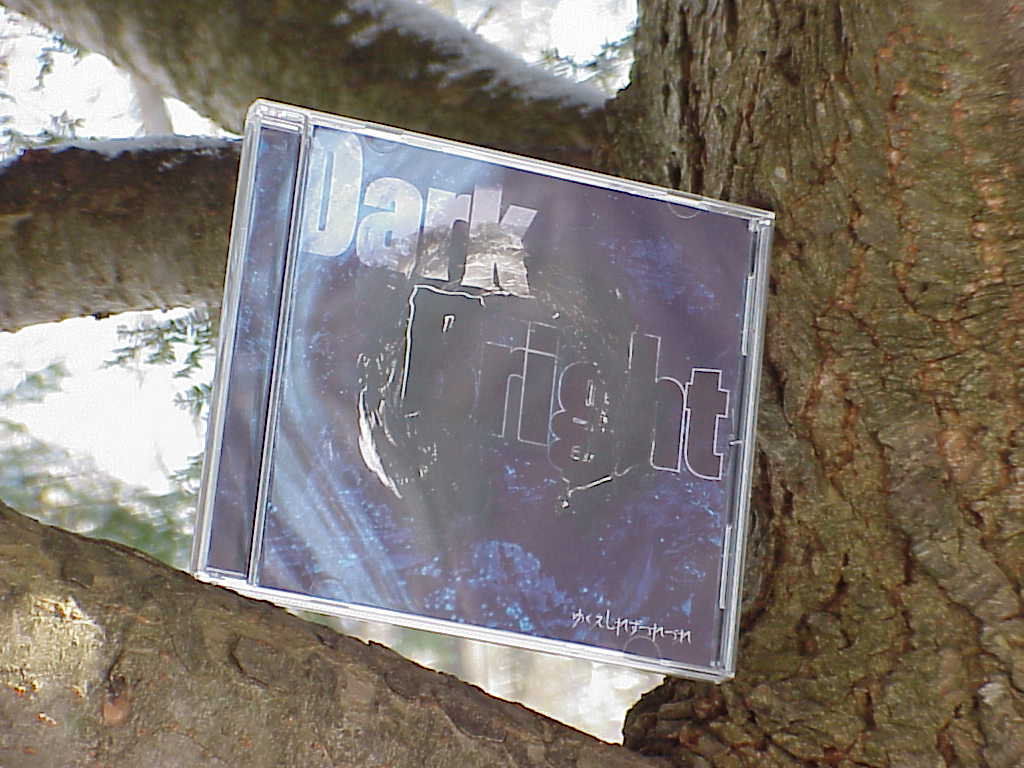
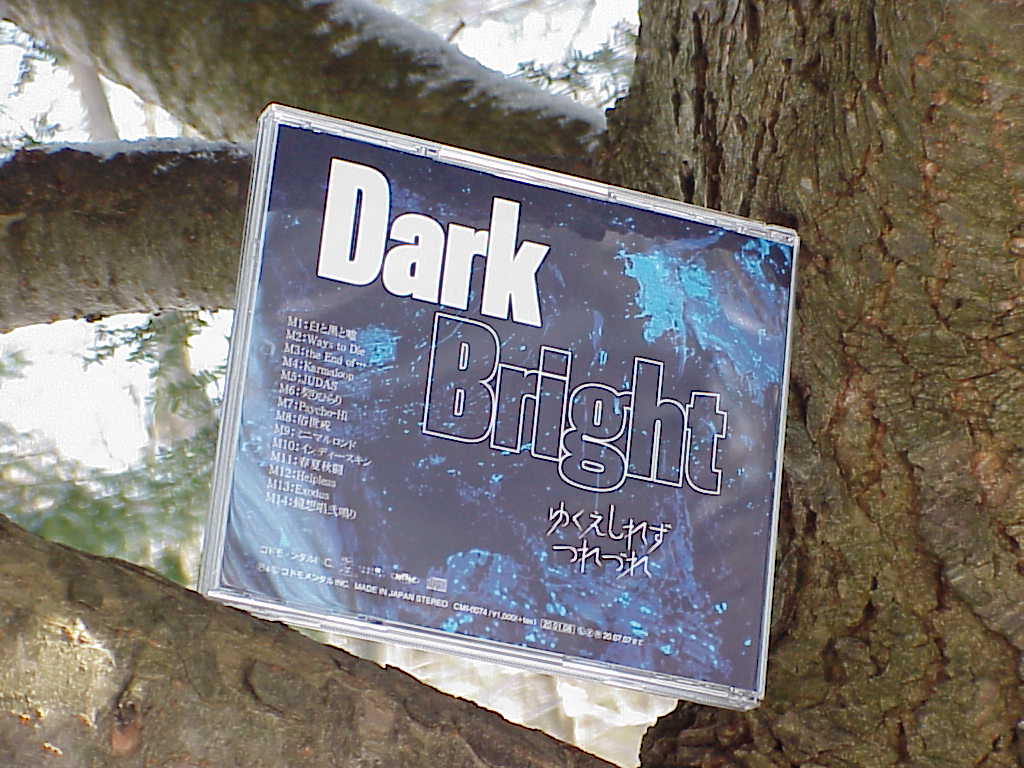
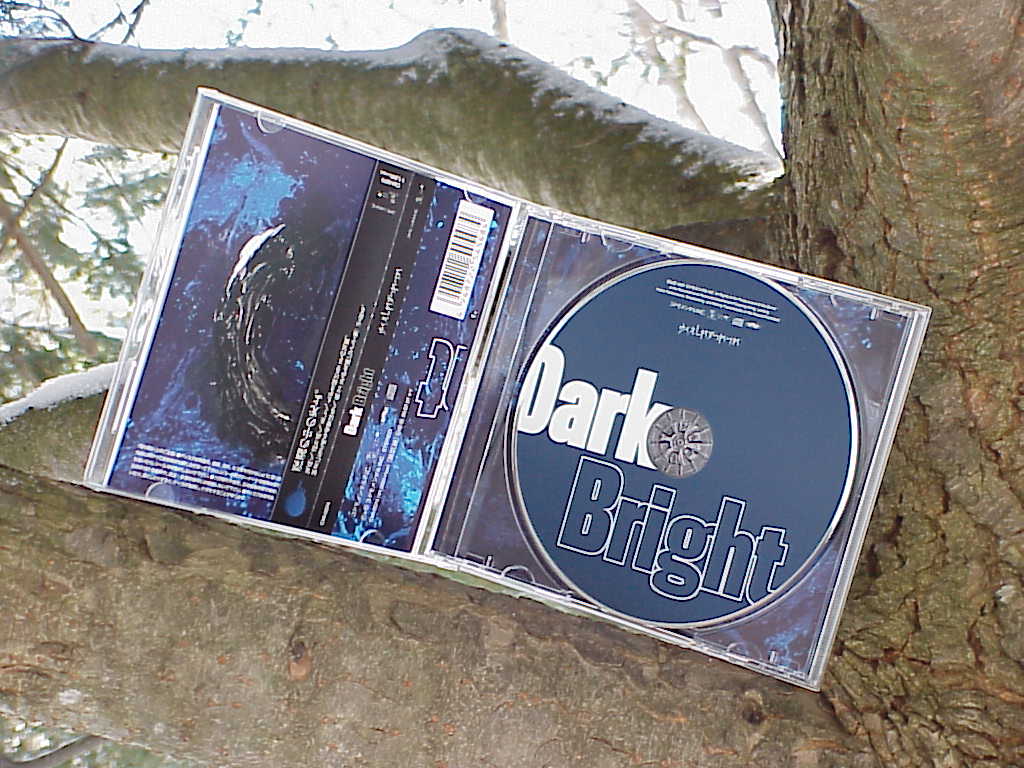
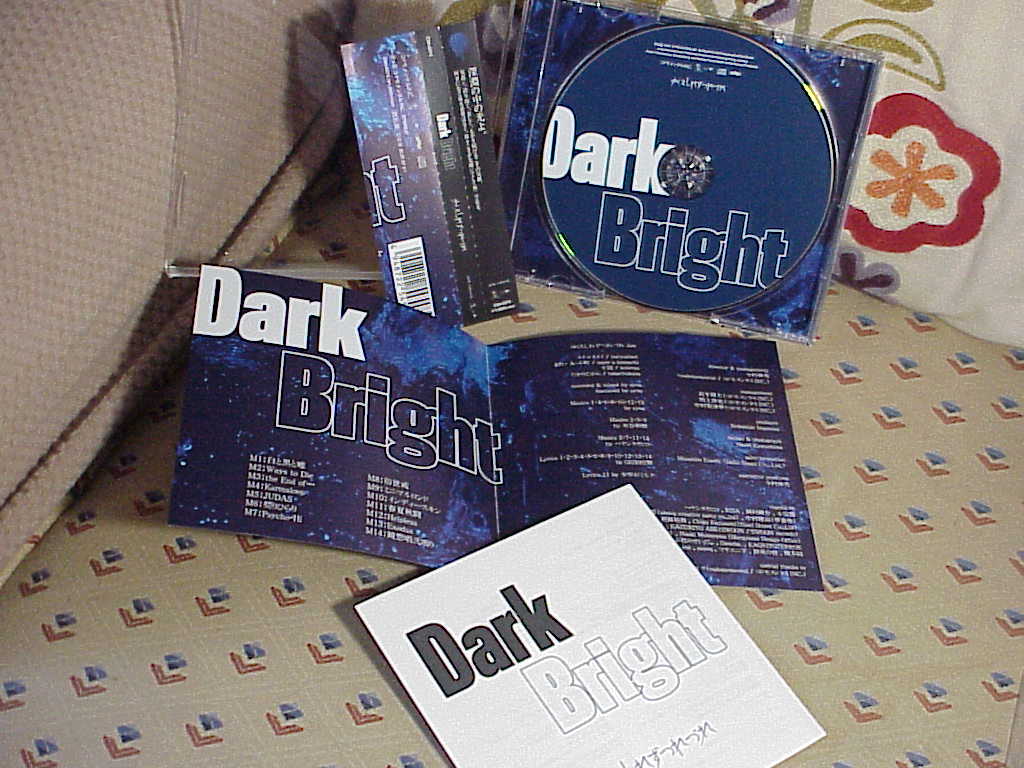
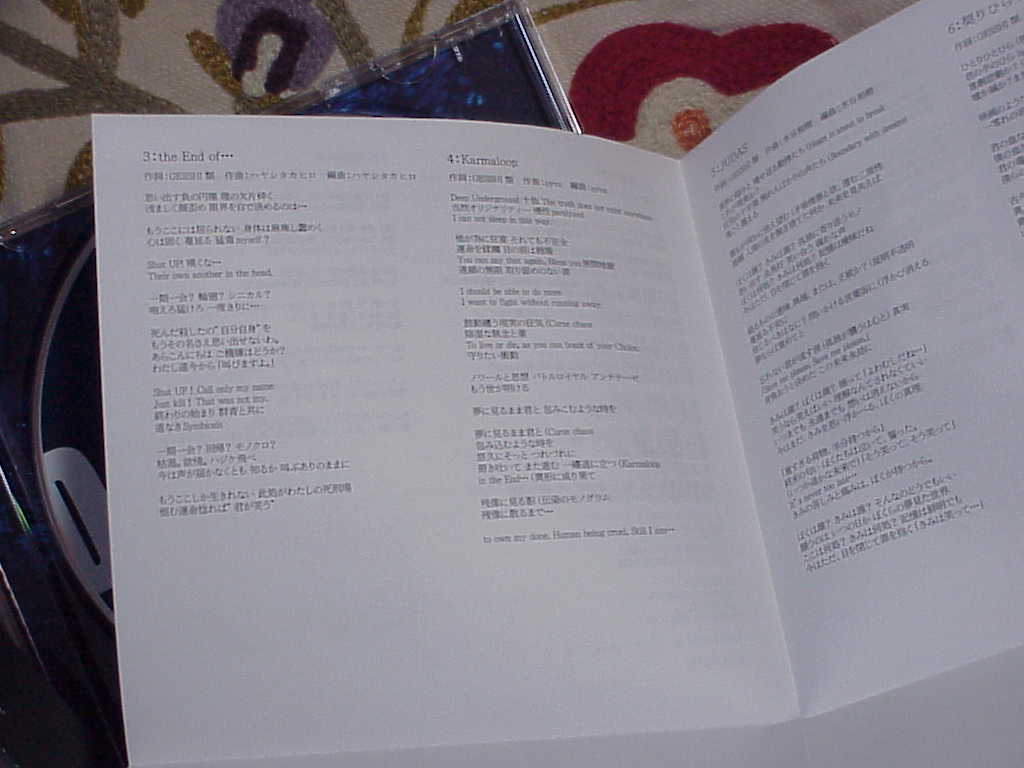
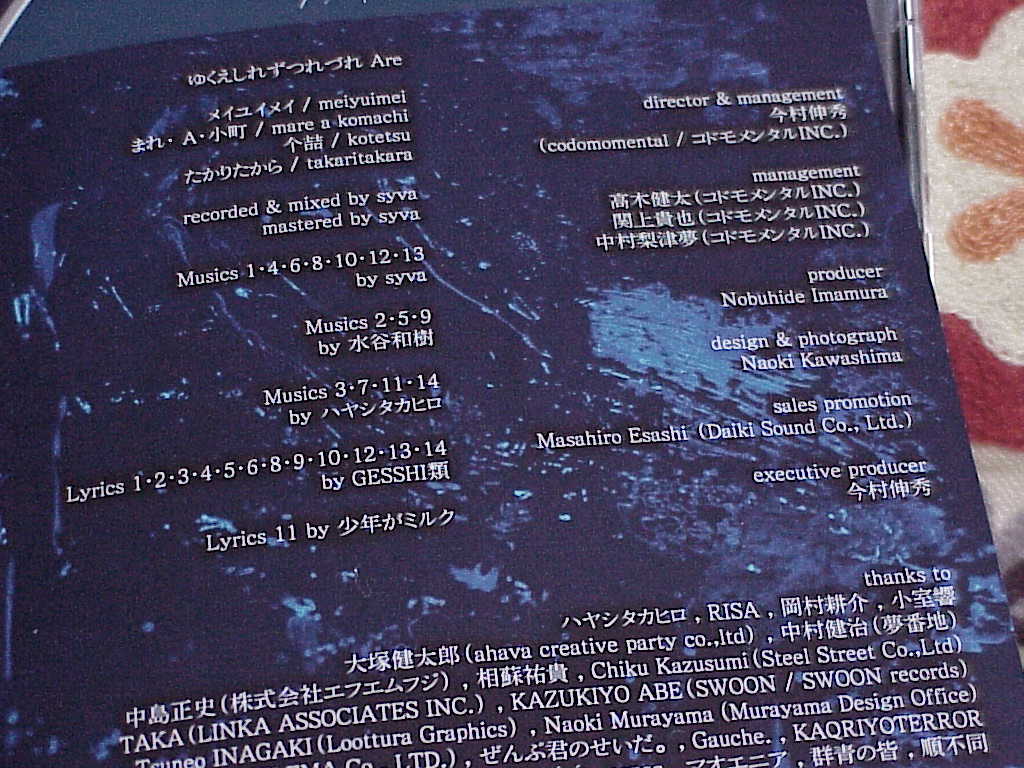
Released on January 8, 2020. This is their third re-recording album and was released a couple months after "BrightDark". The four members active during the time of these albums are my favorite, I like each of their vocals a lot. The previous albums selection of songs are better than this one though.
| DarkBright by ゆくえしれずつれづれ | ||
|---|---|---|
| Track | Rating | Comment |
| 1. 白と黒と嘘 | **** | |
| 2. Ways to Die | **** | |
| 3. the End of... | **** | |
| 4. Karmaloop | ***** | |
| 5. JUDAS | *** | |
| 6. 契りひらり | **** | I like the vocals of たかりたから in this song. |
| 7. Psycho-Hi | *** | |
| 8. 俗世戒 | ***** | My favorite track in this album. |
| 9. ミニマルロンド | *** | |
| 10. インディースキン | *** | |
| 11. 春夏秋闘 | *** | |
| 12. Helpless | *** | |
| 13. Exodus | **** | |
| 14. 鏡想唱二鳴り | **** | |
Picked randomly from my collection by the Psion Organiser.
January 26, 2026 - GE Spacemaker 7-7150B TV Install
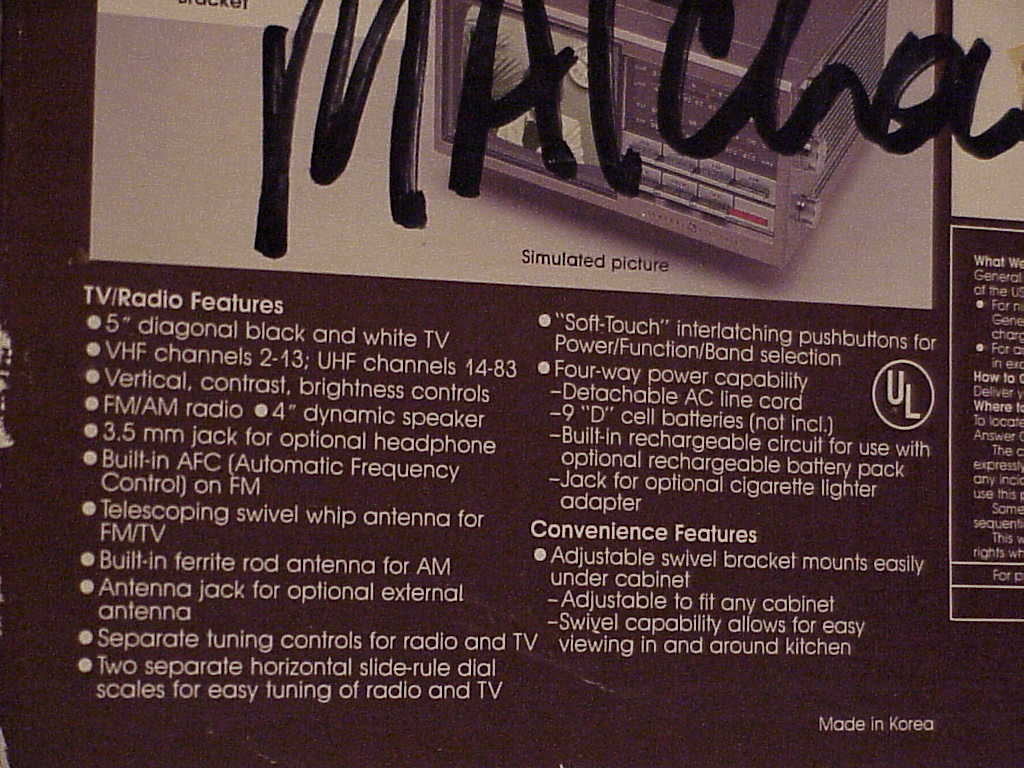
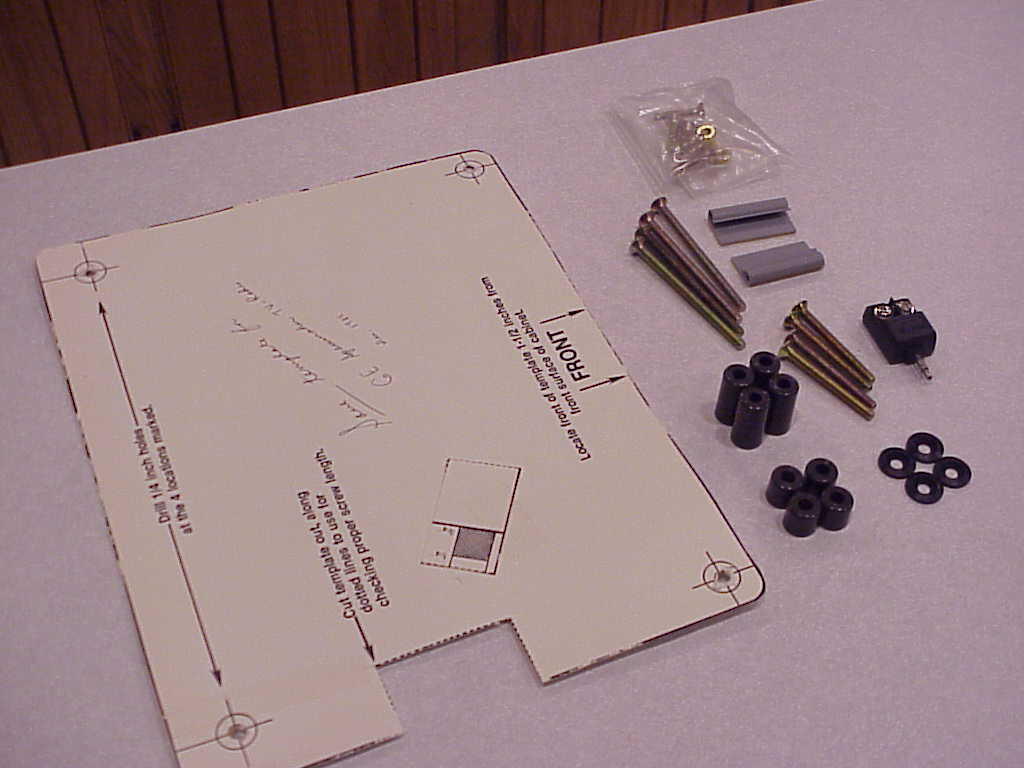
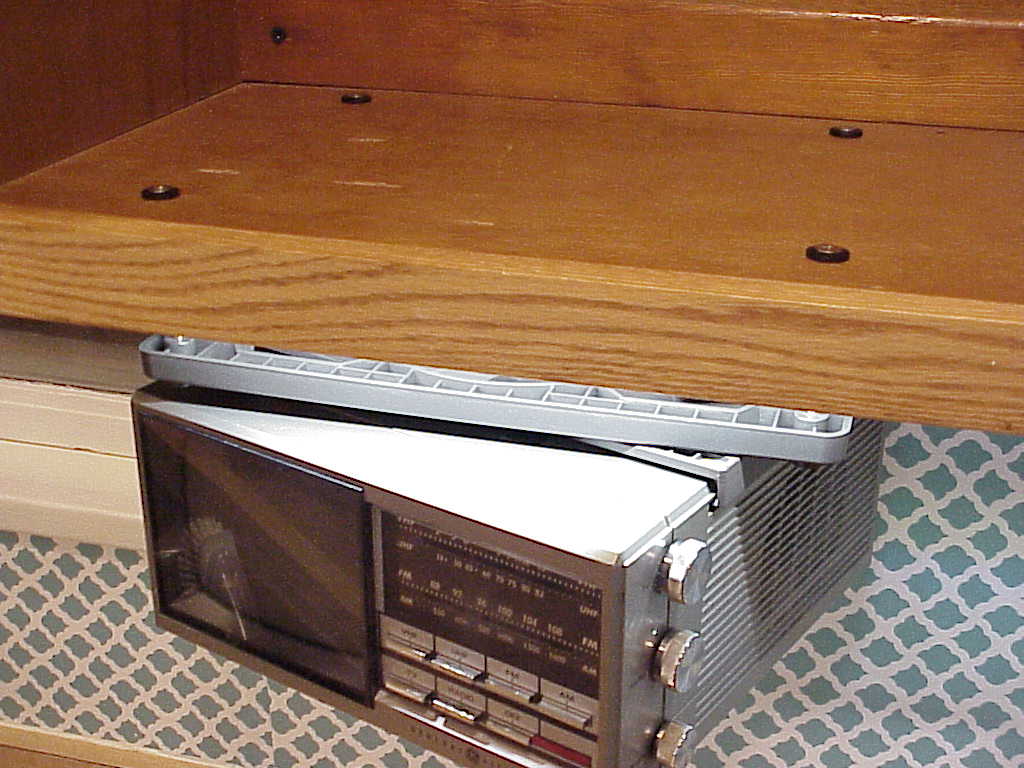
The GE Spacemaker 7-7150B Kitchen Companion TV / Radio was released in 1987. With this 5 inch black and white under cabinet mounted CRT TV, I definitely might be getting too modern with a television in the kitchen. Looks like someone had it installed before but everything still looks almost new and It still works great.
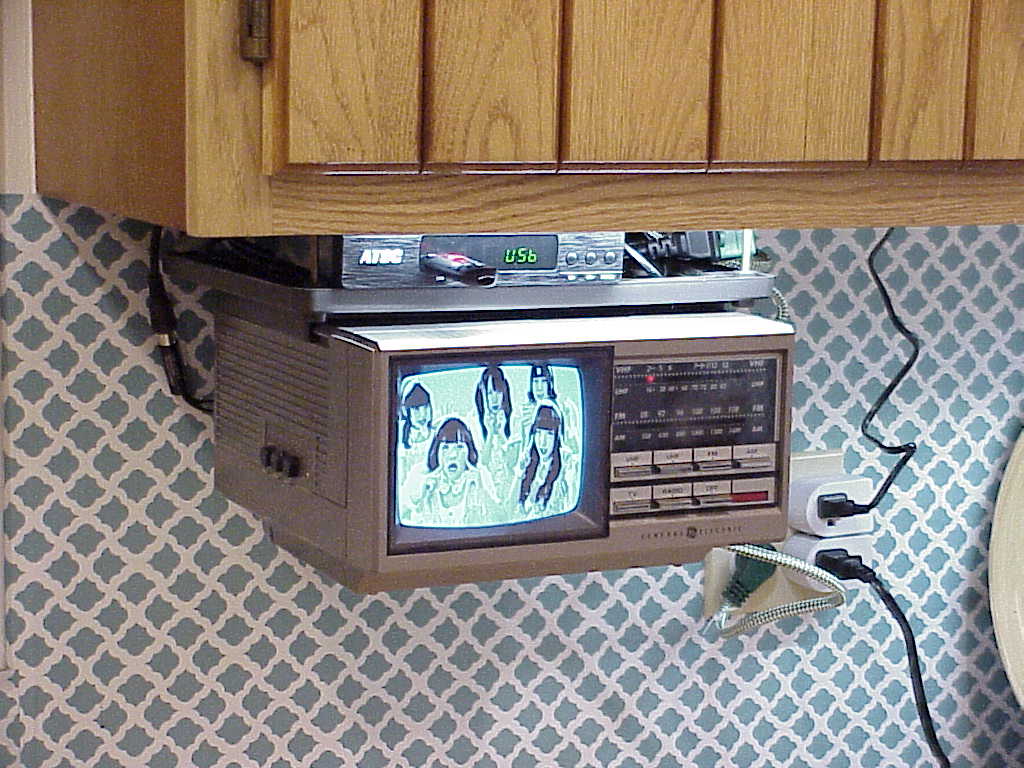
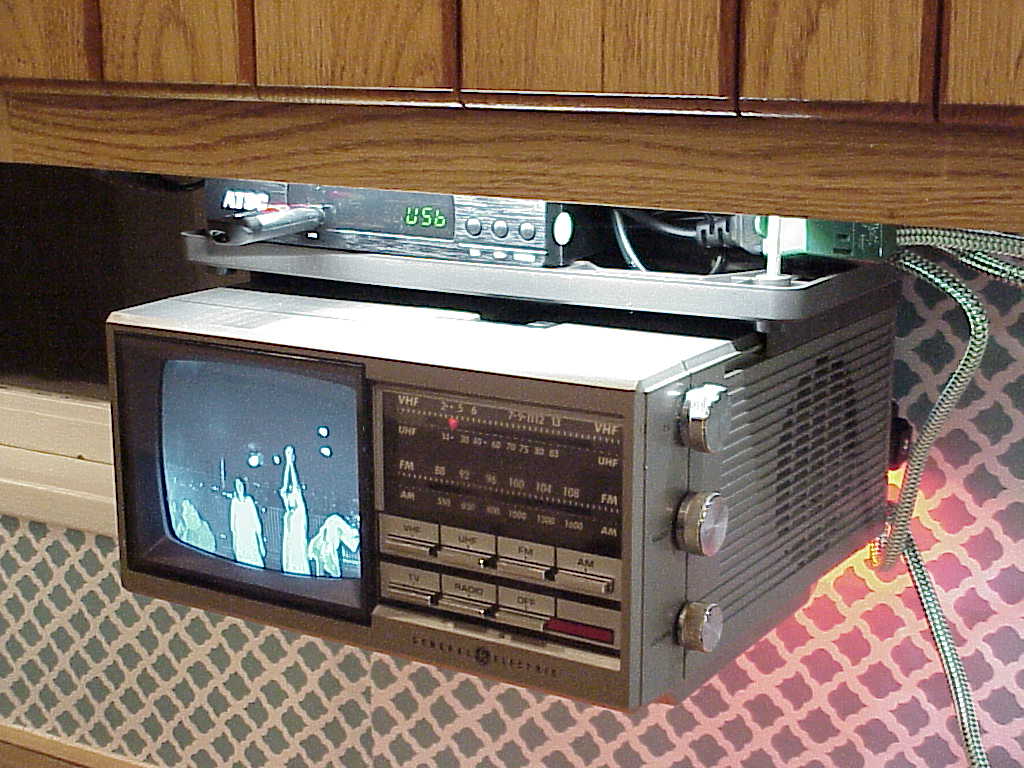
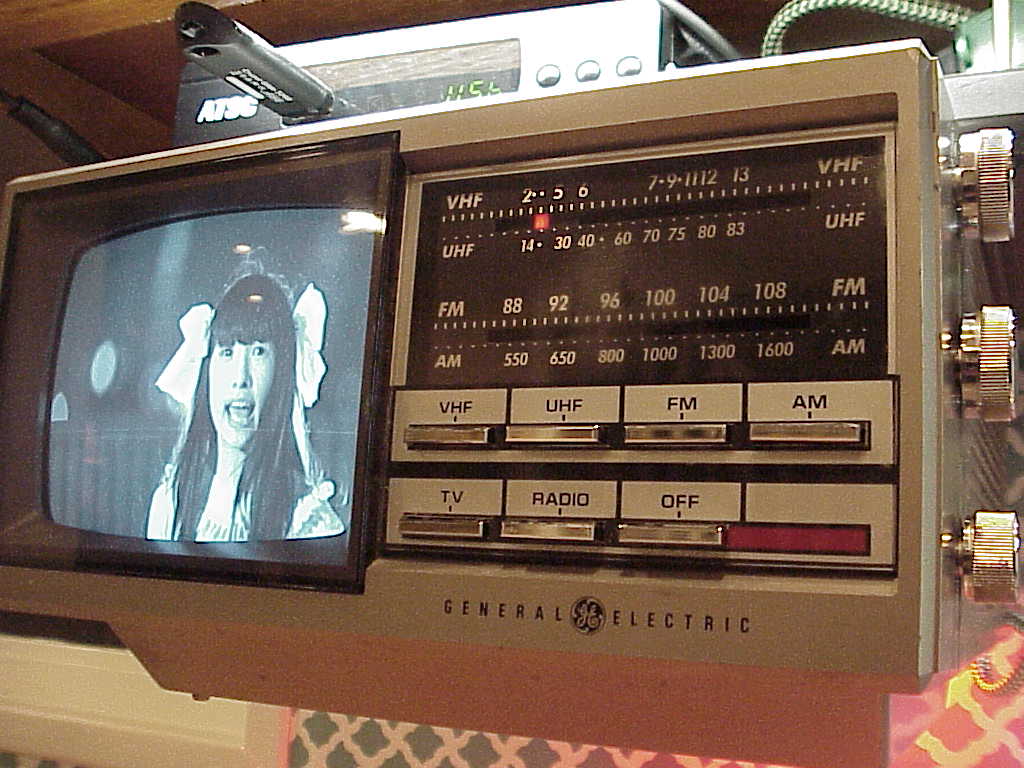
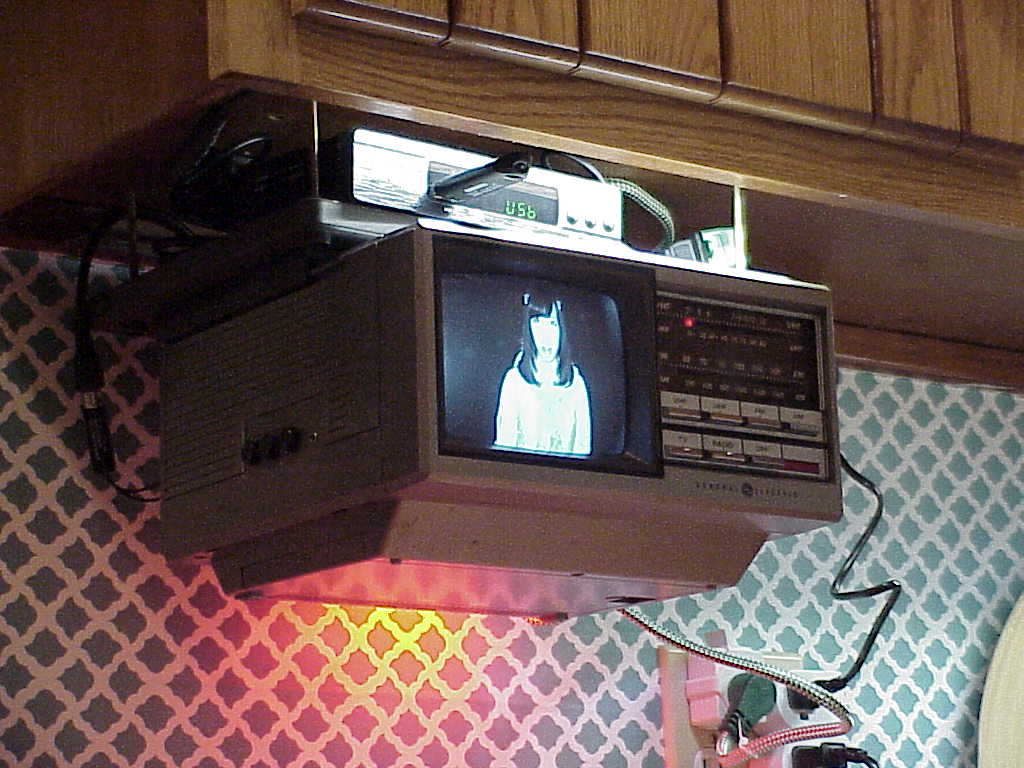
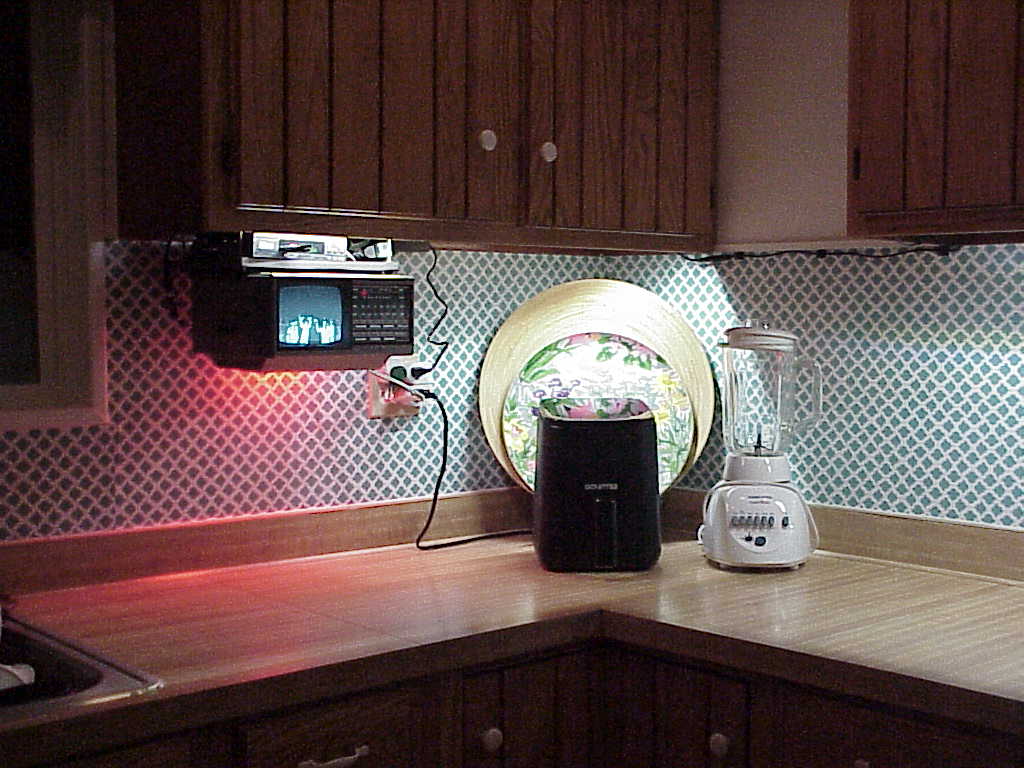
I reused a hole that was already in the cabinet so only had to drill three more. There was a toaster on the counter underneath but I don't use it much so I put it away, I'll use my toaster oven thats also from around the late 80's. Easy to install and theres room above the mount for all the wires and a digital converter box.

I'm using a digital converter box that can output RF, composite, component, and HDMI; so it can work on any TV and can play USB drive media files. I don't get many over the air channels and the few are blocky and glitchy, wish there still was analog TV.
January 18, 2026 - Getting My Toshiba Satellite Laptop Online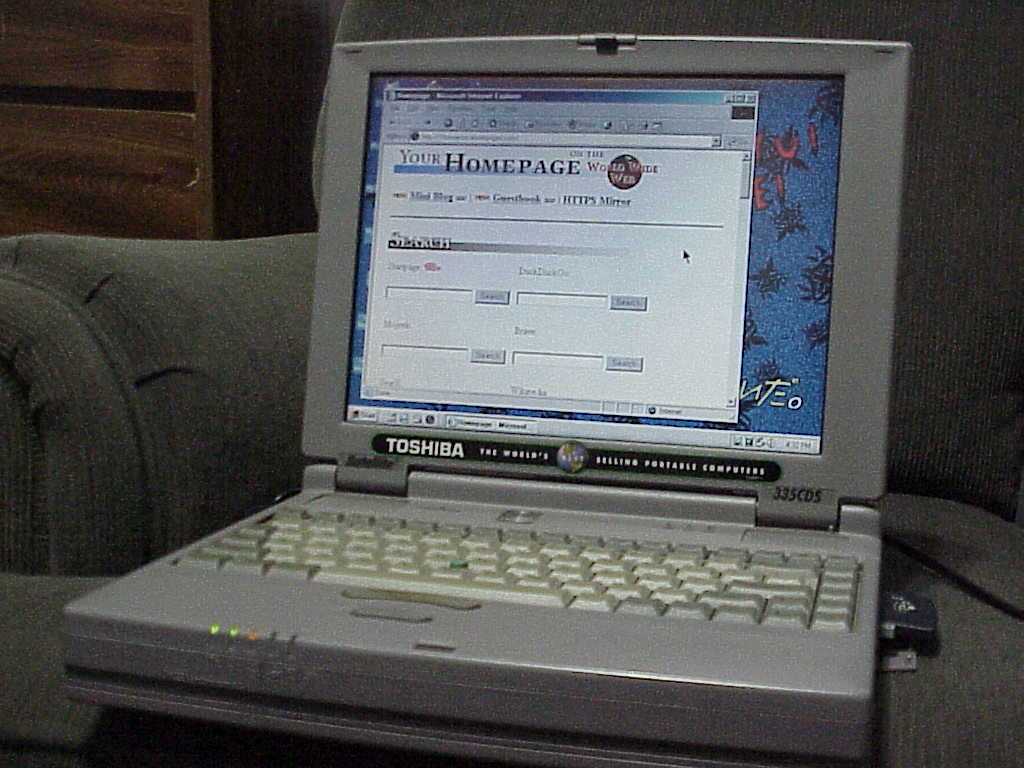
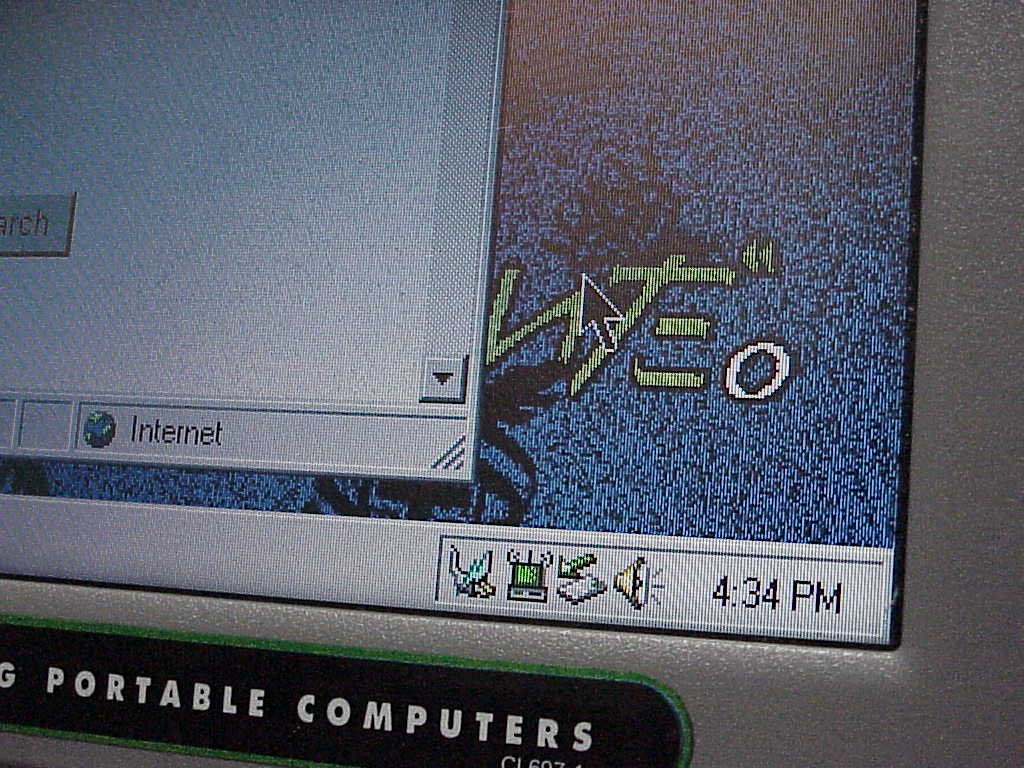
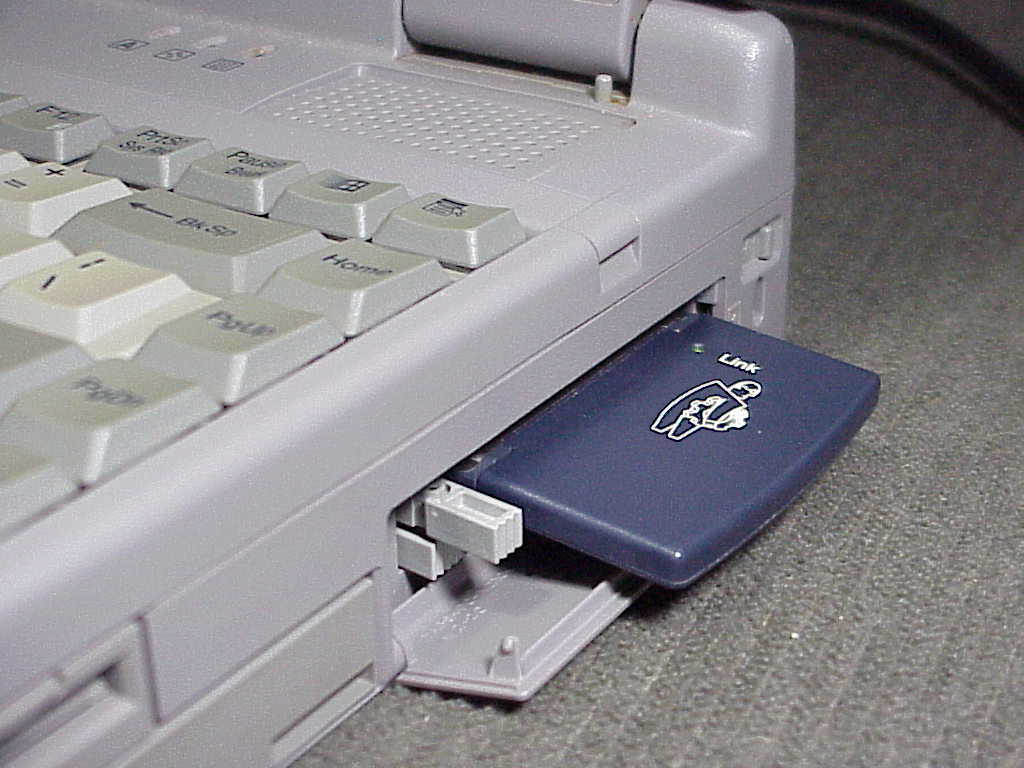
The goal is to get my Toshiba Satellite 335CDS laptop running Windows ME connected to WIFI. Giving it the ability to easily browse simple websites and even post online. I don't want to use proxies or a complicated setup to connect to modern sites either. None of this is very secure but it doesn't have to be, it connects to a special open network that only allows one device and shuts off automatically after a period of time.
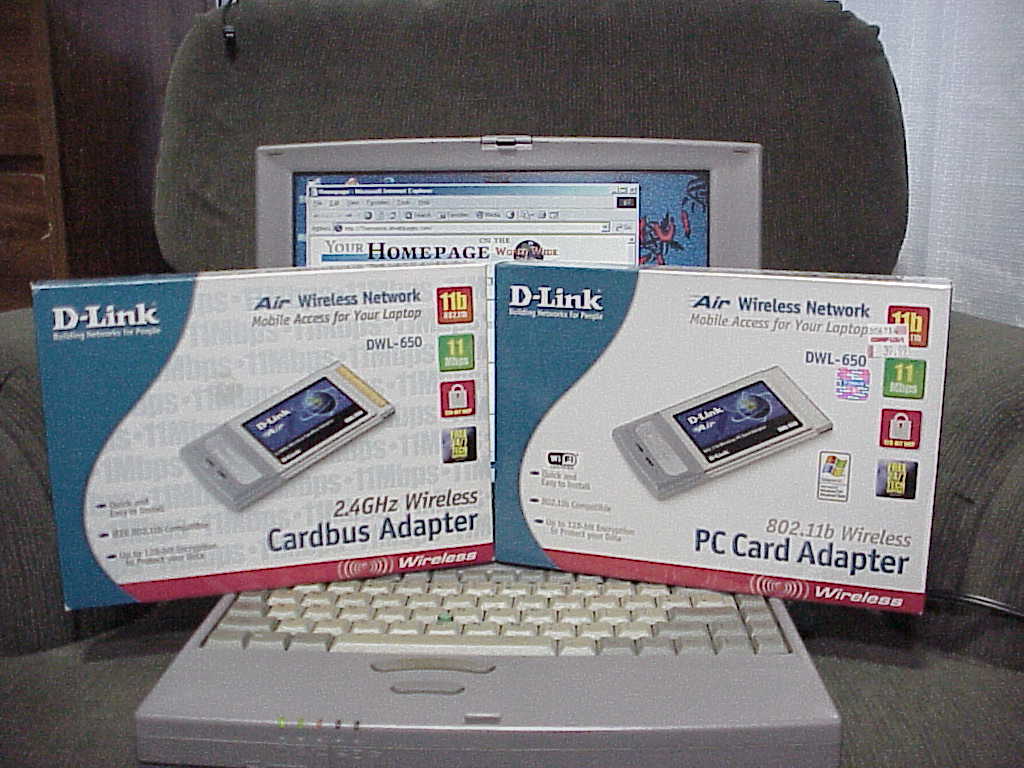
I bought these new in box D-Link DWL-650 PCMCIA wireless cards to try out. I already know the cardbus one is not compatible but could be used on newer laptops. The other one did work but the connection software did not, it crashed after I opened it. But McAfee Wireless Security 4.1 did work with it to connect.
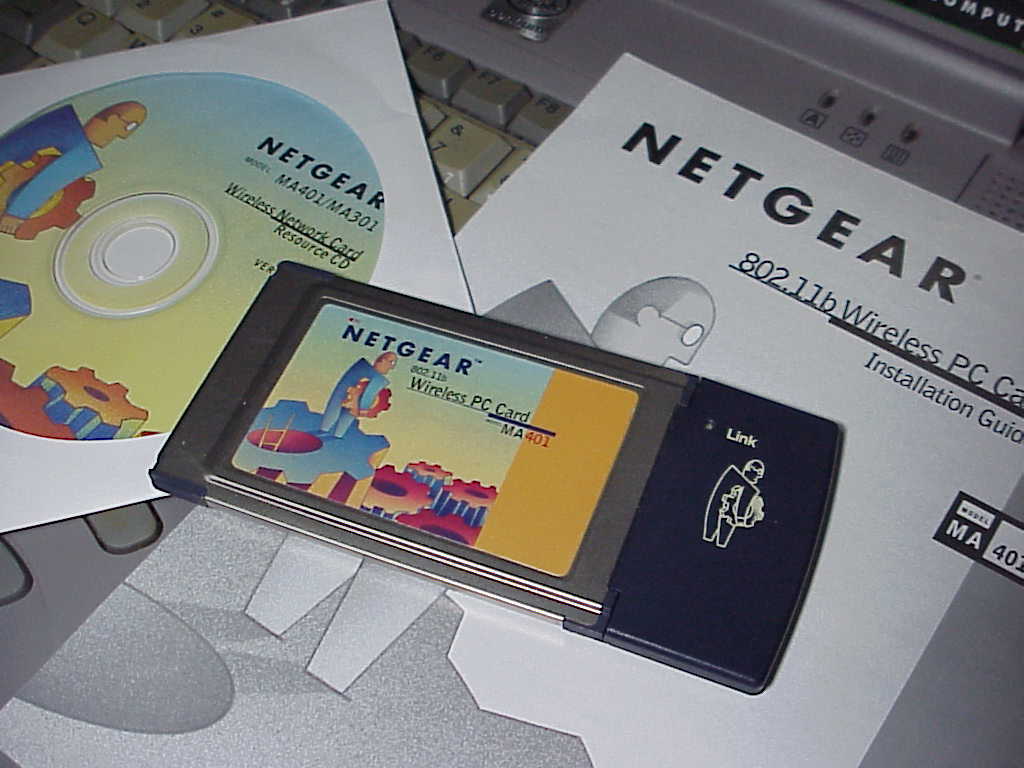
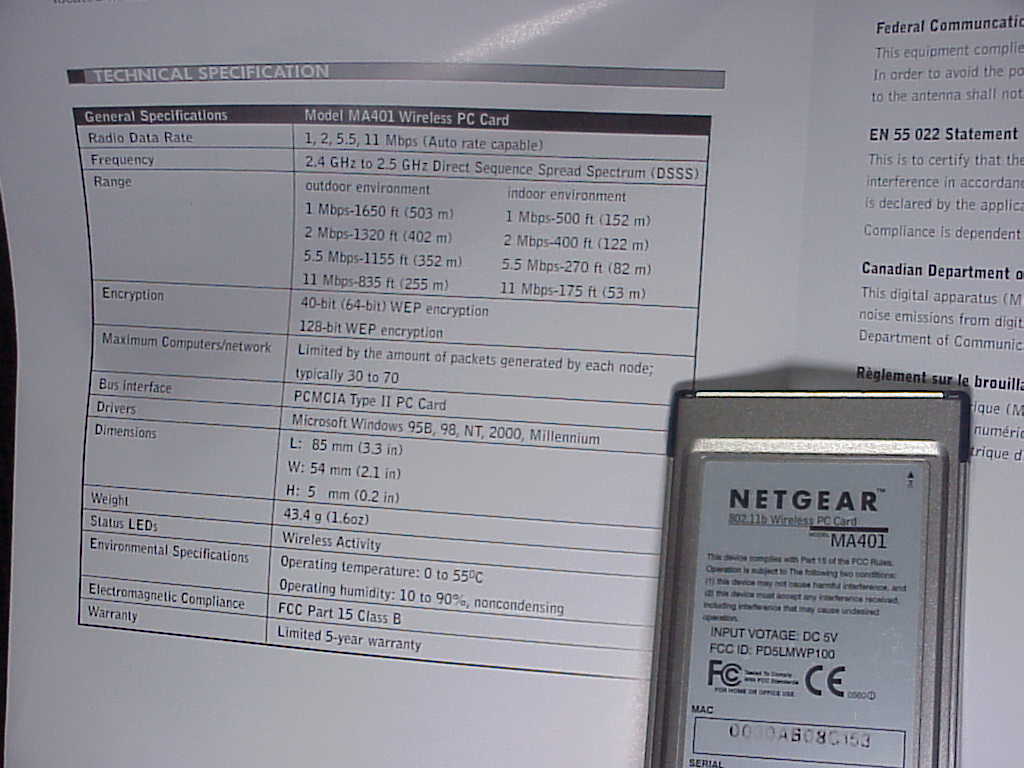
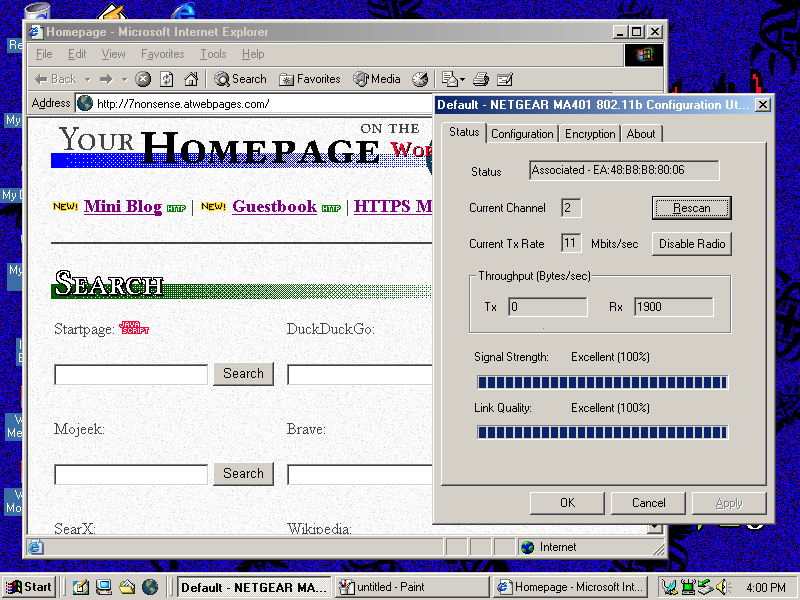
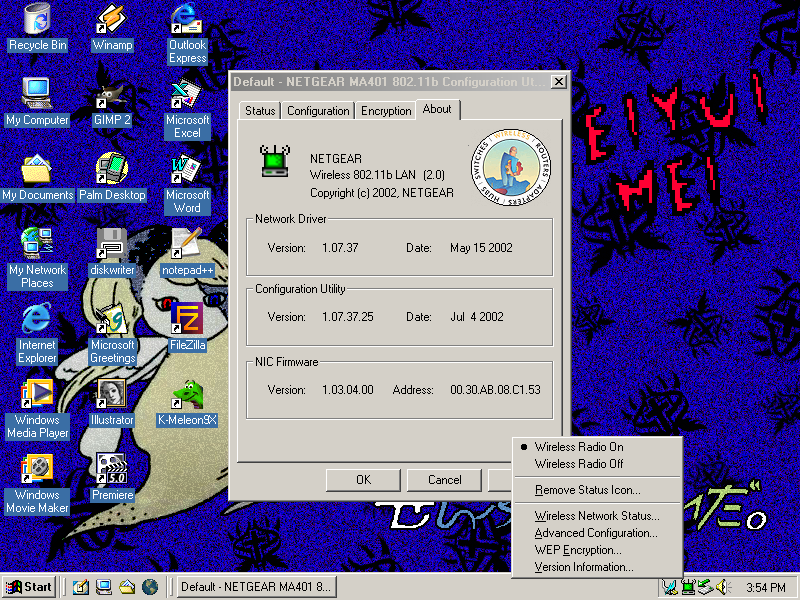
Now I wanted to try a Netgear MA401 PCMCIA card. The driver also worked no problem but the connection software was not seeing my access point. I updated it to the newer Windows XP version and it connected right away. I liked how simple and fast the Netgear software was so I decided to use this card.
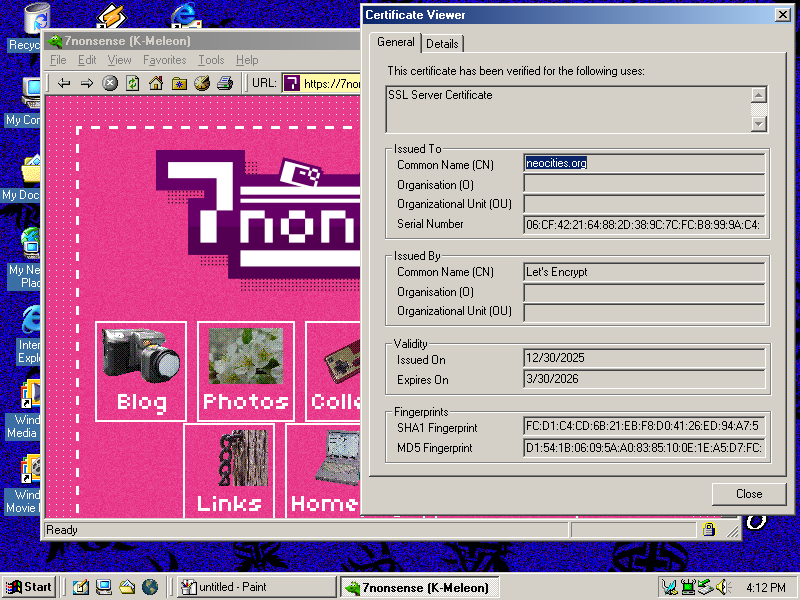
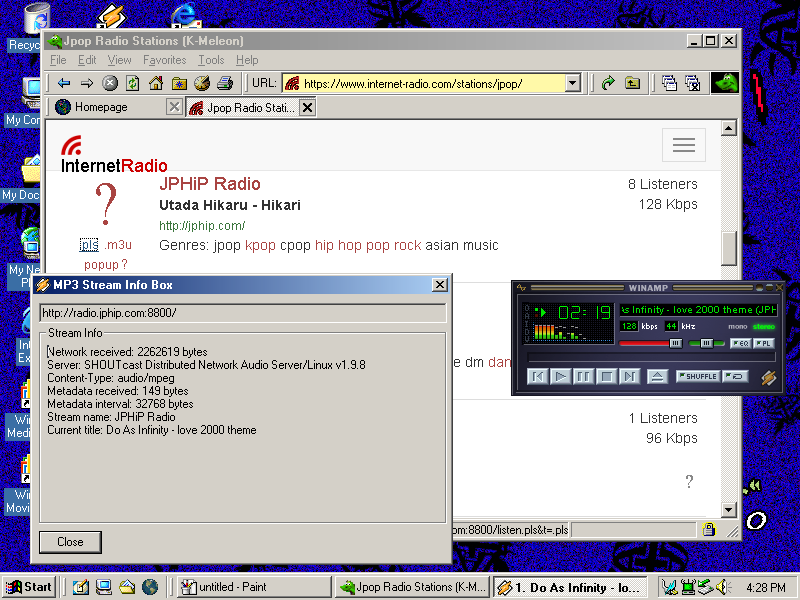
To support the newer HTTPS forced websites I found the browser K-Meleon 1.5.4 that included TLS support but someone patched it with TLS 1.3. You will need the patched version for most websites to work. K-Meleon is pretty fancy, a lot of features like tab support and a really cool up directory button.
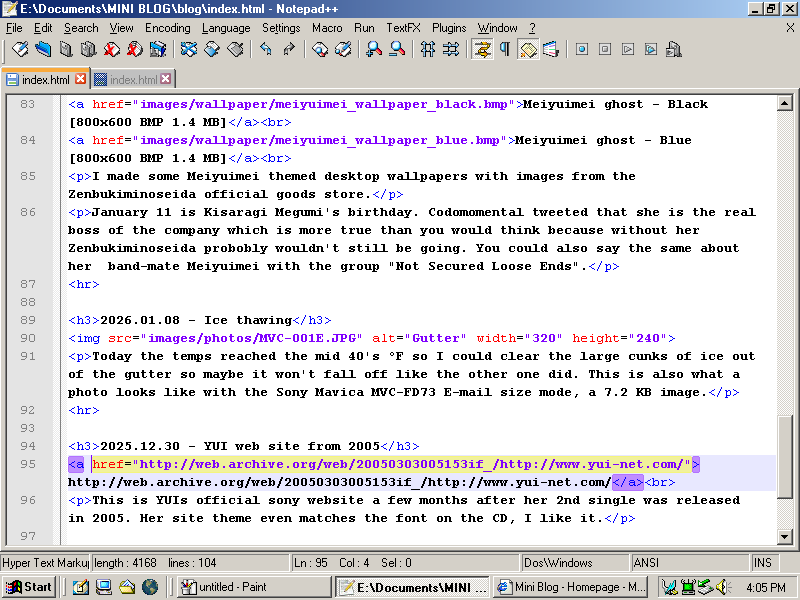
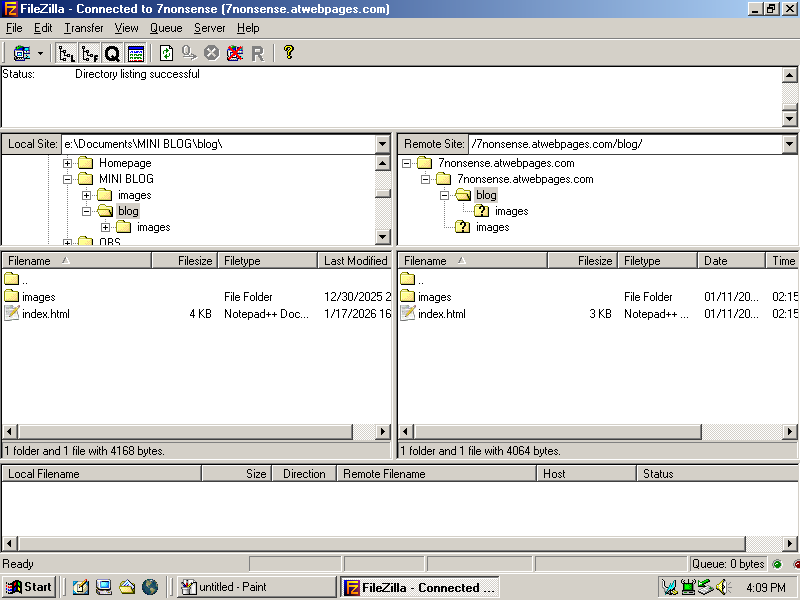
For posting online I'm using Notepadd++ to edit HTML which is even better than what I use on my main desktop computer (just the default text editor for Xfce). And then FileZilla to upload to a webserver.